
What are job types?
Job types in SafetyCulture are specific tasks that lone workers may perform within an organization. Organizations can customize settings for each job type to adjust the frequency of check-ins and establish panic thresholds depending on the job's risk level. With job types, organizations can enhance safety and responsiveness across different tasks and ensure that workers receive timely assistance when needed.
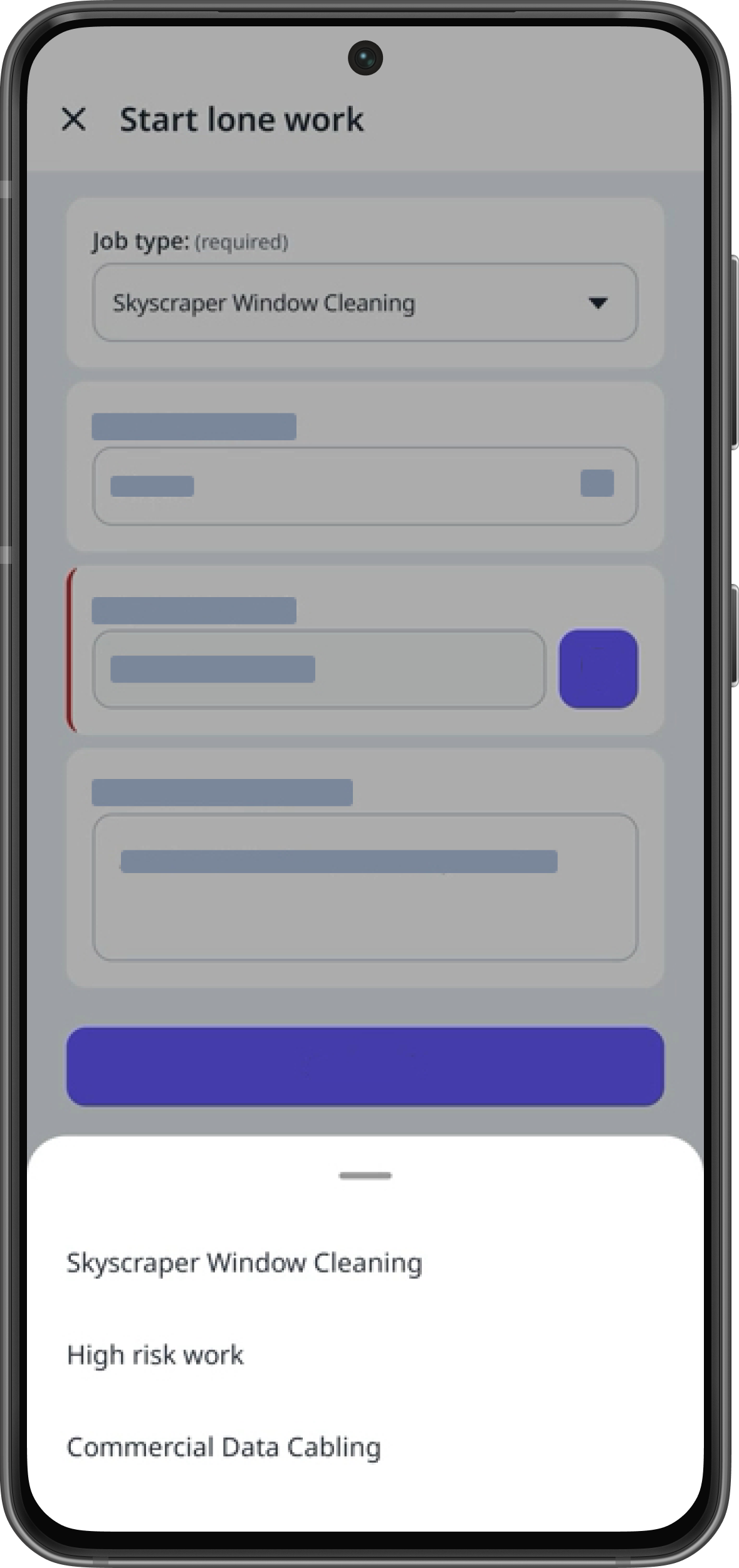
Organizations on Free Plan can only have 1 job type and 1 alert escalation.
Create a job type
Select Lone Worker in the sidebar or select it in More.
Select Settings at the top of the page.
Click Job types.
Click Add job type on the upper right-hand side and configure the following settings:
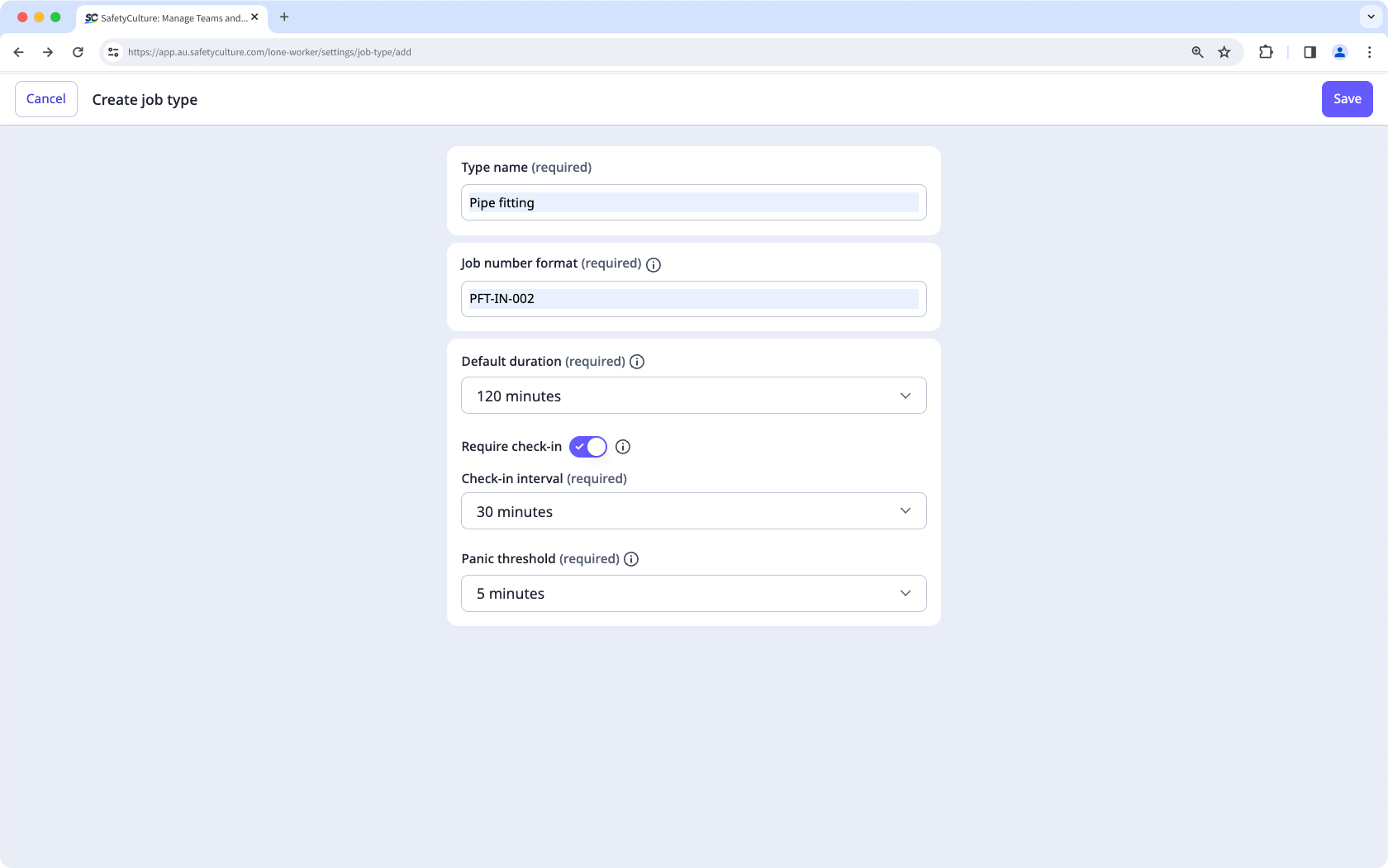
Type name: The name of the job type.
Job number format: The ID format of the job.
Default duration: The default duration for each new job.
Check-in: The setting to require check-in at set intervals or not.
Check-in interval: When check-in is enabled, the interval for each check-in in a job.
Panic threshold: The duration to wait for a check-in or job completion before starting a panic.
Click Save on the upper-right corner of the page.
Edit a job type
Select Lone Worker in the sidebar or select it in More.
Select Settings at the top of the page.
Click Job types.
Click on the right-hand side of the job type and select Edit type.
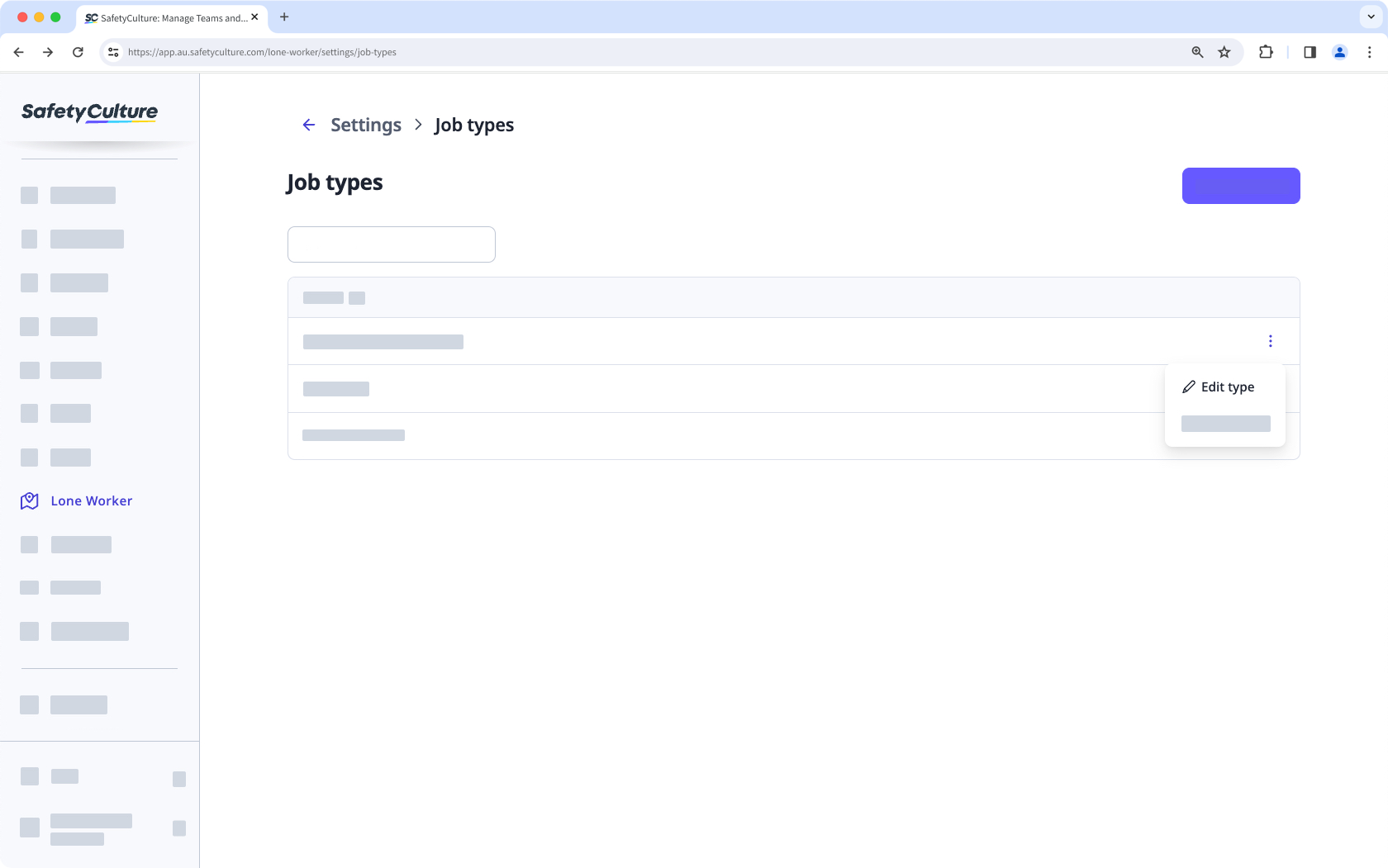
Configure the job type and click Save.


