
What are the group and site matrix?
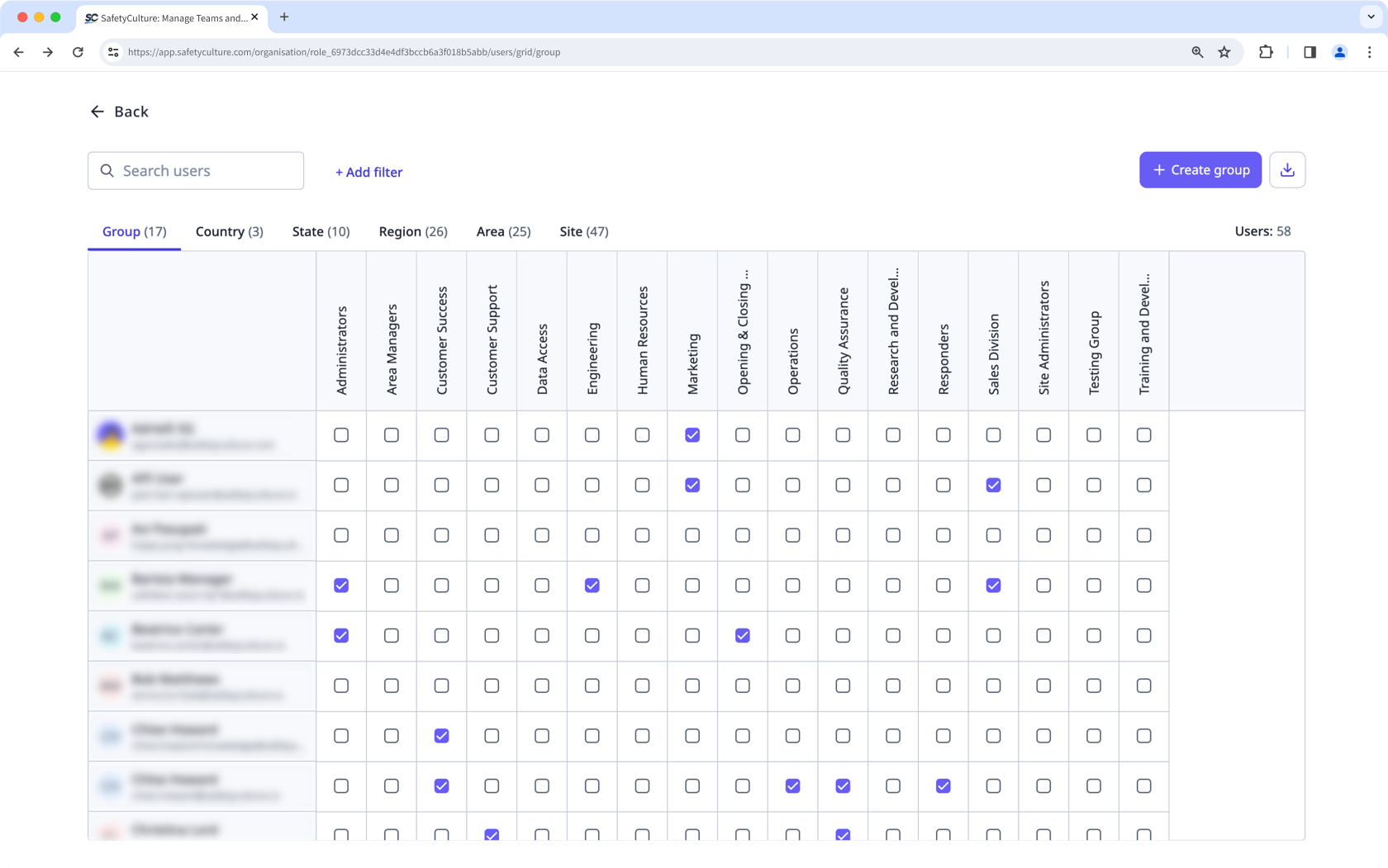
The group and site matrix in SafetyCulture is a simple yet powerful tool for managing your organization's structure, giving you clear visibility and control over your hierarchy and membership assignments.
The group and site matrix provides a single view where you can:
See all users, groups, and sites at a glance.
Filter and search to quickly find specific members or groups.
Export data for further analysis or reporting.
What you'll need
Download the group and site matrix table as CSV
Click your organization name on the lower-left corner of the page and select Groups or Sites.
Click Group matrix or Site matrix on the upper-right of the page.
Select the tab of the matrix table you want to download. You can also apply filters to narrow down your download.
C lick on the upper-right of the page.
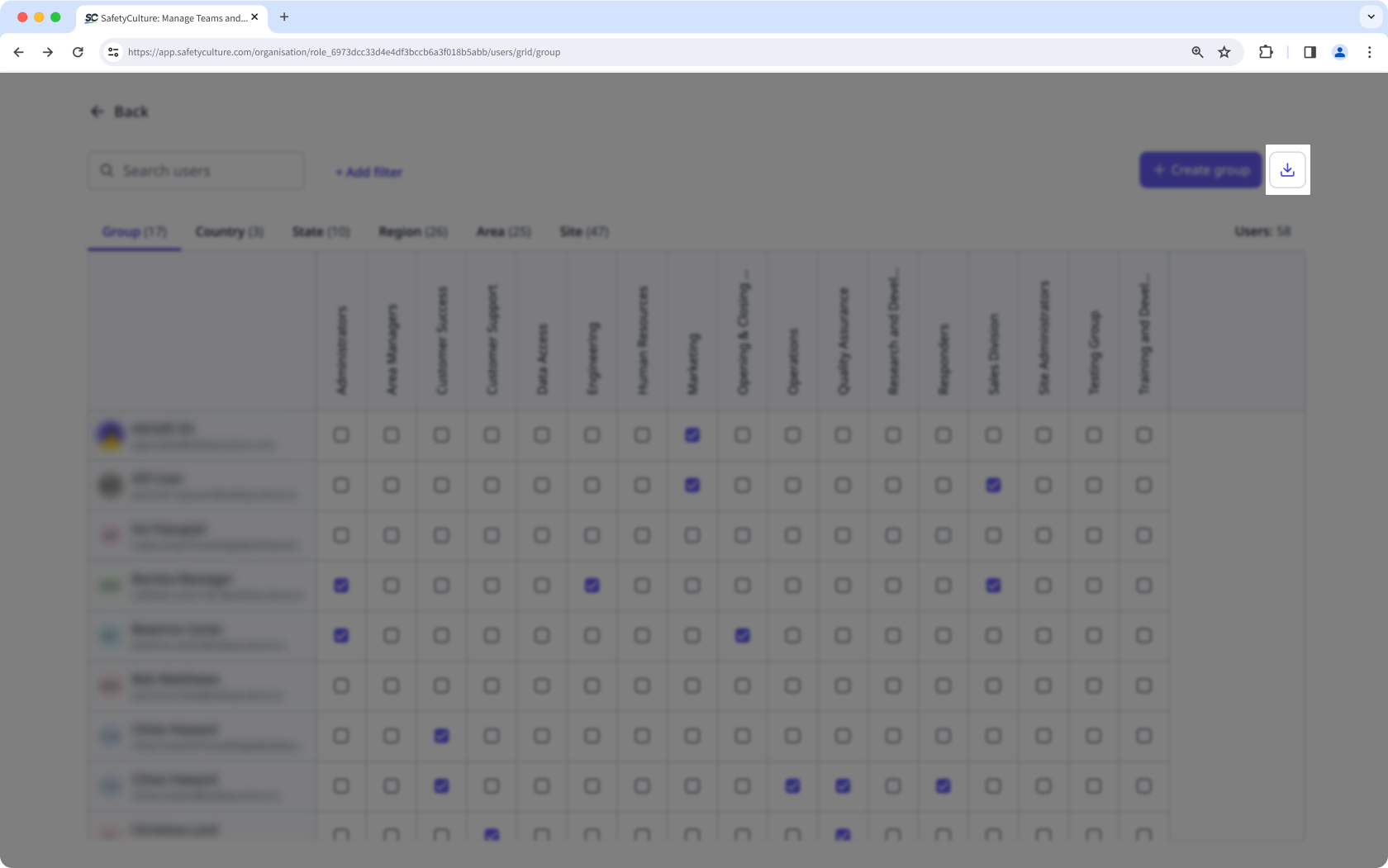
In the pop-up window, click Download.
CSV column headers
Group matrix
Column header | Description |
|---|---|
group id | The unique identifier of a group for integrations. |
group name | The name of a group. |
member count | The number of users in a group. |
member emails | The email addresses of users in a group, separated by commas. |
member names | The names of users in a group, separated by commas. |
member ids | The unique identifiers of users in a group, separated by commas. |
Site matrix
Column header | Description |
|---|---|
site id | The unique identifier of a site for integrations. |
site name | The name of a site. |
member count | The number of users in a site. |
member emails | The email addresses of users in a site, separated by commas. |
member names | The names of users in a site, separated by commas. |
member ids | The unique identifiers of users in a site, separated by commas. |


