What you'll need
Leaderboard types
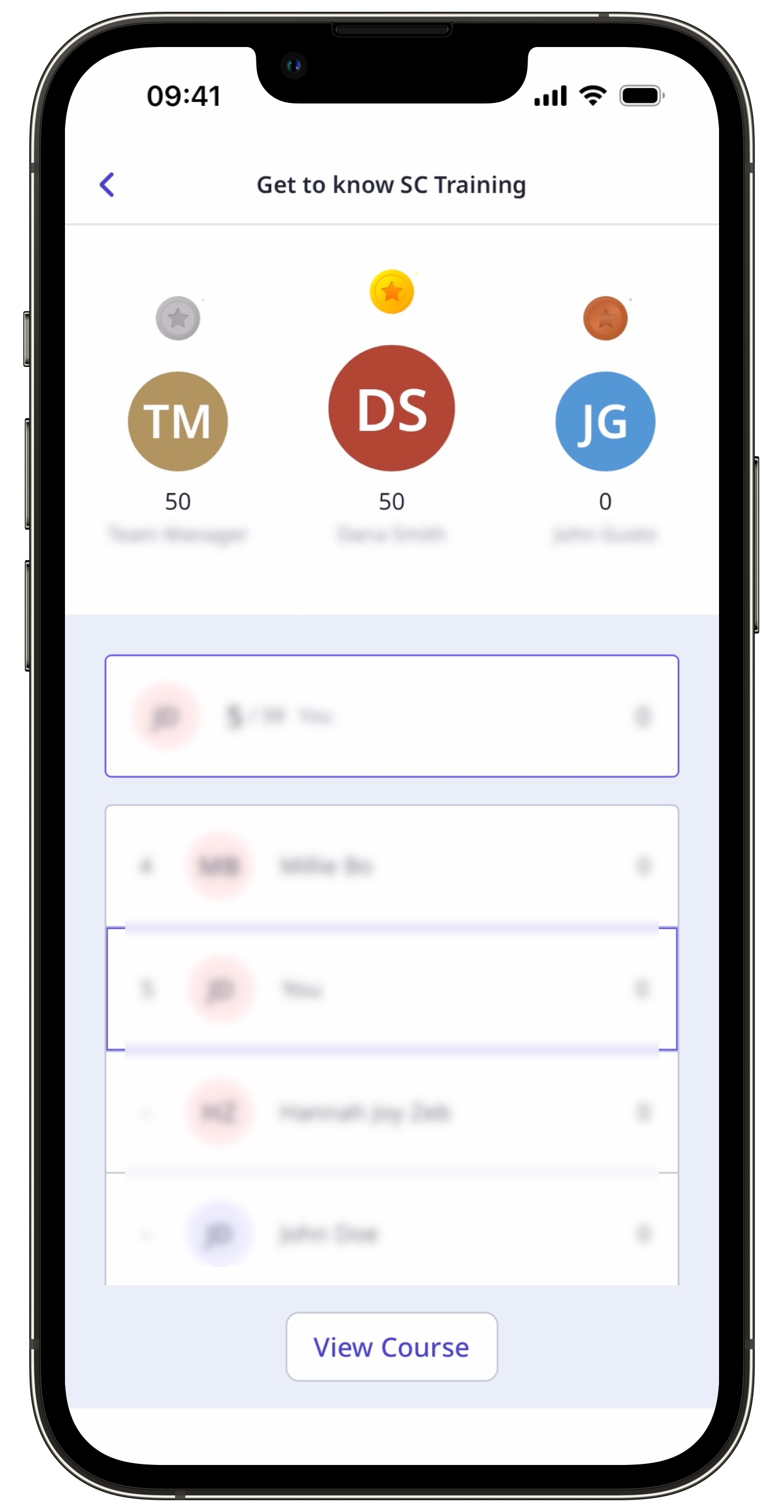
There are three types of leaderboards that rank users based on their scores.
Individual: Show the ranking of users within a group or site. The scores of individual users throughout the courses they've taken are all taken into consideration.
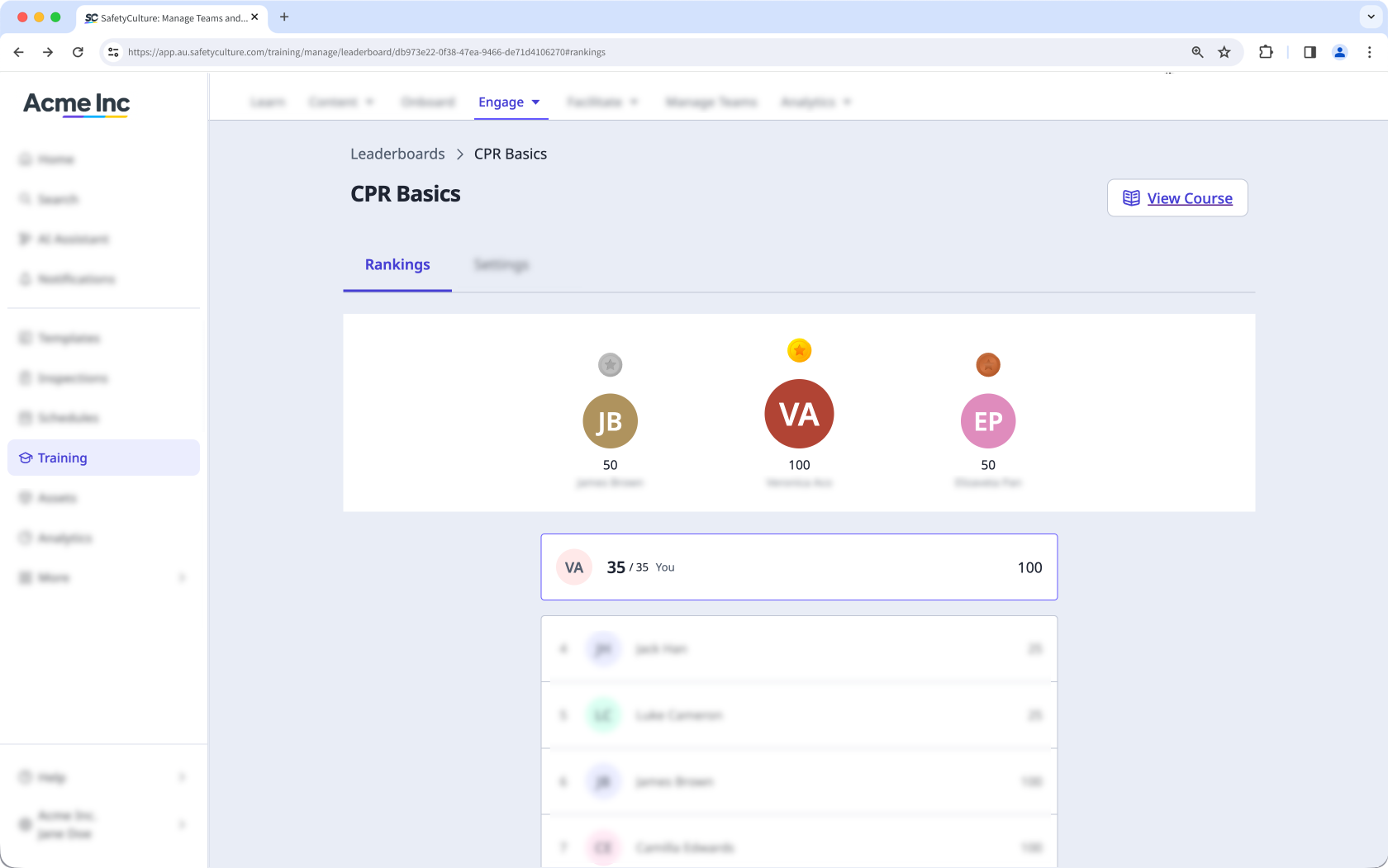
Course: Show the ranking of users based on their progress on the same course. Users can have up to 100 points for every lesson that they take. They can also reattempt lessons to make up for missing points, and their best scores will be recorded.
Quiz: Show the ranking of users based on their scores in Quizzes. These scores are based on correct responses to every question, which is worth 100 points at first try. Score values are then halved when reattempting incorrectly answered questions.
View a leaderboard
Select Training in the sidebar or select it in More.
Click Engage at the top of the page and select Leaderboards.
Select a leaderboard to view.
If you're on the Settings tab, click Rankings at the top of your screen to view the leaderboard.