SafetyCulture

Documents

Last updated: June 15, 2026

Download files

Learn how to download files in Documents via the web app for easy sharing and record keeping.

If you have "Documents: Administrator" permission, you can download any files in your organization.

Download a file

  1. Log in to the web app.

  2. Select Documents in the sidebar or select it in More.

  3. Select a folder if you want to download a file in it.

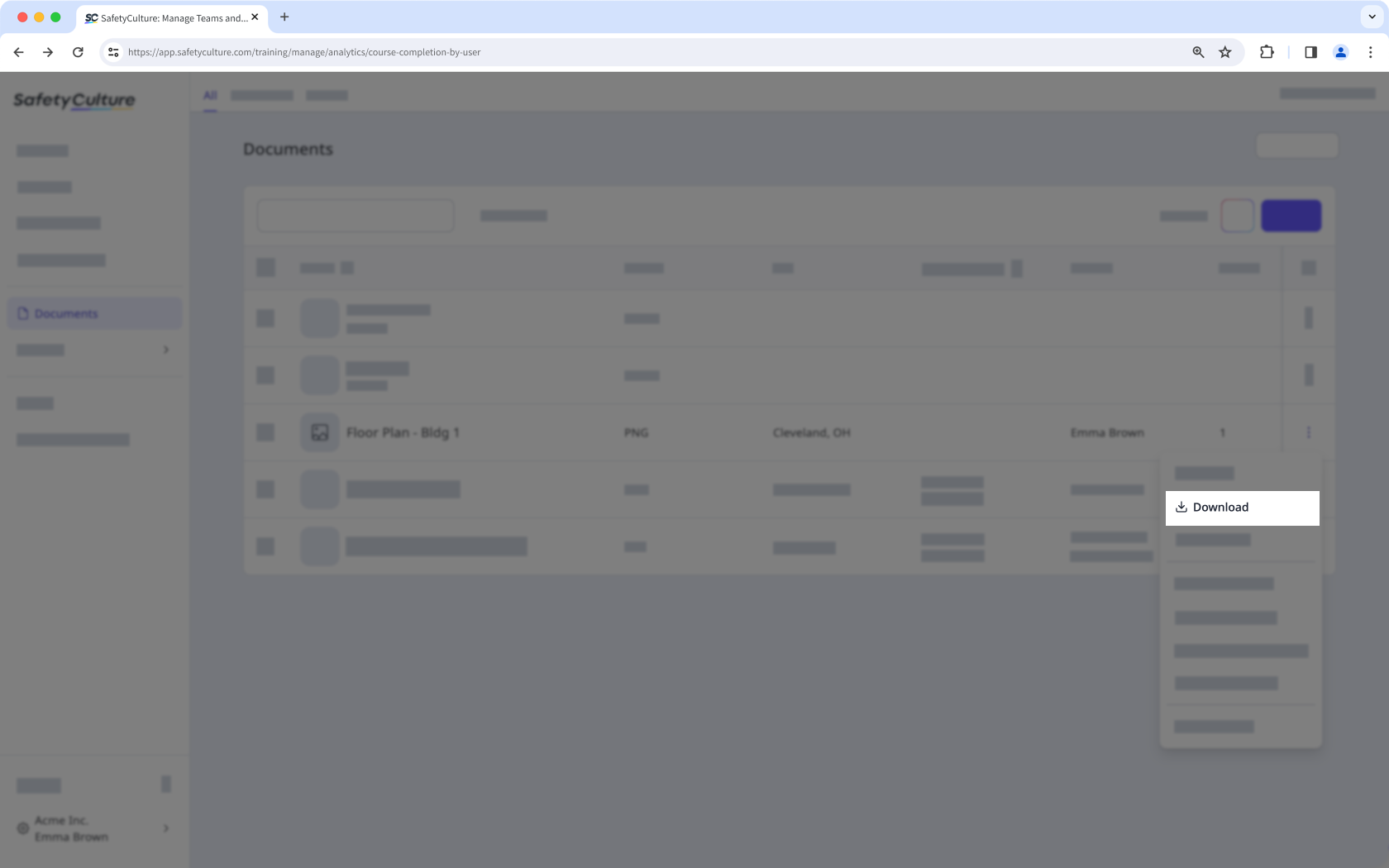
  4. Click on the file's right-hand side and select Download. Download a file via the web app.
Was this page helpful?

SafetyCulture
App Store
Google Play