
What are Marketplace product catalogs?
The product catalog shows only the products in the Marketplace that are approved for your team to use. You can manage this list to ensure your team will only see and purchase pre-approved items. Additionally, you can choose to hide or show products that are not in the catalog, and any orders for these products will require approval.
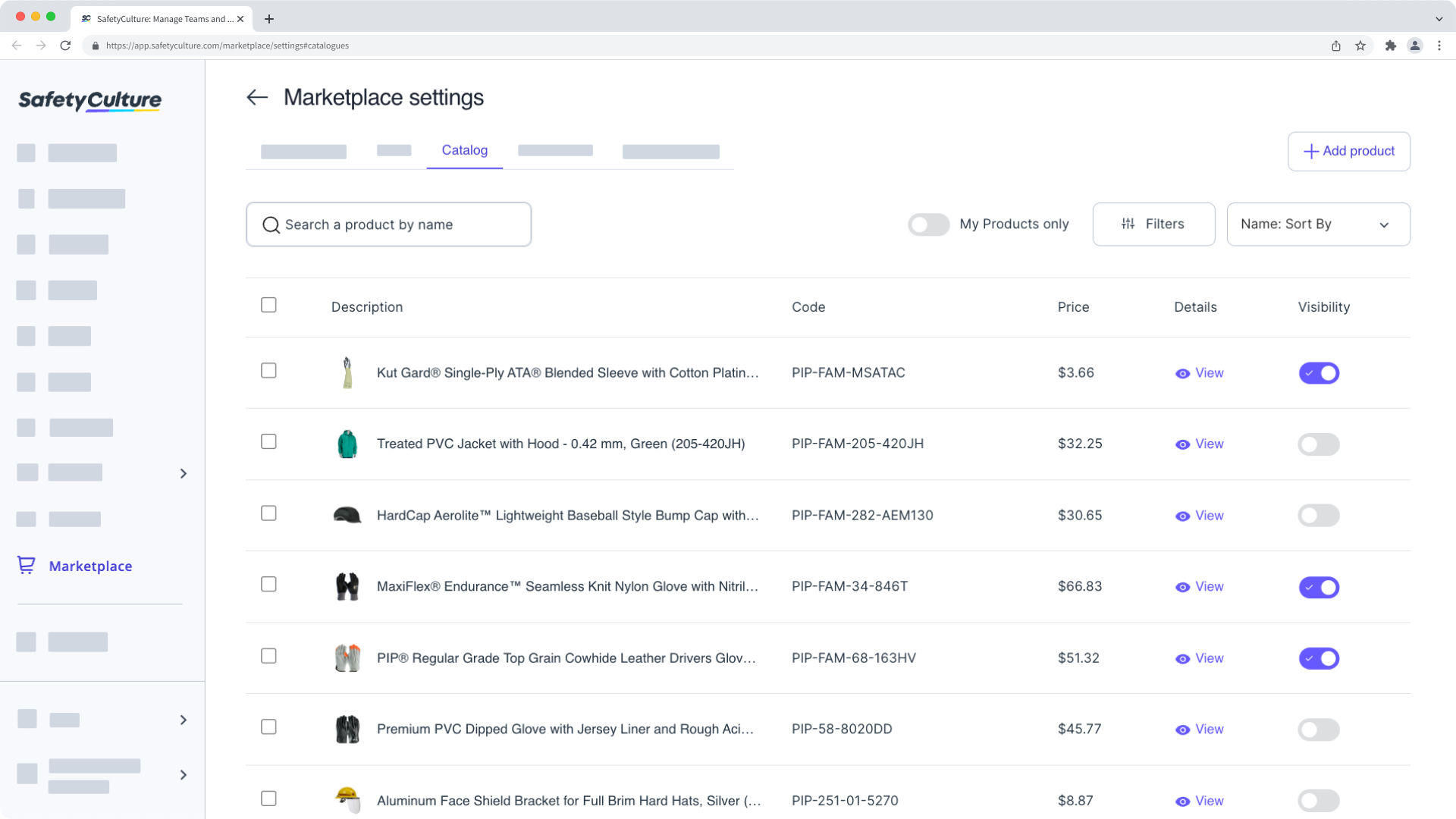
Purchasing products from the SafetyCulture Marketplace is currently only available to customers in Australia and the U.S.
Add a product
Select Marketplace in the sidebar or select it in More.
Click Settings on the upper-right of the page.
Select Catalog tab at the top of the page.
Click Add Product on the upper-right of the page.
In the side panel, enter the name or code of the product you want to add to your catalog.
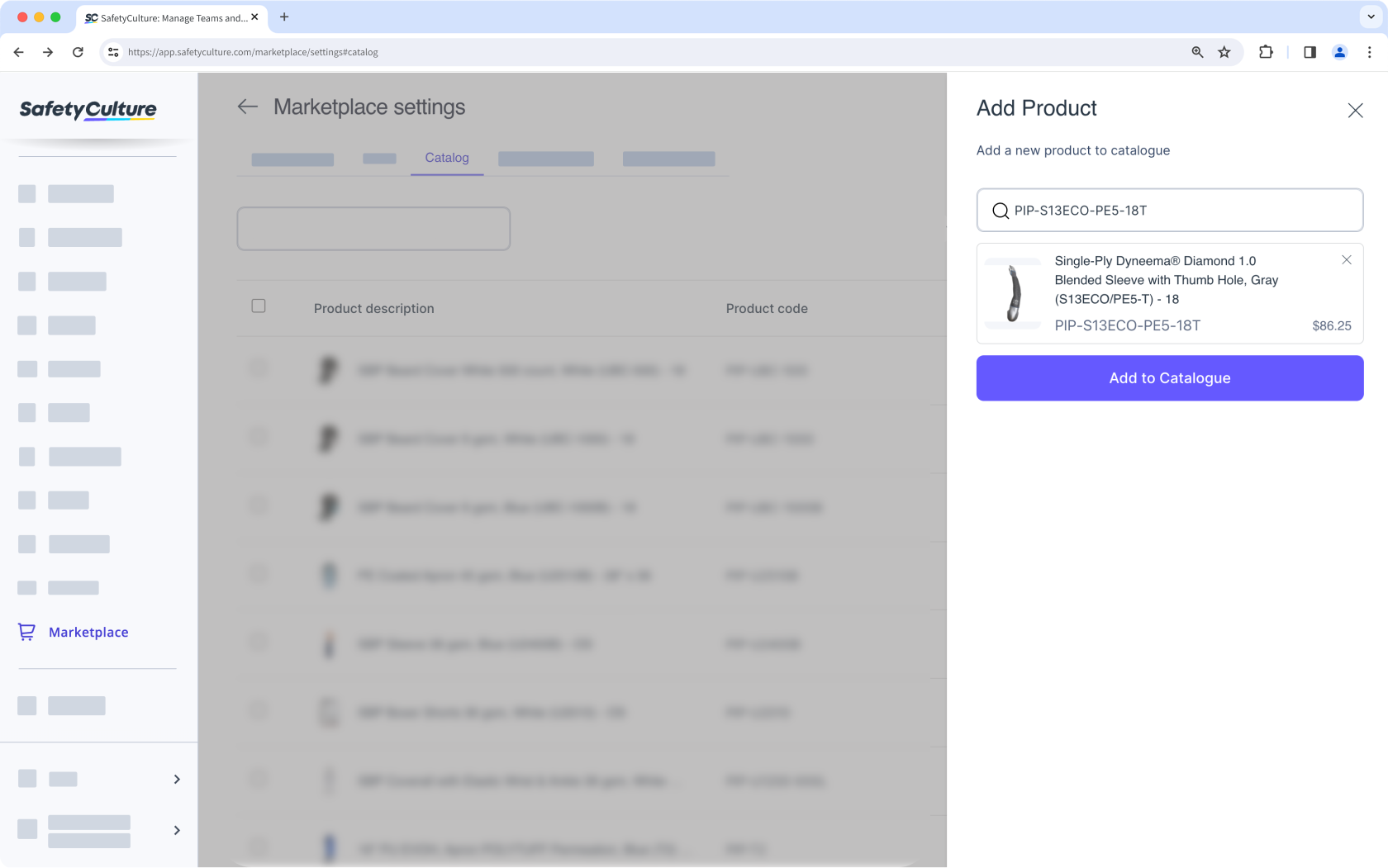
Click Add to Catalogue.
If you want to view only the products you've added to the catalog, turn on the "My Products only" toggle.


