Why set Marketplace budgets?
Setting a budget for your users or buying group helps you ensure resources are used wisely. This allows you to allocate budgets by project or location, prioritize essential products, and avoid unnecessary costs. Additionally, team members can request approvals for orders that exceed the budget, so administrators can review and approve these requests before finalizing purchases in the Marketplace.
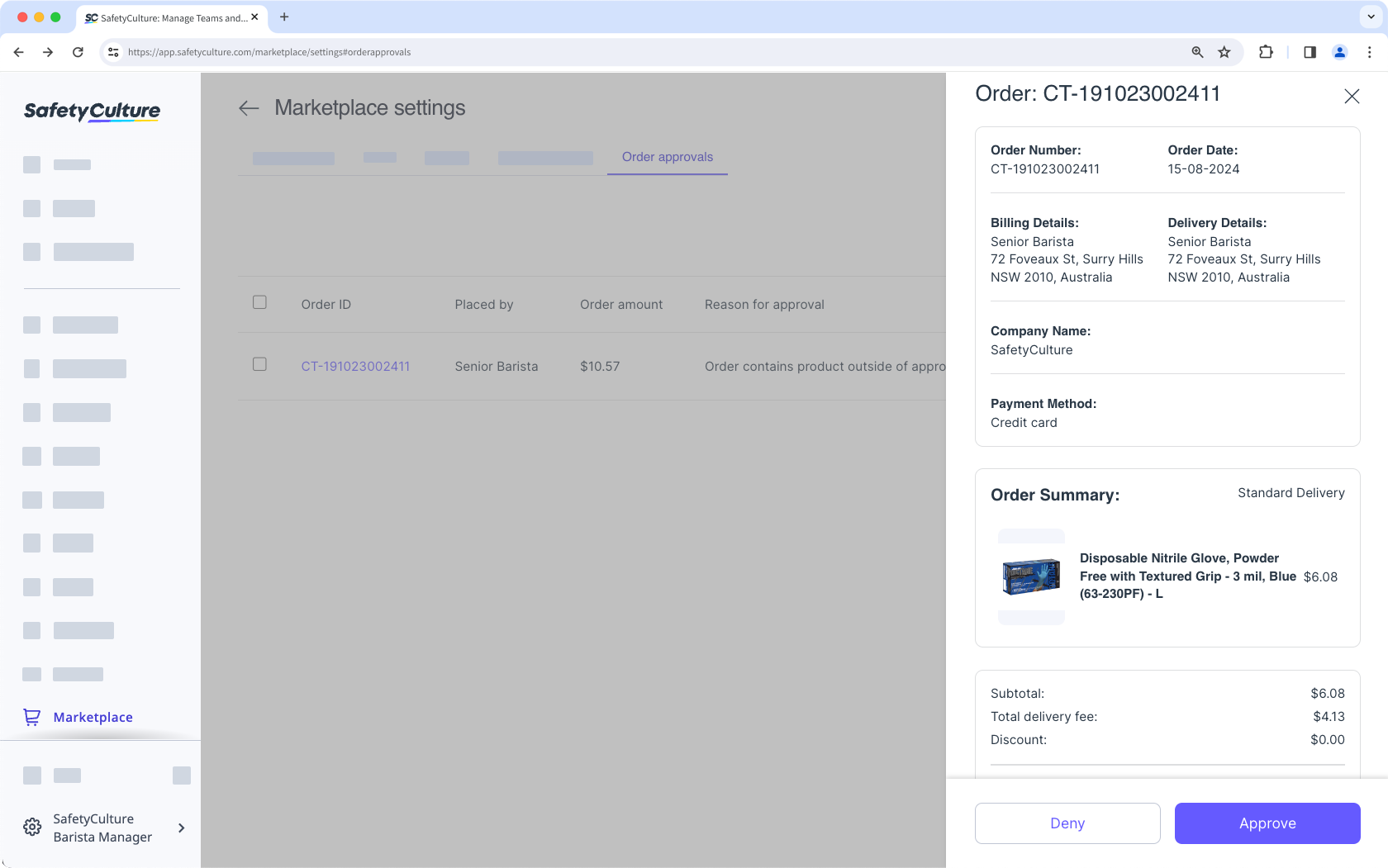
Orders are approved or denied as a batch. You cannot approve or deny individual items in an order.
Approve or deny an order
Select Marketplace in the sidebar or select it in More.
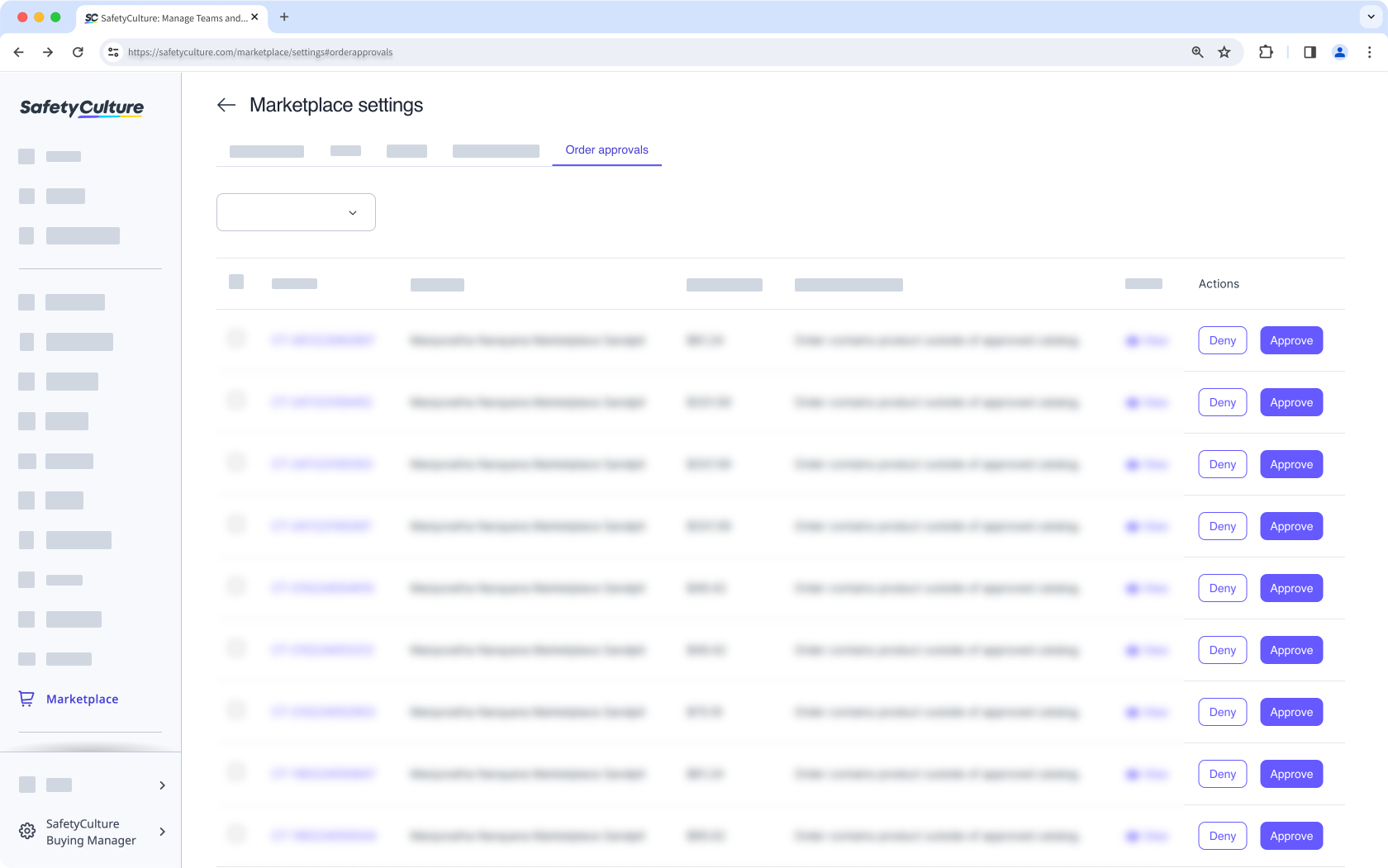
Click Settings at the upper-right of the page.
Click Order approvals at the top of the page.
Click Approve or Deny at the right side of the order request. You can also click View to check the order details.