Why capture weather details in inspections?
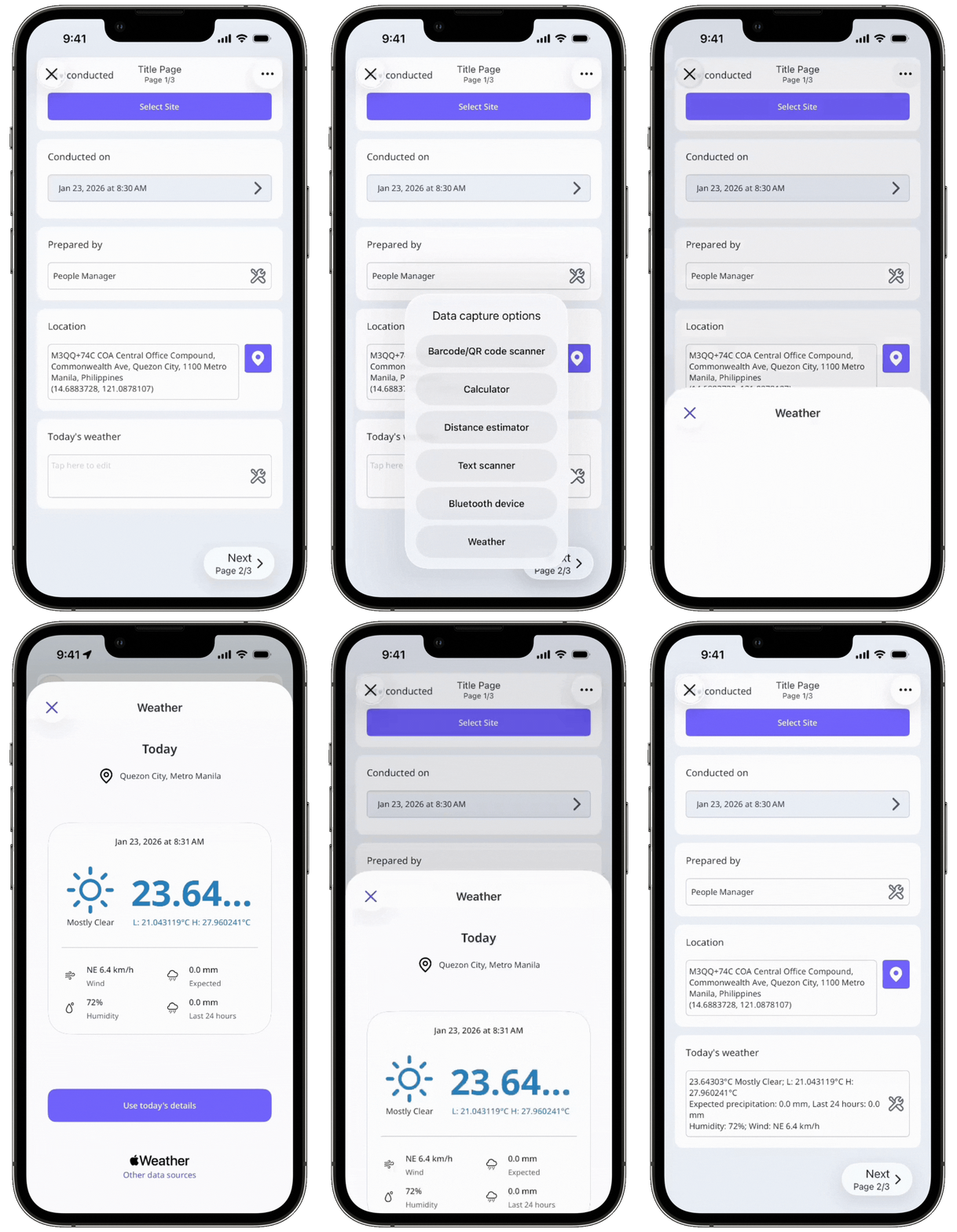
Capturing weather details helps add context to inspection findings, especially when site conditions can affect safety, quality, or outcomes. Weather details are automatically recorded based on your device's location and included directly in the inspection without manual entry or switching apps. This improves accuracy, saves time, and creates clearer inspection records for construction sites, facilities inspections, or field work where conditions like rain, heat, or wind matter.
What you'll need
You can only capture weather details in questions using the "Text answer" response type with the "Paragraph" format.
Capture weather details in an inspection
Open the mobile app.
Tap Inspections in the navigation bar or select it from More.
Progress through the inspection accordingly.
Tap on the right-hand side of the text answer question.
Select Weather from the pop-up options.
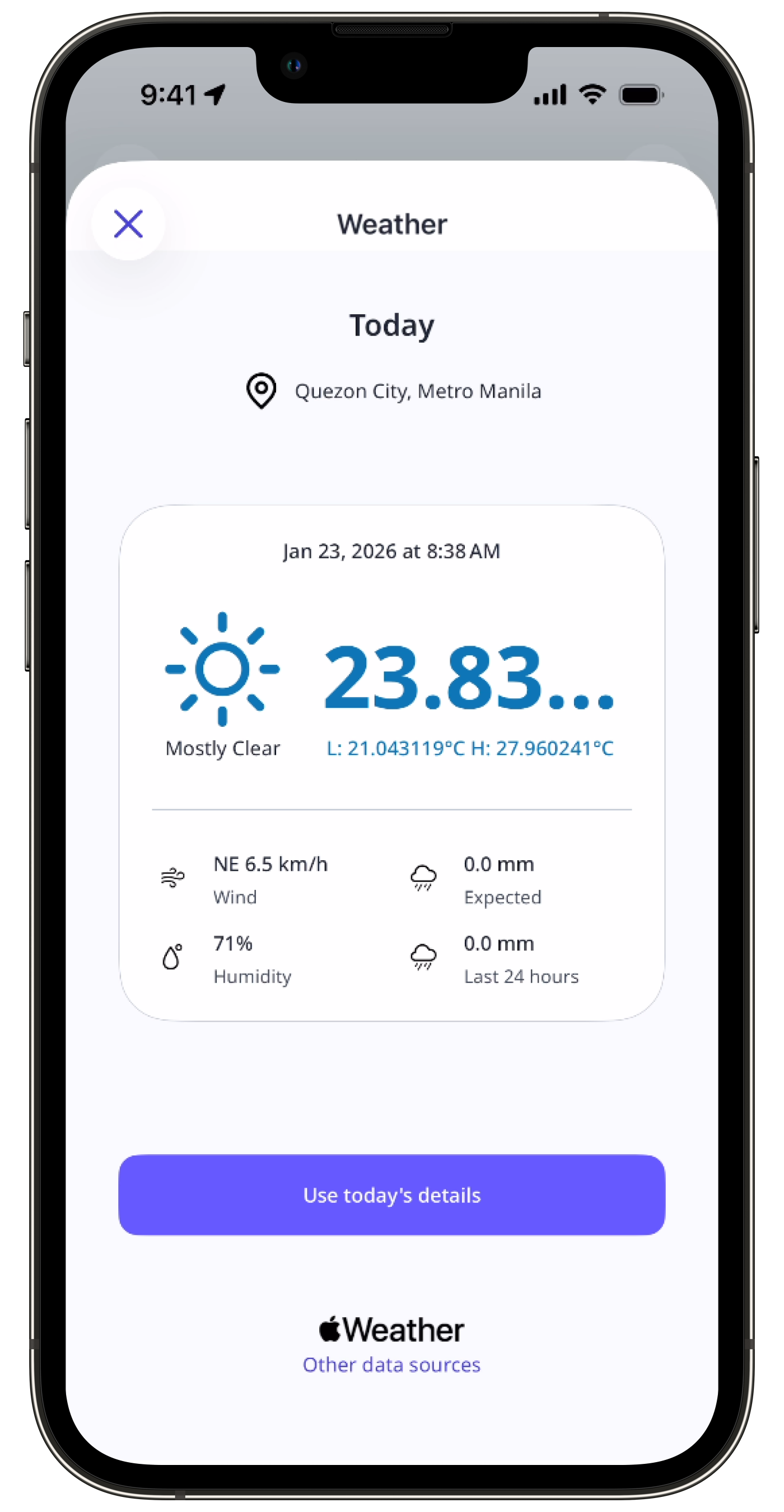
Tap Use today's details to capture the weather details.