
What is Samsara?
Samsara is a cloud-based fleet management platform that allows businesses to track their vehicles, and equipment in real-time, collect data on their operations, and optimize their workflows to improve efficiency and reduce costs.
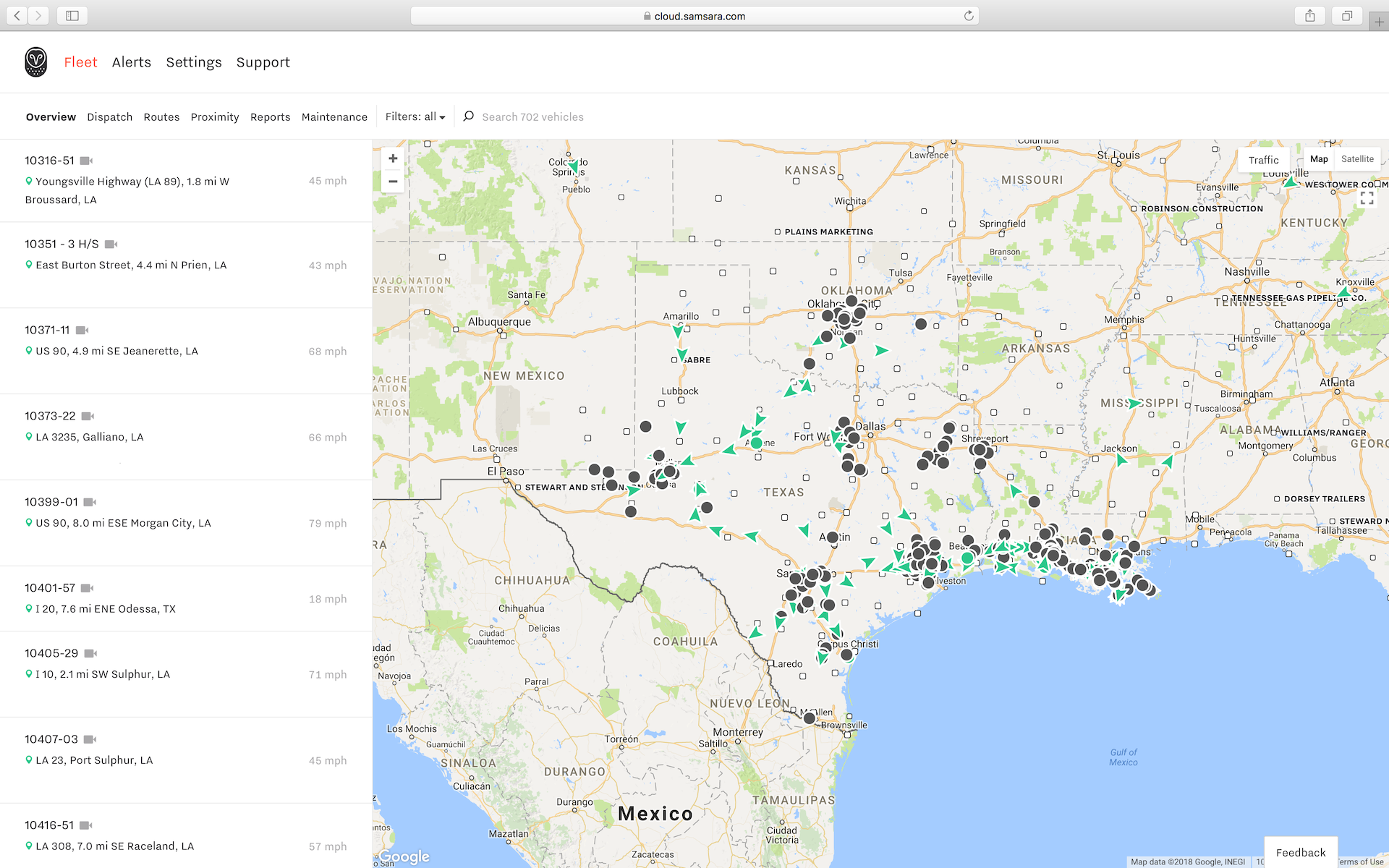
Connect Samsara to SafetyCulture to automatically create your vehicles as assets and manage upkeep with inspection schedules, actions, and more. Once connected, the integration syncs engine runtime and odometer readings, and GPS location so you can view usage and location data for each asset. Over time, changes you make to your vehicles in Samsara will also automatically sync to their corresponding assets in SafetyCulture, ensuring details are always up-to-date.
This integration currently doesn't support trailers and equipment in Samsara.
What you'll need
Automatically create Samsara vehicles as assets in SafetyCulture
Click your organization name on the lower-left corner of the page and select Integrations.
Search for "Samsara" and select the integration.
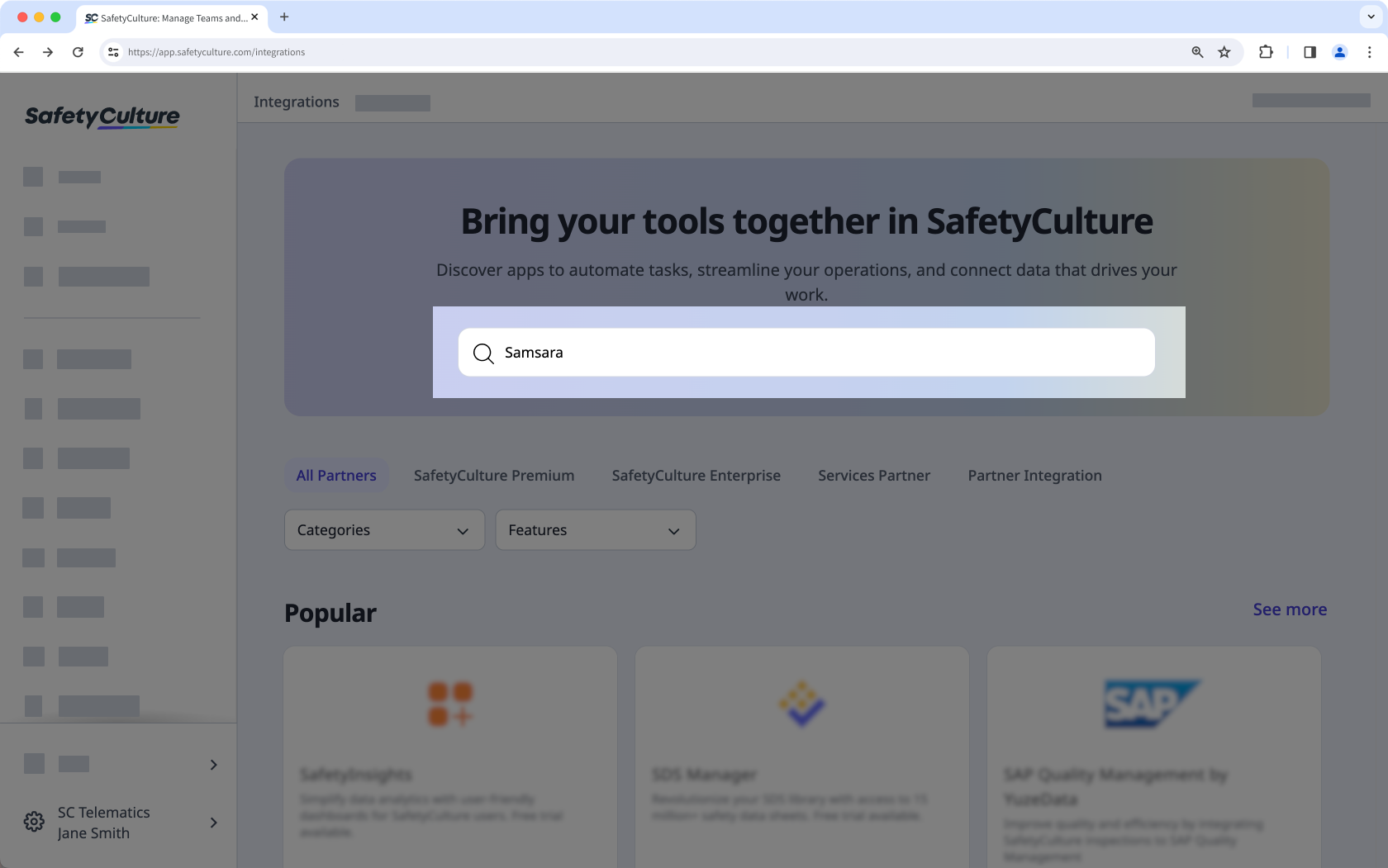
Click Install at the center of the page.
In the pop-up window, click Install.
Select your Samsara organization's server and enter your Samsara API token (opens in new tab).
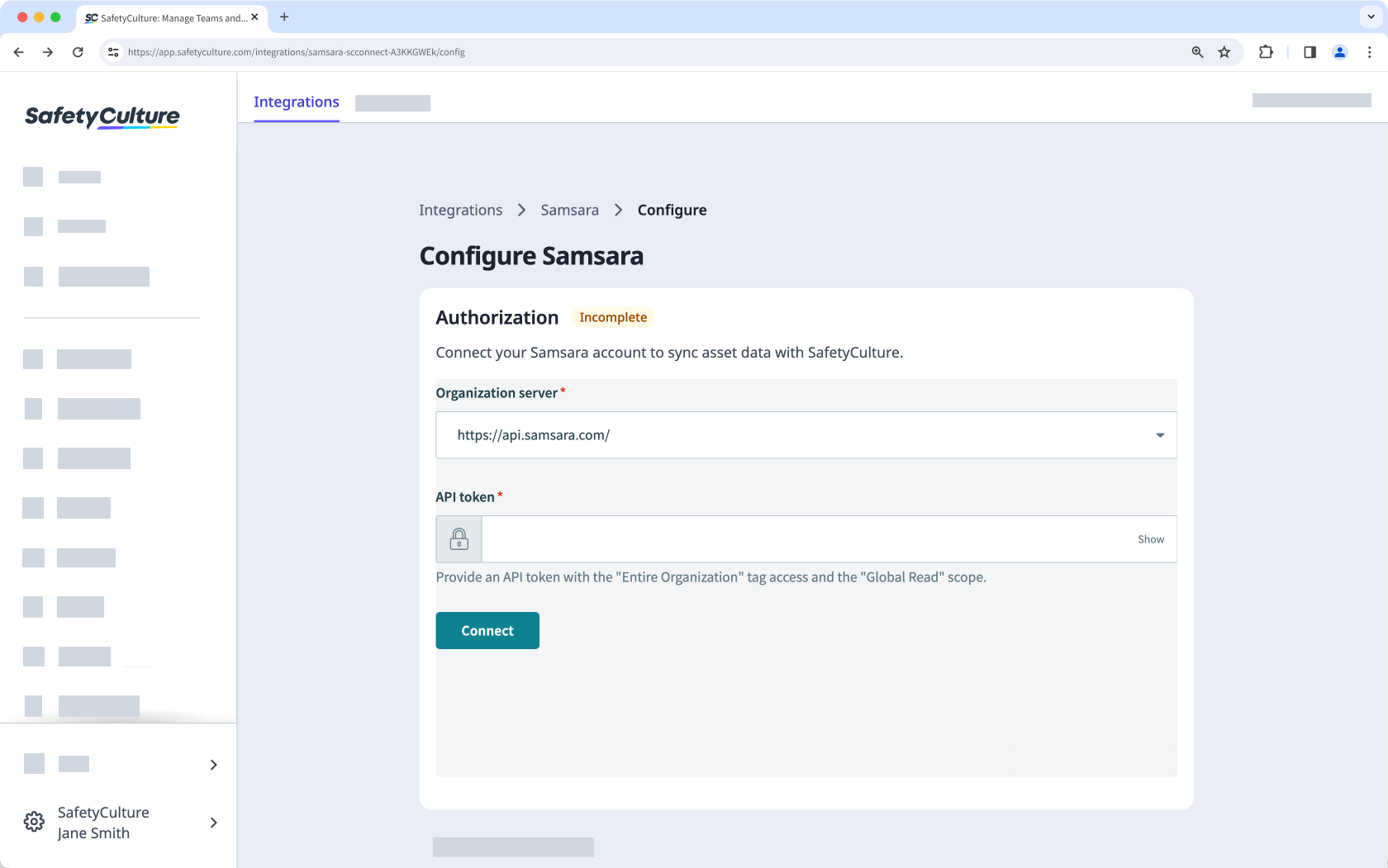
Click Connect.
The integration will now perform the following tasks:
Create a "Samsara vehicle"asset type with all the Samsara vehicle details as custom fields. If an asset type named "Samsara vehicle" already exists, that type will be updated with the required custom fields.
Check if each Samsara vehicle already exists in SafetyCulture by checking its "Vehicle Name" against each asset's "Unique ID":
If a match is found, update the asset's type with the fields required for the integration and update the asset itself with the vehicle details
If a match is not found, create the vehicle as a new asset.
When installing for the first time, the integration may take some time to sync data into SafetyCulture as assets.


