What are issue reports?
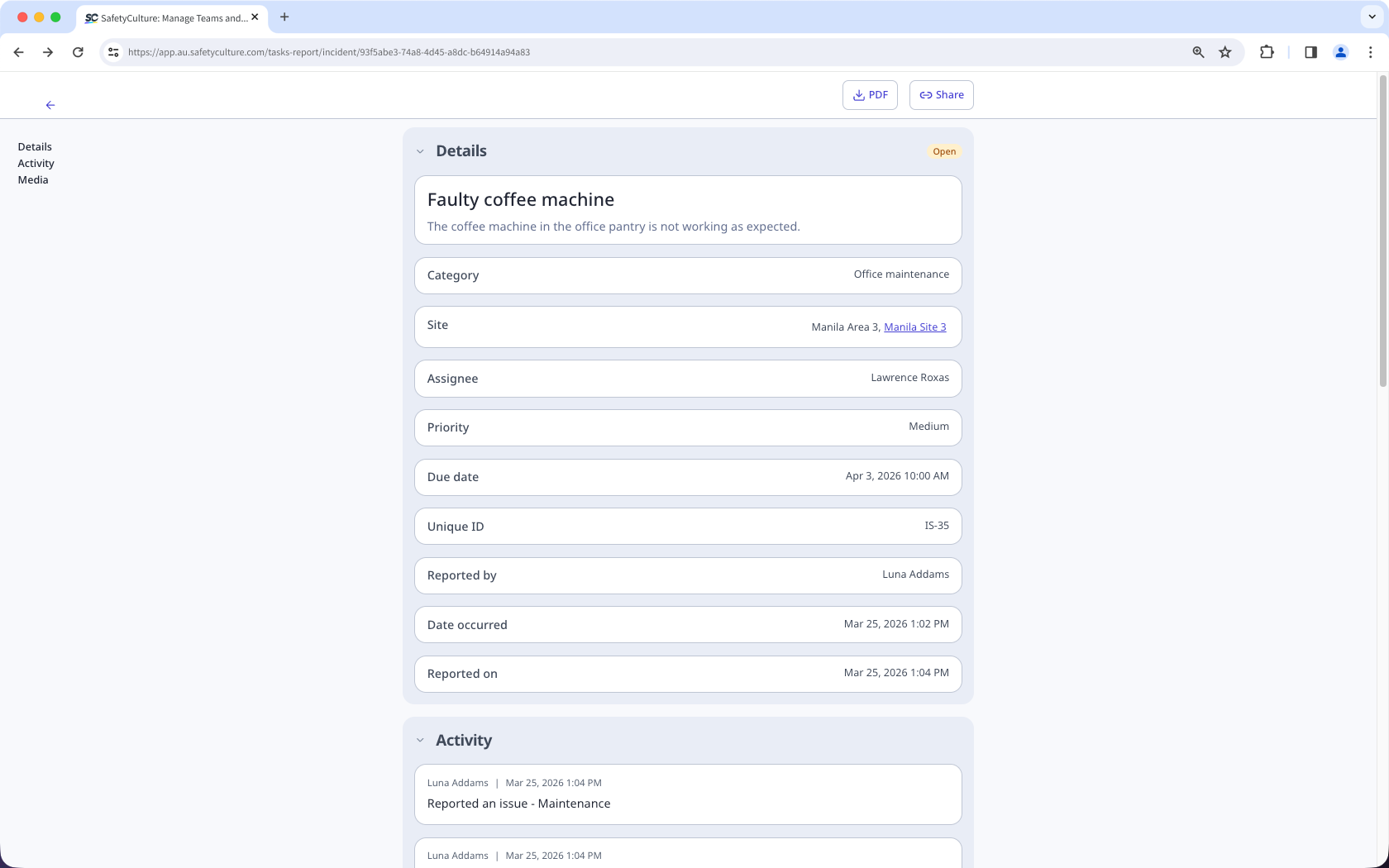
Issue reports are detailed summaries that document all relevant information and the full activity timeline for each reported issue. These reports help teams and stakeholders stay informed, maintain accurate records, and ensure visibility across the organization.
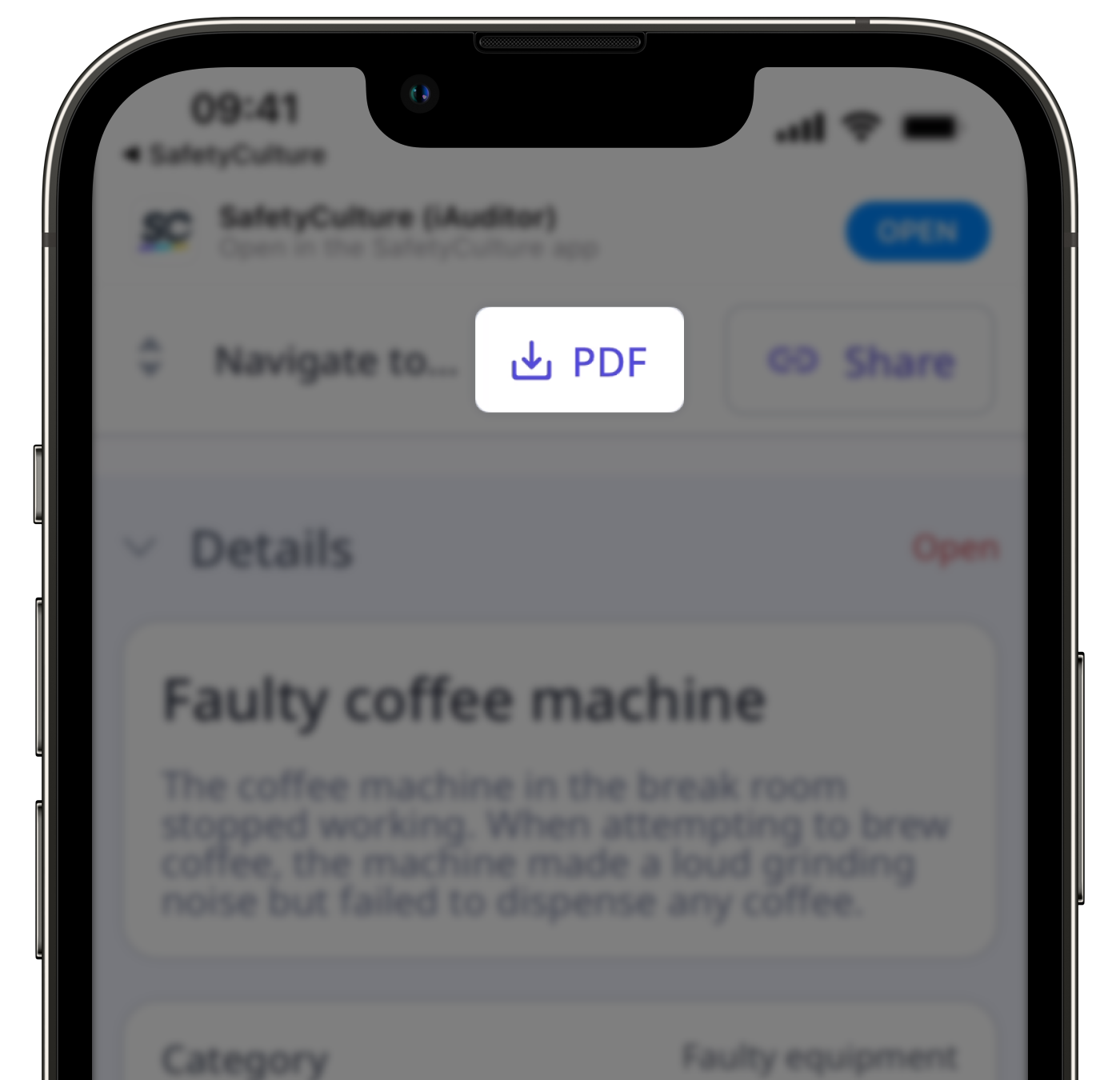
You can share issue reports by generating public links for real-time access or download them as PDF files for record-keeping. This promotes transparency and ensures teams can collaborate efficiently to track and resolve workplace issues.
Download an issue report as PDF
Select Issues in the sidebar or select it in More.
Select the issue.
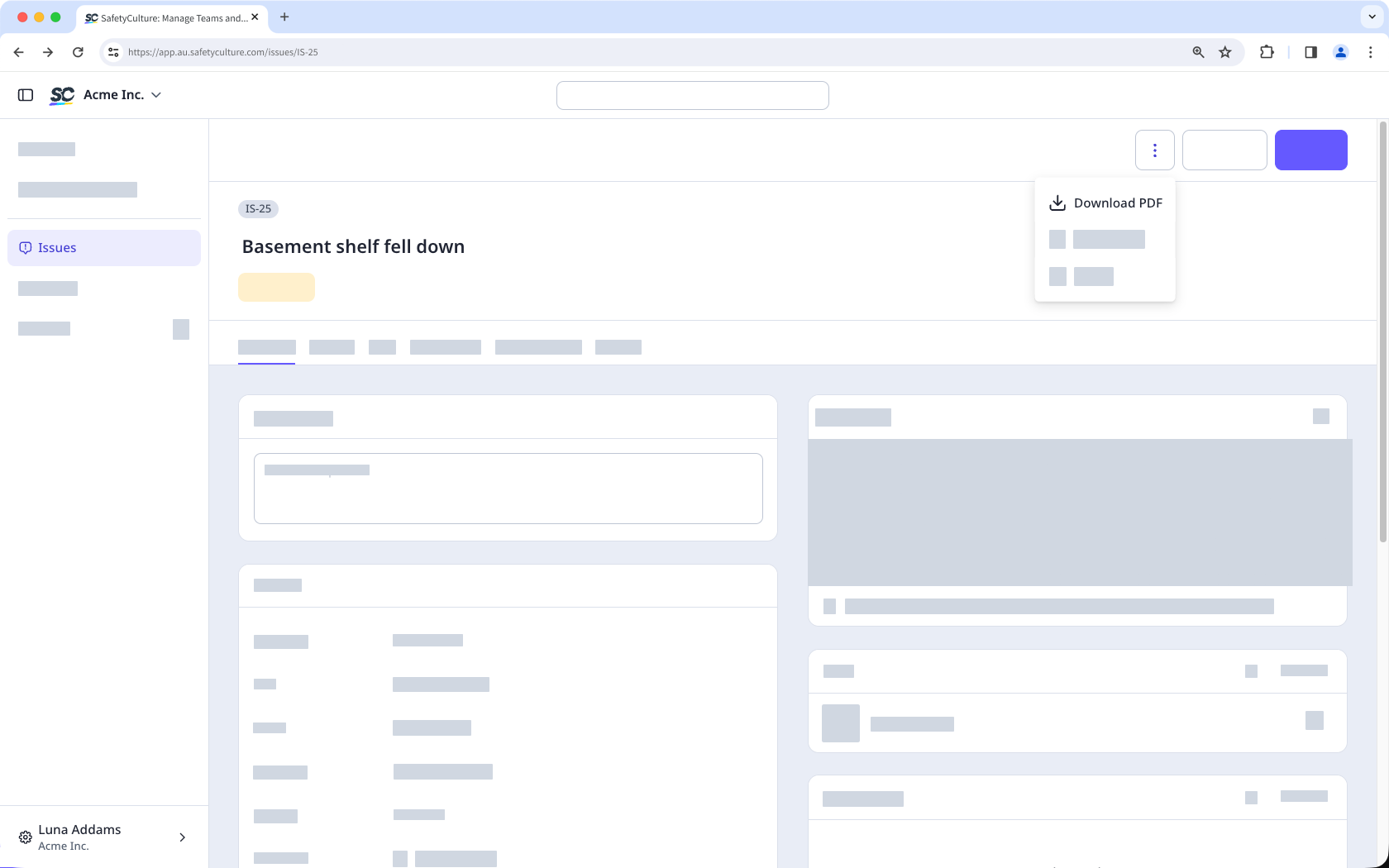
In the issue profile, click on the upper-right corner.
Click Download PDF.