
Exportar paneles de Estadísticas como PDF
Aprenda a exportar paneles de Estadísticas como PDF para obtener un resumen completo de sus gráficos en un solo archivo.¿Cómo funciona la exportación de un panel?
Cuando exporta un panel de Estadísticas, obtiene una instantánea de todos sus gráficos en un archivo PDF. Puede exportar el panel completo de una vez en lugar de descargar gráficos individuales, manteniéndolo visible como referencia. Esto facilita que los equipos compartan informes en toda la organización sin necesidad de compilar información manualmente, lo que reduce el riesgo de error.
Dashboard export configuration
Depending on the chart type, you can configure which parts of your charts are included in the PDF file. These configurations are captured only for charts that are visible on the page when you export the dashboard. Any charts you've scrolled past appear in the PDF file in their default state.
Charts with legends
You can hide segments of a chart by clicking the corresponding item in the legend. The hidden segment doesn't appear in the chart in the PDF file, but the legend remains visible.
Scrollable charts
You can scroll and adjust the zoom on your charts using the scrollbar.
Responses table
You can hide and collapse rows in the Responses table.
Exportar un panel de Estadísticas como PDF
Seleccione
 Estadísticas en la barra lateral o selecciónelo en
  Más.
Más.Haga clic en el panel.
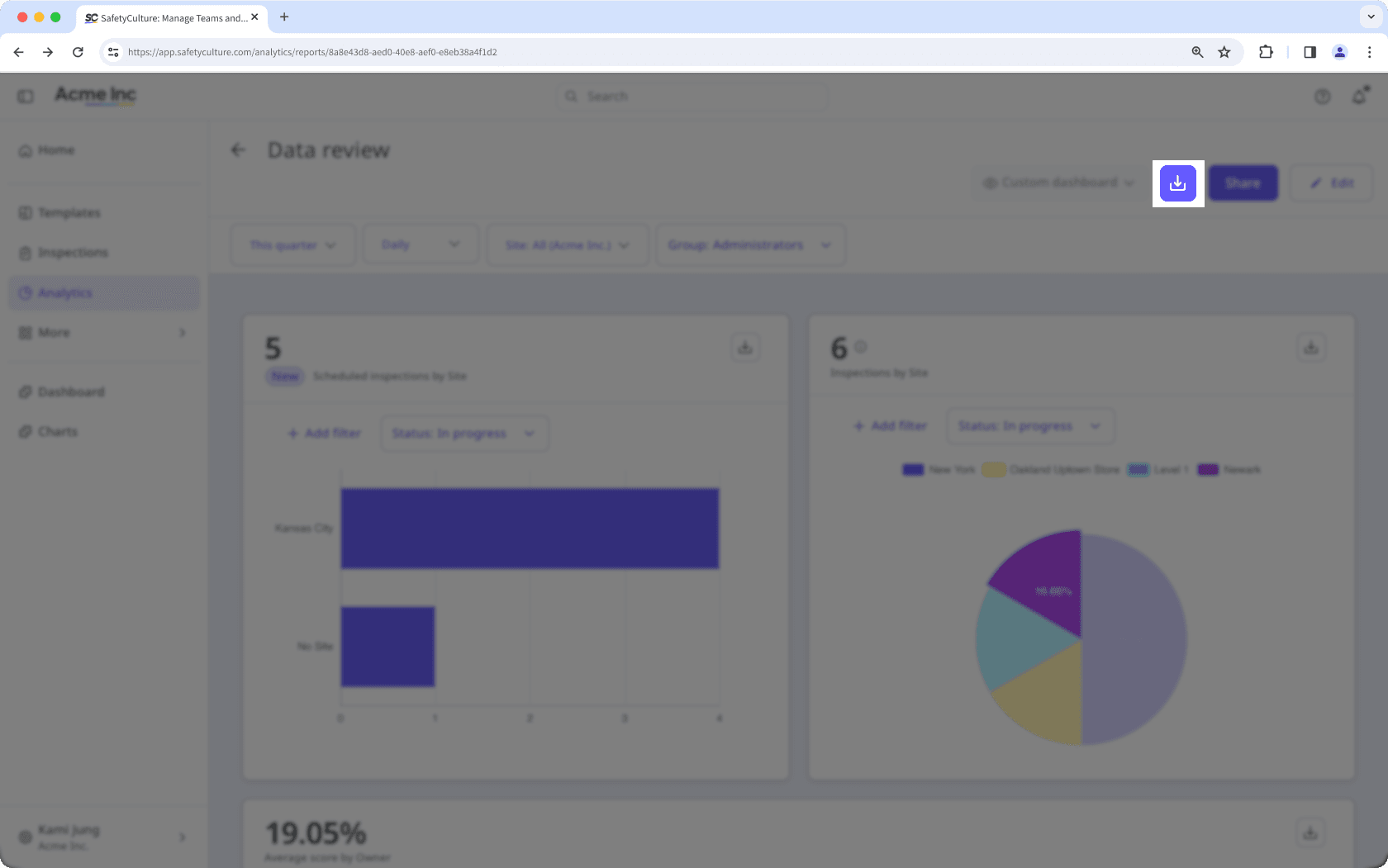
Haga clic en
 en la parte superior derecha del panel.
Hovering over a chart while the dashboard is exporting adds a shadow to the part of the chart in the exported PDF file. To prevent this, keep your cursor away from the charts until the export is complete.
Preguntas frecuentes
No. Al exportar un panel, se incluye una instantánea de todos los gráficos tal como aparecen. No puede elegir qué partes de cada gráfico se incluyen.
No. You can only export one dashboard at a time. If you would like us to support bulk exporting dashboards, please let us know by providing your feedback.
¿Esta página le fue de ayuda?
Gracias por hacérnoslo saber.