Turn company document approvals on or off
Select
 Contractors in the sidebar or select it in More .
Click Settings on the upper right-hand side of the page.
In the Document settings tab, turn "Company document approvals" on or off.
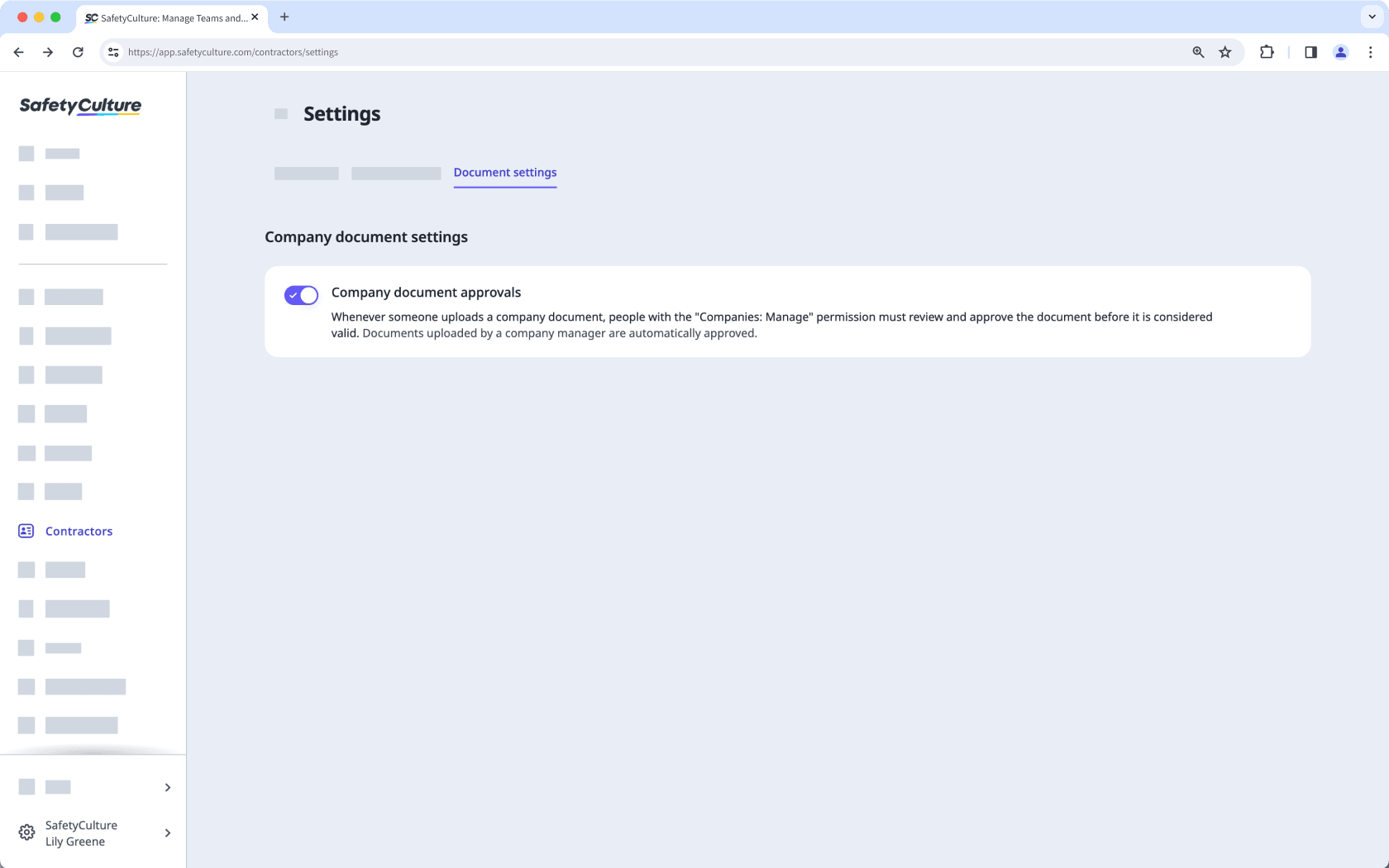
If company document approvals is turned on, company managers can review and approve documents added by key contacts before they are considered valid.
If company document approvals is turned off, documents that are added in the company won't require approval.