Why download investigation reports as PDF?
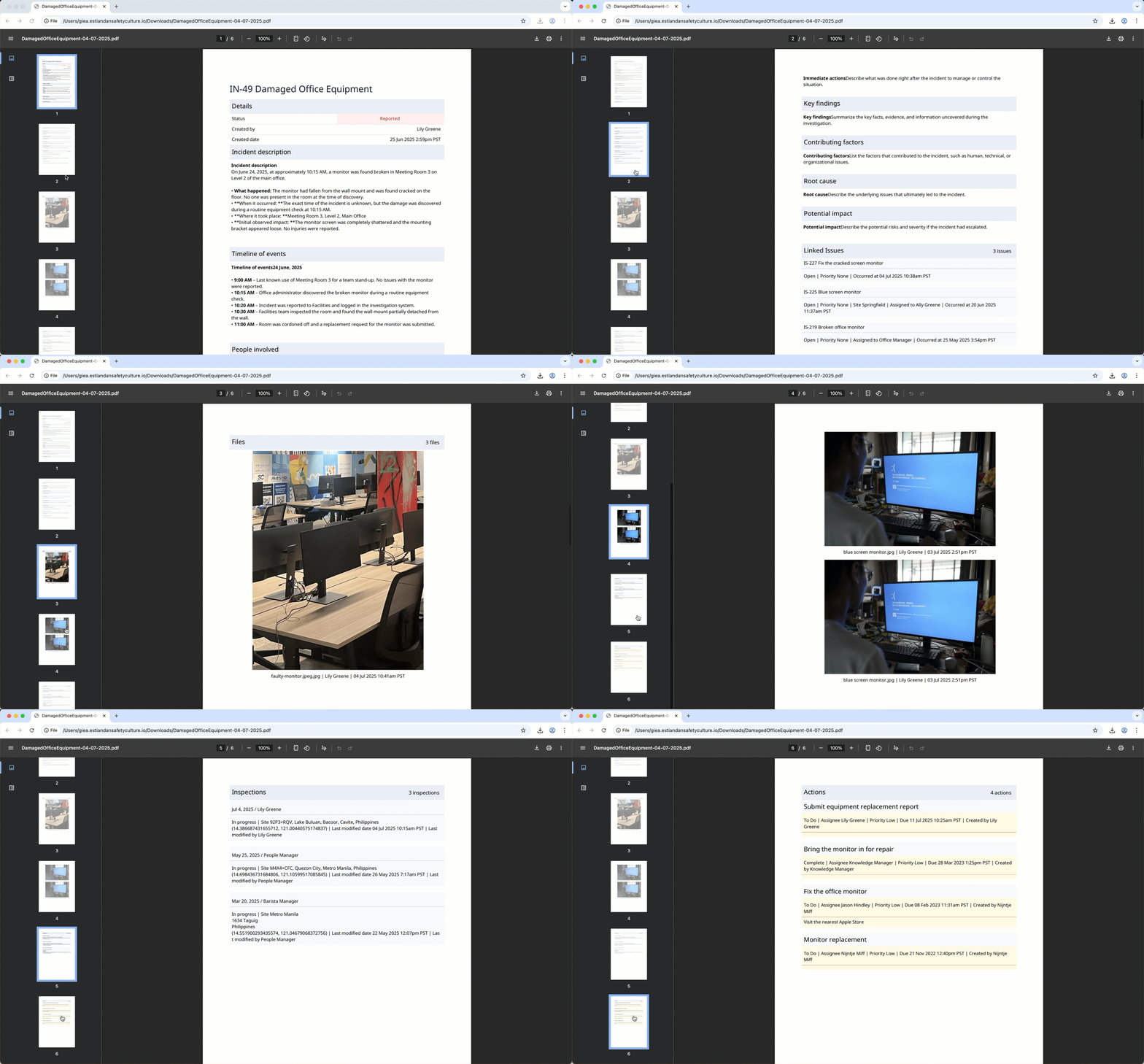
By downloading investigation reports as PDF, you can document and share detailed investigation findings with your stakeholders for thorough analysis. These reports clearly outline key investigation details, including status, uploaded media files, and any linked issues, inspections, or actions used as supporting evidence. Sharing all of this data in a structured, accessible format helps drive transparency and easier collaboration in your organization.
Download an investigation as PDF
Select
 Investigations in the sidebar or select it in More .
Select an investigation.
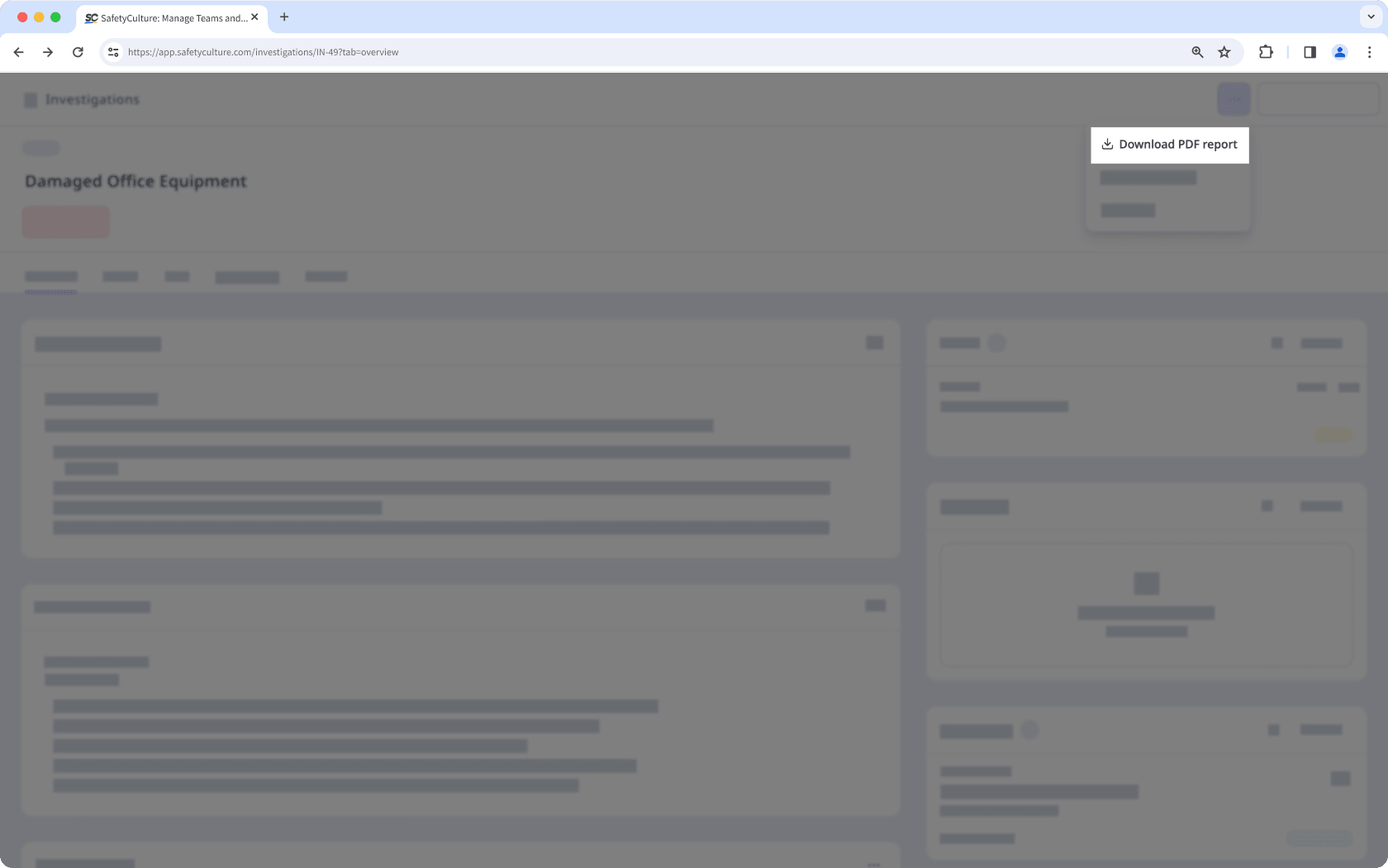
Clickon the upper-right of the page and select Download PDF report .