Why convert lite seats to full seats?
Converting lite seats to full seats lets you repurpose unused seats for users in your organization. This can be helpful if you originally purchased lite seats in bulk for a specific team, but changes in your organization mean they’re no longer needed for training. By converting them, you can assign full seats to users who need them and make better use of what’s already included in your plan.
What you'll need
Converting full seats to lite seats is not currently supported.
Convert lite seats to full seats
Click your organization name on the lower-left corner of the page and select Billing.
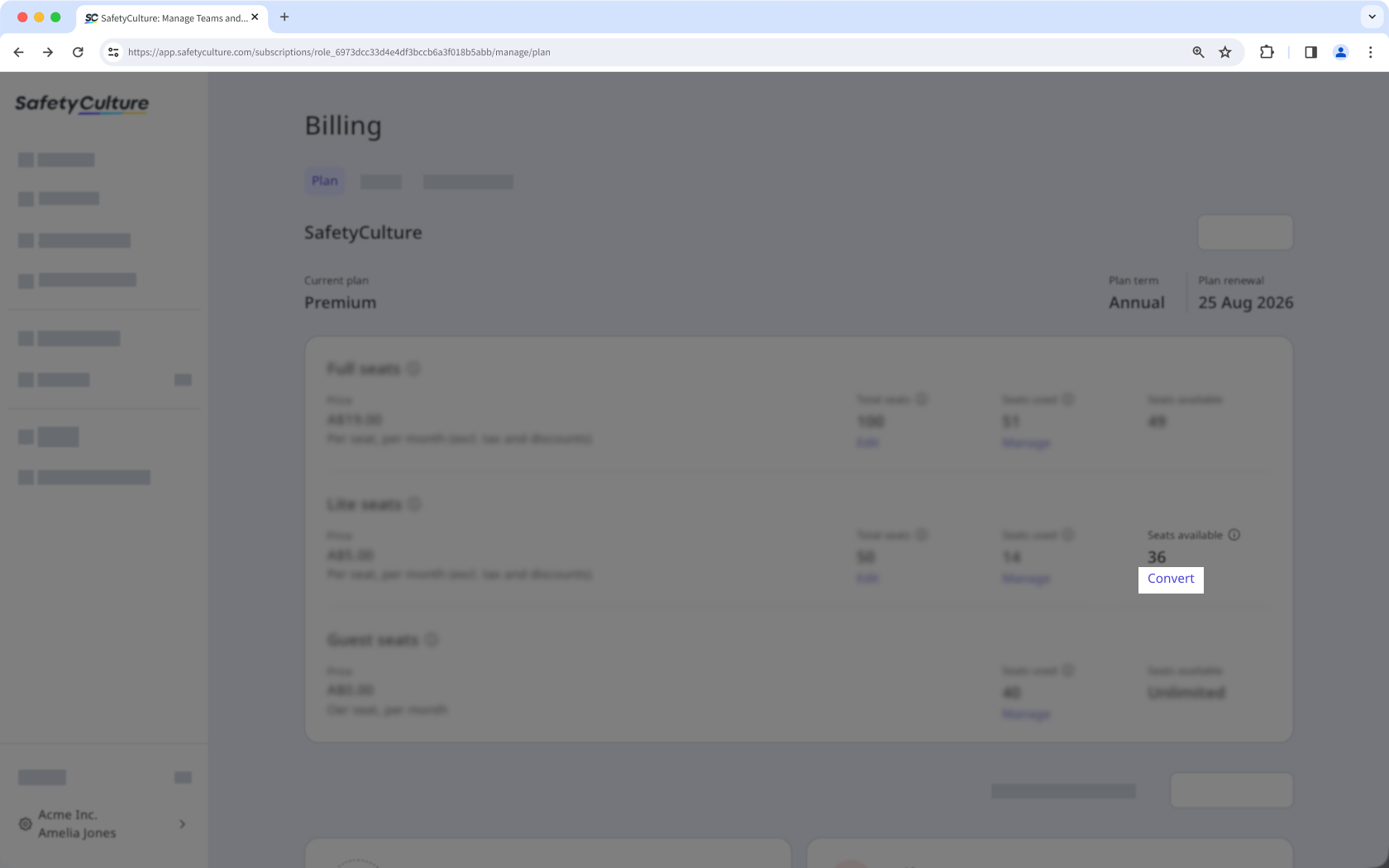
On the right-hand side of the page, under "Seats available", click Convert.
In the side panel, enter the number of lite seats you want to convert to full seats, then click Convert seats.
When you convert lite seats to full seats, you’ll be billed a pro-rated amount based on the difference between the credit for removing lite seats and the cost of adding full seats.