What does it mean to change your organization's industry?
When you set or change your organization's industry, SafetyCulture tailors your Site Benchmarking to match your business type, such as QSR (quick-service restaurant), manufacturing, or construction.
Changing your industry setting affects the following areas:
Criteria categories: The criteria builder shows an ordered set of category labels relevant to your industry, such as food safety and food quality for QSR or safe work method statements for construction.
File upload suggestions: When you upload files to strengthen AI-generated insights, you'll see suggested file types tailored to your industry, such as mystery shopper reports for QSR or subcontractor performance records for construction.
What you'll need
Change your organization's industry
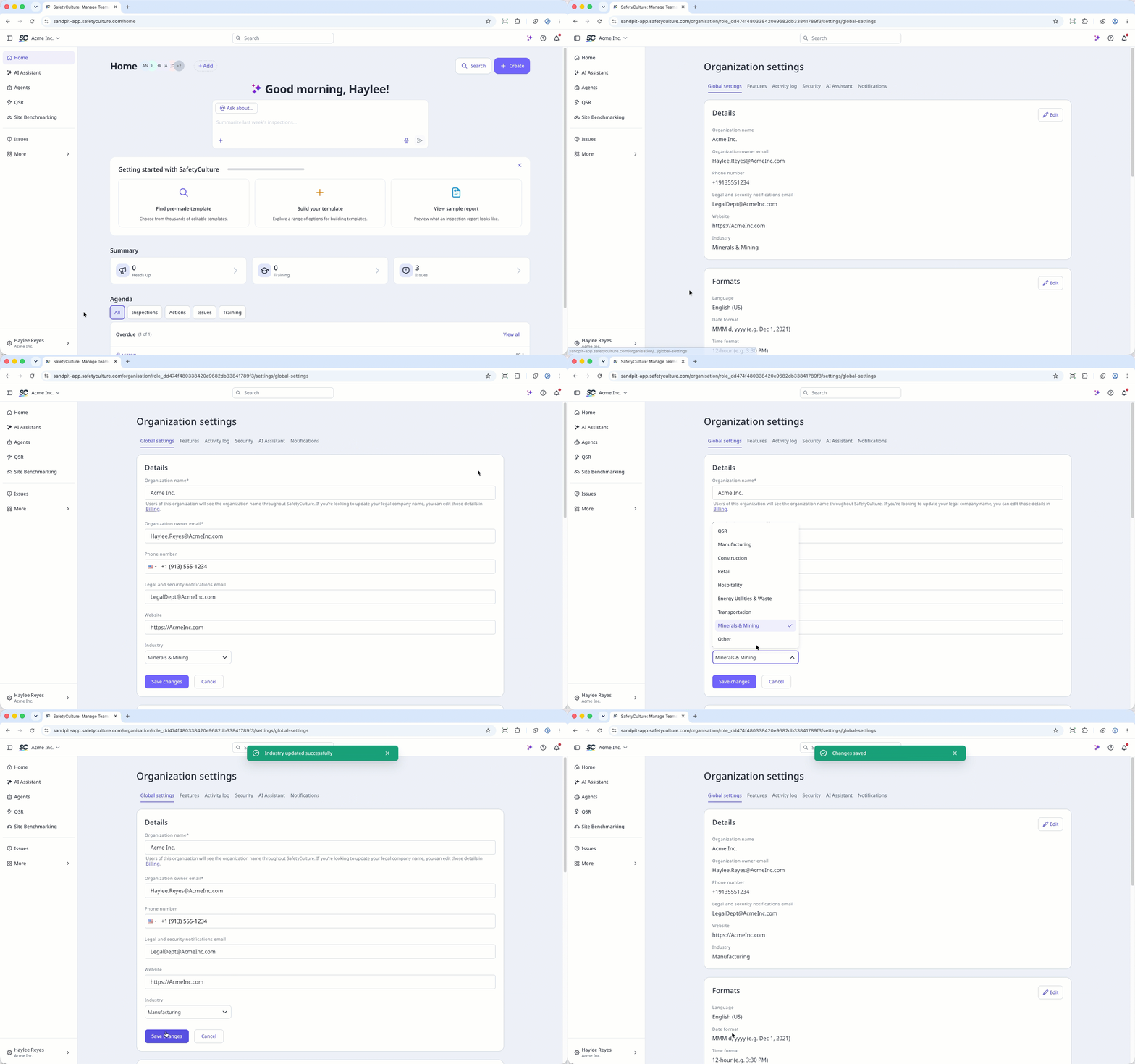
Click your organization name on the lower-left corner of the page and select Organization settings.
Select Global settings at the top of the page.
Click Edit on the upper-right of the "Details" section.
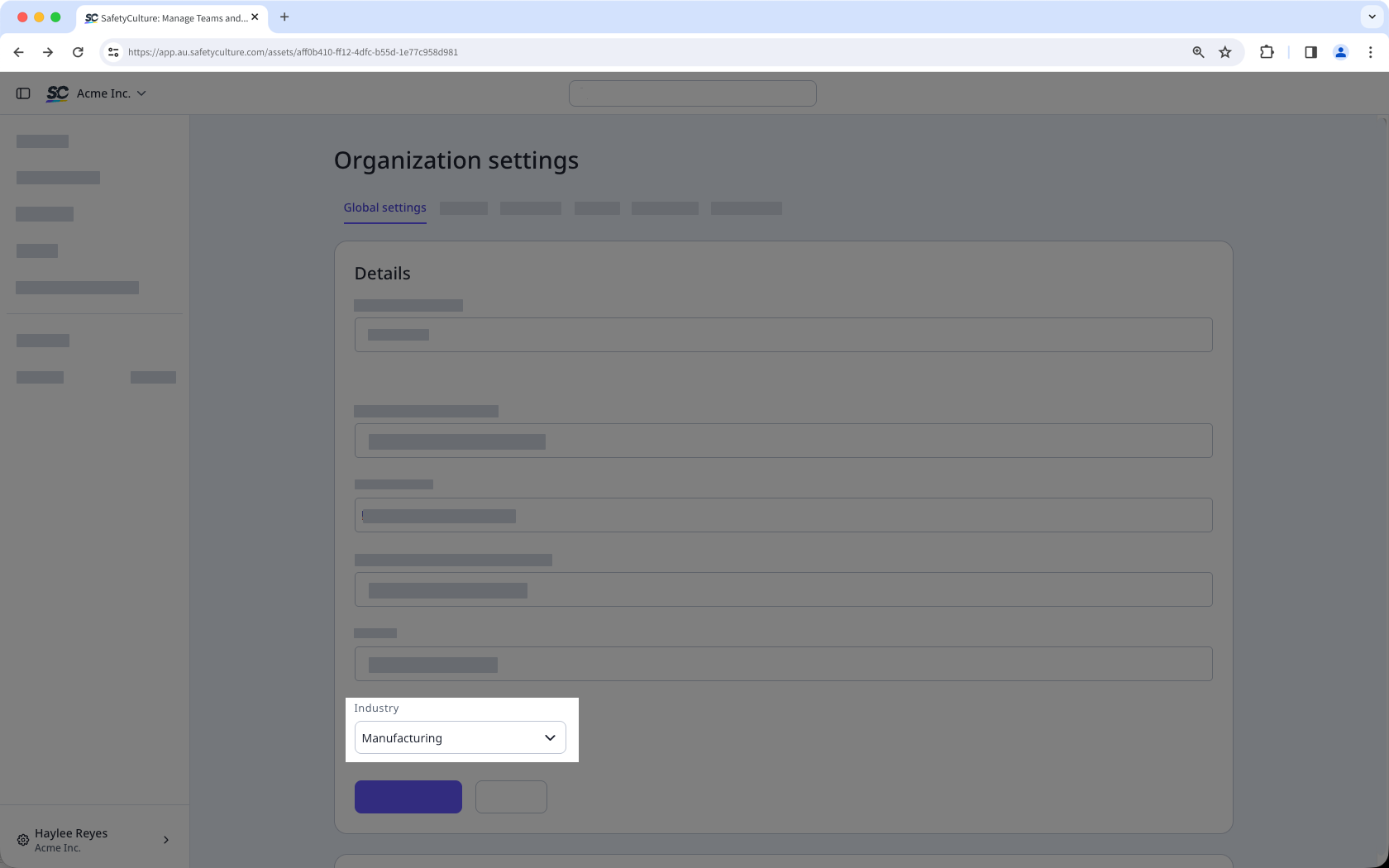
Under the "Industry" section, click the dropdown menu and select your organization's industry.
Click Save changes.