
Edit a company
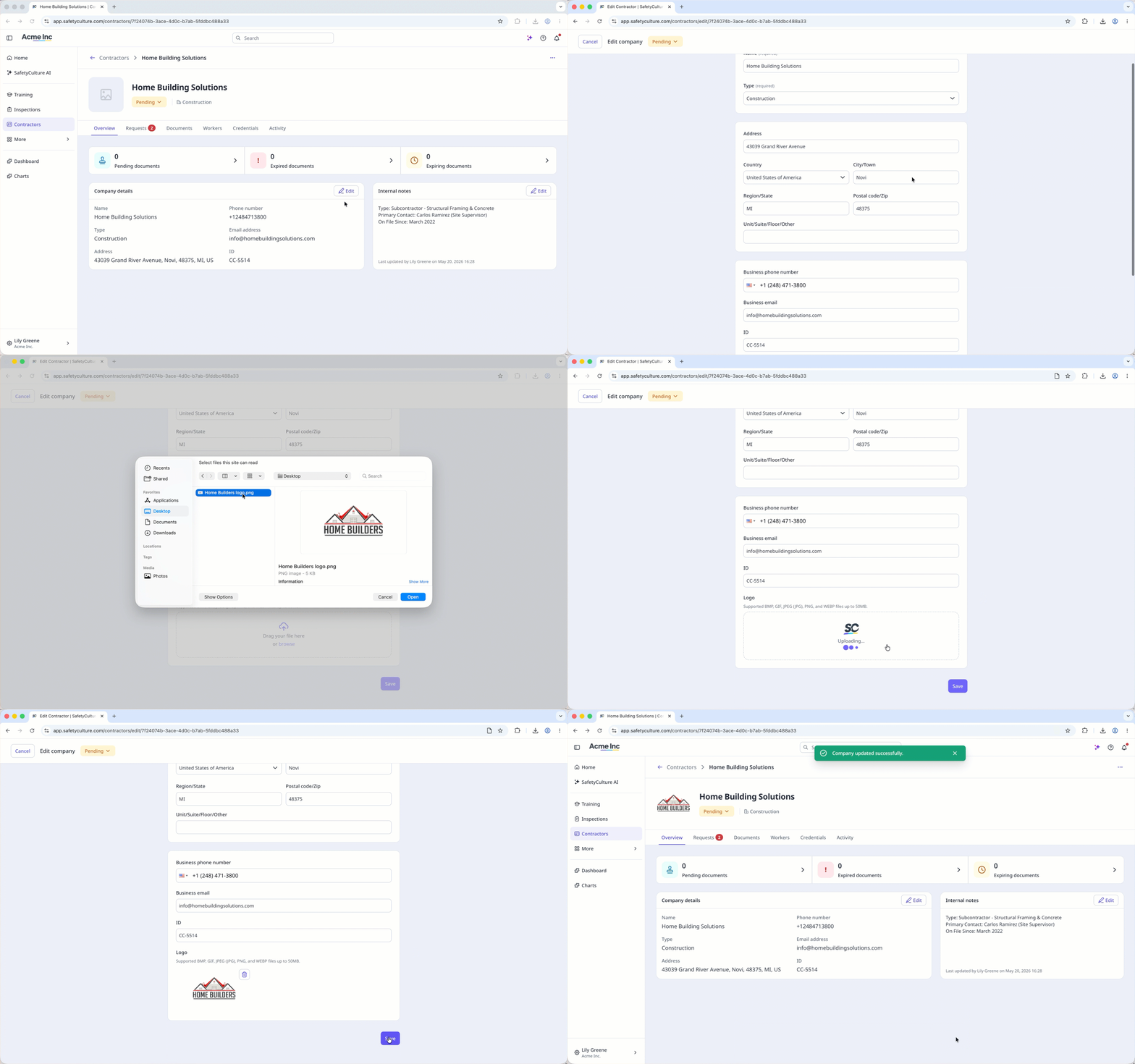
Select Contractors in the sidebar or select it in More.
Select a company.
In the "Company details" section, click Edit on the right-hand side of the page.
Update the company details accordingly.
Click Save.
Contractors
Learn how to edit a company via the web app so you can keep company details accurate and up to date.
Select Contractors in the sidebar or select it in More.
Select a company.
In the "Company details" section, click Edit on the right-hand side of the page.
Update the company details accordingly.
Click Save.
Was this page helpful?


