What does it mean to import course completions?
Importing course completions transfers your team's existing training history into SafetyCulture, so you don't have to manage records across multiple systems. Once imported, the selected users are marked as having completed the course on the specified date, and completions are reflected in the performance dashboard. You can import completions, whether the training happened in another system, in person, or if you need to mark training as complete for courses already in SafetyCulture.
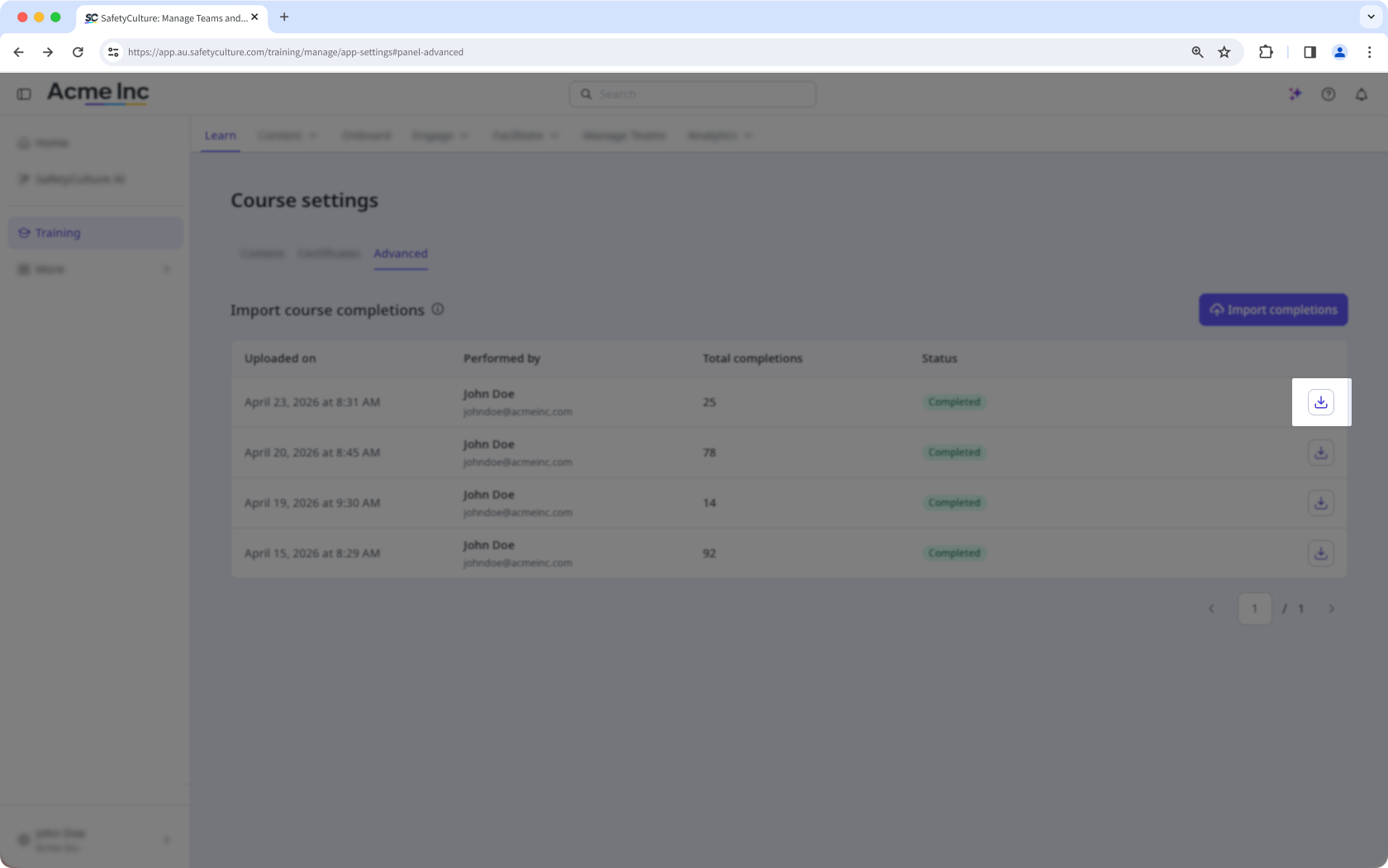
Download an imported course completion as CSV
Select Training in the sidebar or select it in More.
If you're on the "Learn" page, click Content at the top of the page and select Courses.
Click Settings on the upper-right of the page.
Click Advanced on the upper-left of the page.
Click on the right of the imported course completion you want to download.
CSV column headers
Column header | Description |
|---|---|
course_id | The unique identifier of the course in SafetyCulture. You can find this in the course URL or download it using Download course IDs. |
user_email | The email address of the user whose course completion you're importing. The user must exist in your organization. |
completion_date | The date and time the course was completed. Use ISO 8601 format, for example 2024-06-15T14:30:00+10:00 for a specific time and time zone, or 2024-06-15 for a date only. |