
What you'll need
You can download up to seven years of inspection history as a CSV file.
Download inspection history as CSV
Select Inspections in the sidebar or select it in More.
Click on the right-hand side of the inspection and select View history.
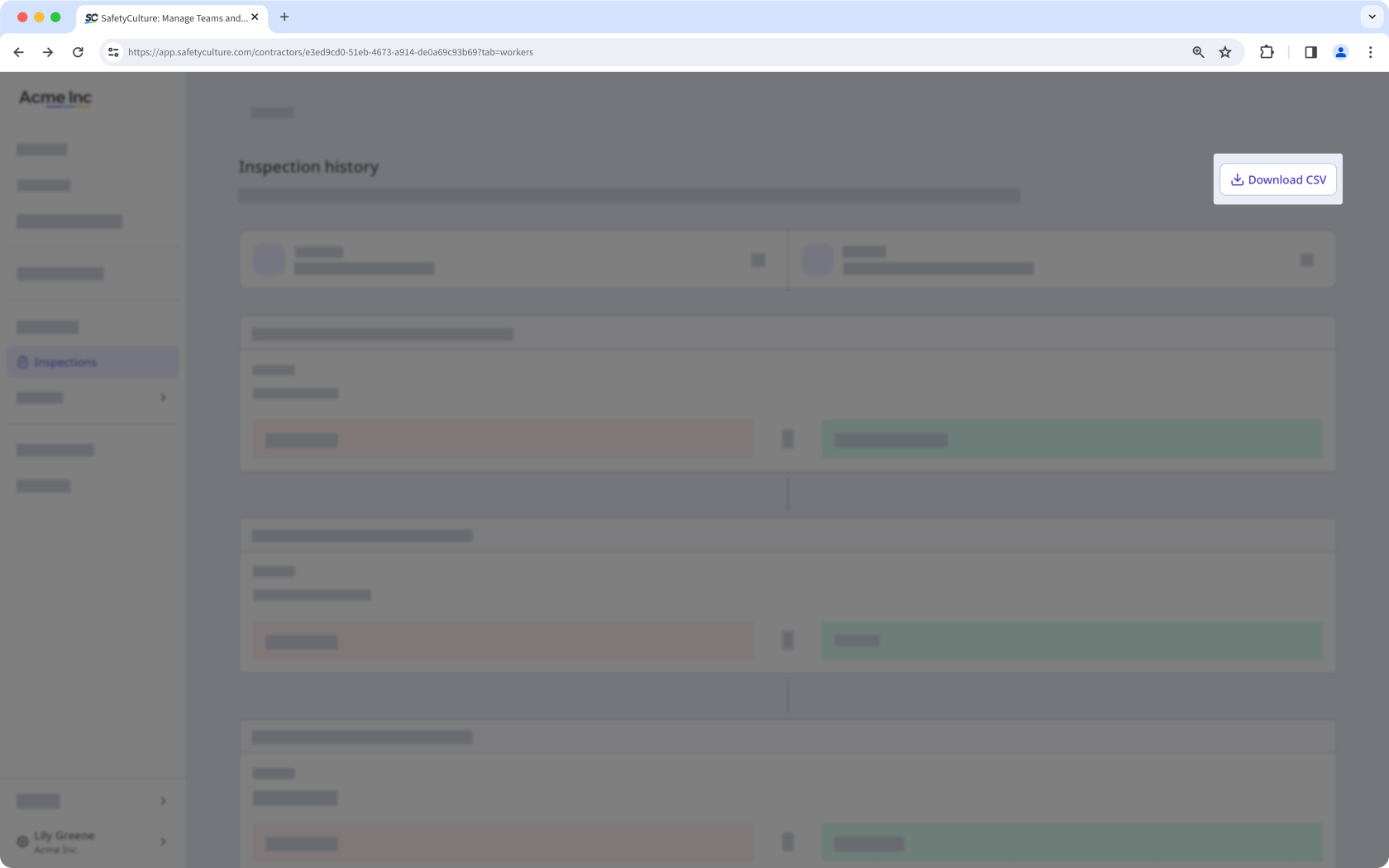
Click Download CSV on the upper-right of the page.
CSV column headers
Column header | Description |
|---|---|
Modified at | The date and time a response was modified. The date is formatted as YYYY-MM-DD, followed by the time in Coordinated Universal Time (UTC). For example, 2026-02-05T22:10:57Z. |
Action | The action taken on a response, which can either be “added” or “edited”. |
Author ID | The unique ID of the user who made changes to the inspection. |
Author name | The name of the user. |
Change type | The type of change recorded for a response, which can either be "added" or "edited". |
Field type | The type of field used on the inspection page. |
Item ID | The unique ID of a question automatically generated in SafetyCulture. |
Label | The name of a question in an inspection. |
Old value | The previous response to a question before it was edited. This is blank if the response was added for the first time. |
New value | The updated response to a question after a change was made. This is blank if the previous response was removed. |


