
What is inspection ownership?
When you start an inspection in SafetyCulture, you become its owner. If responsibility for the inspection changes, ownership can be reassigned to another user in your organization. Reassigning ownership helps ensure the right person is responsible for the inspection.
What you'll need
Reassign inspection ownership
Select Inspections in the sidebar or select it in More.
You can filter the list to show inspections that you own by clicking Add filter next to the search field, then selecting Access and checking the "Owned by me". Then, click Done.
Click the inspection and select
 Share in the inspection details panel.
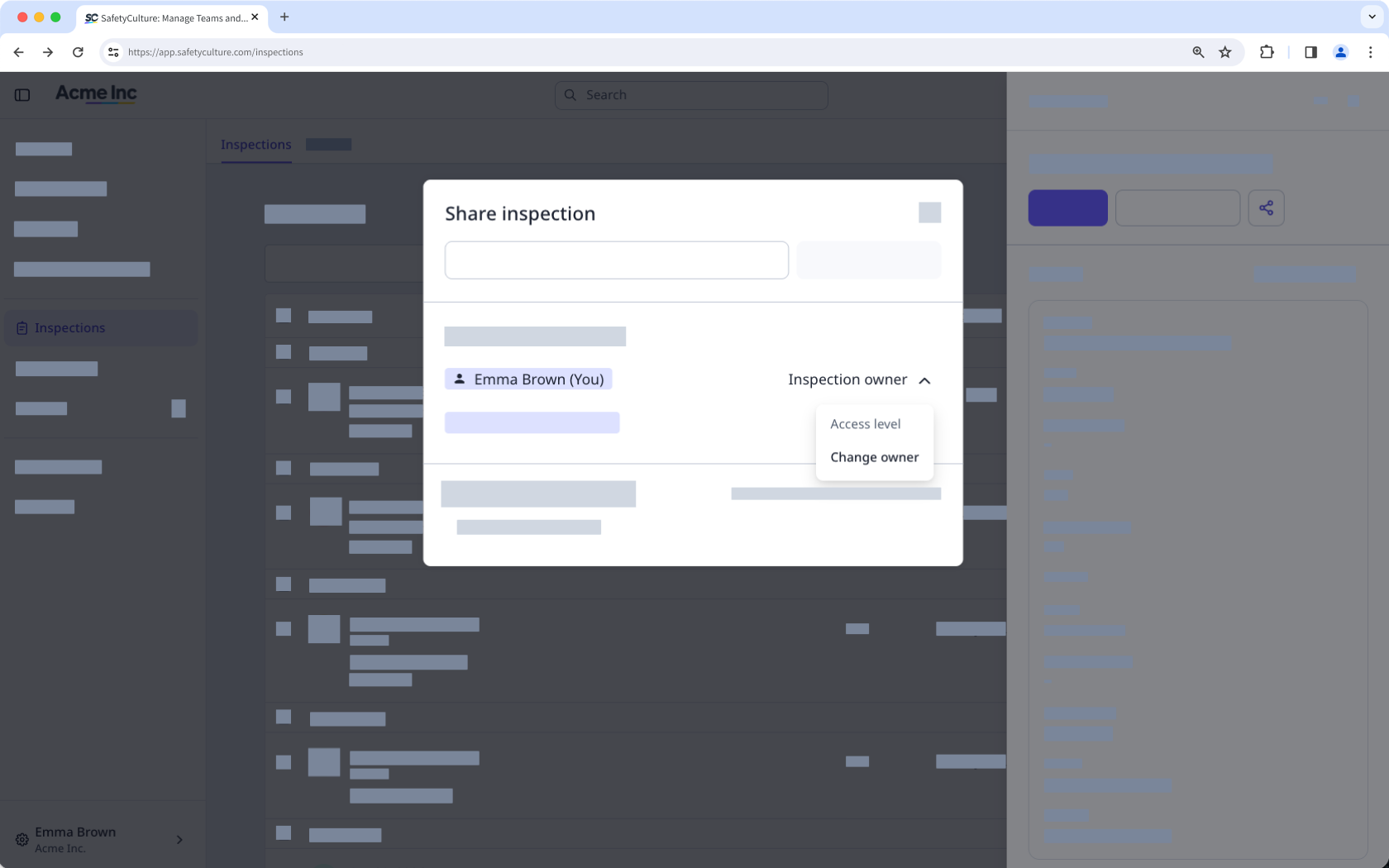
In the pop-up window, click Inspection owner and select Change owner from the dropdown menu.
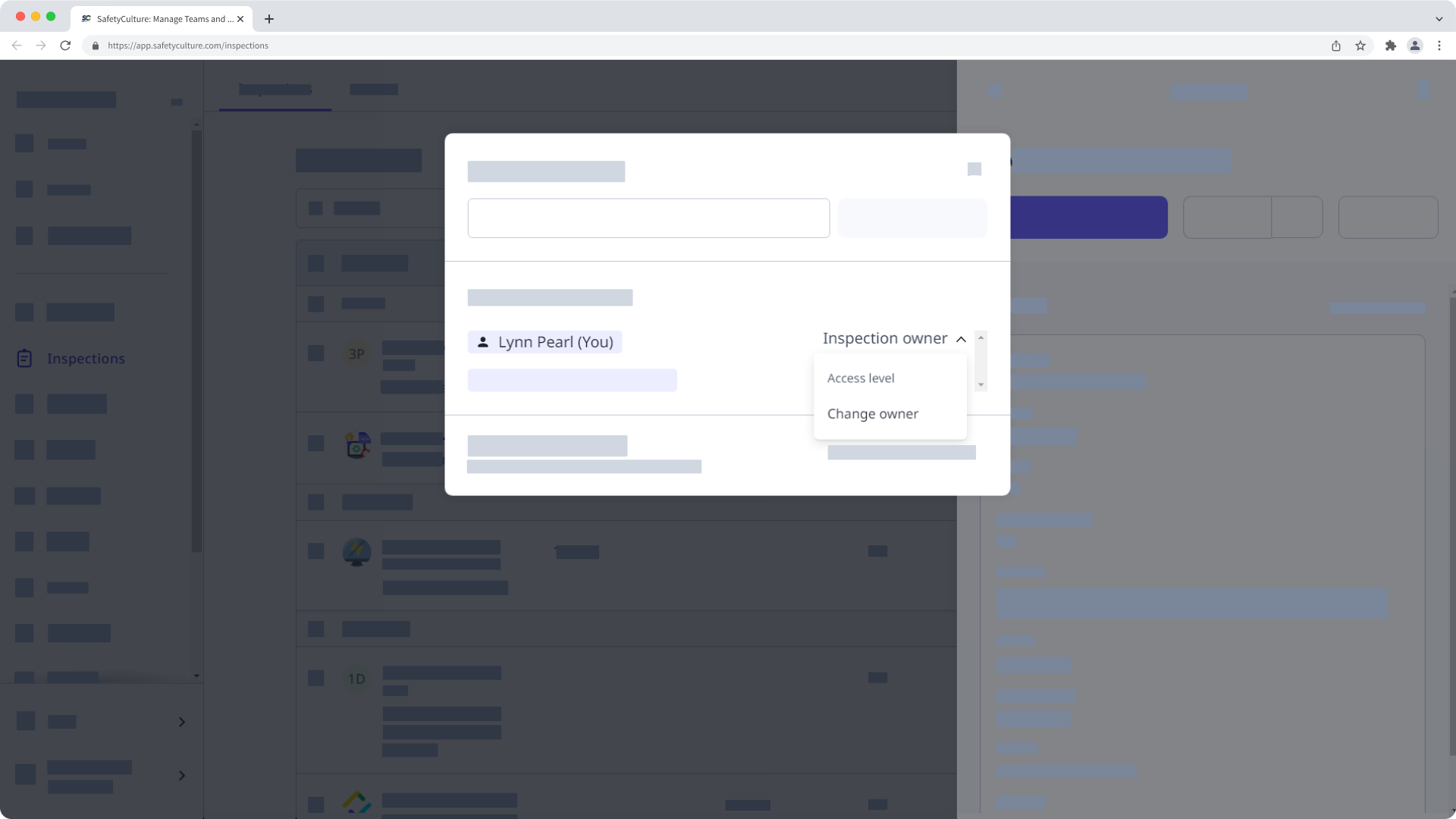
In the pop-up window, click your username, then search and select the user you want to reassign ownership to.
Click Make owner. This notifies the new owner of the reassignment via email and gives your account "View, edit, delete" access.


