
What is template ownership?
When you create a template in SafetyCulture, you become its owner. Template ownership determines who has full administrative control over that template, including the ability to edit, share, and manage access. You can reassign template ownership at any time to reflect changes in your team structure.
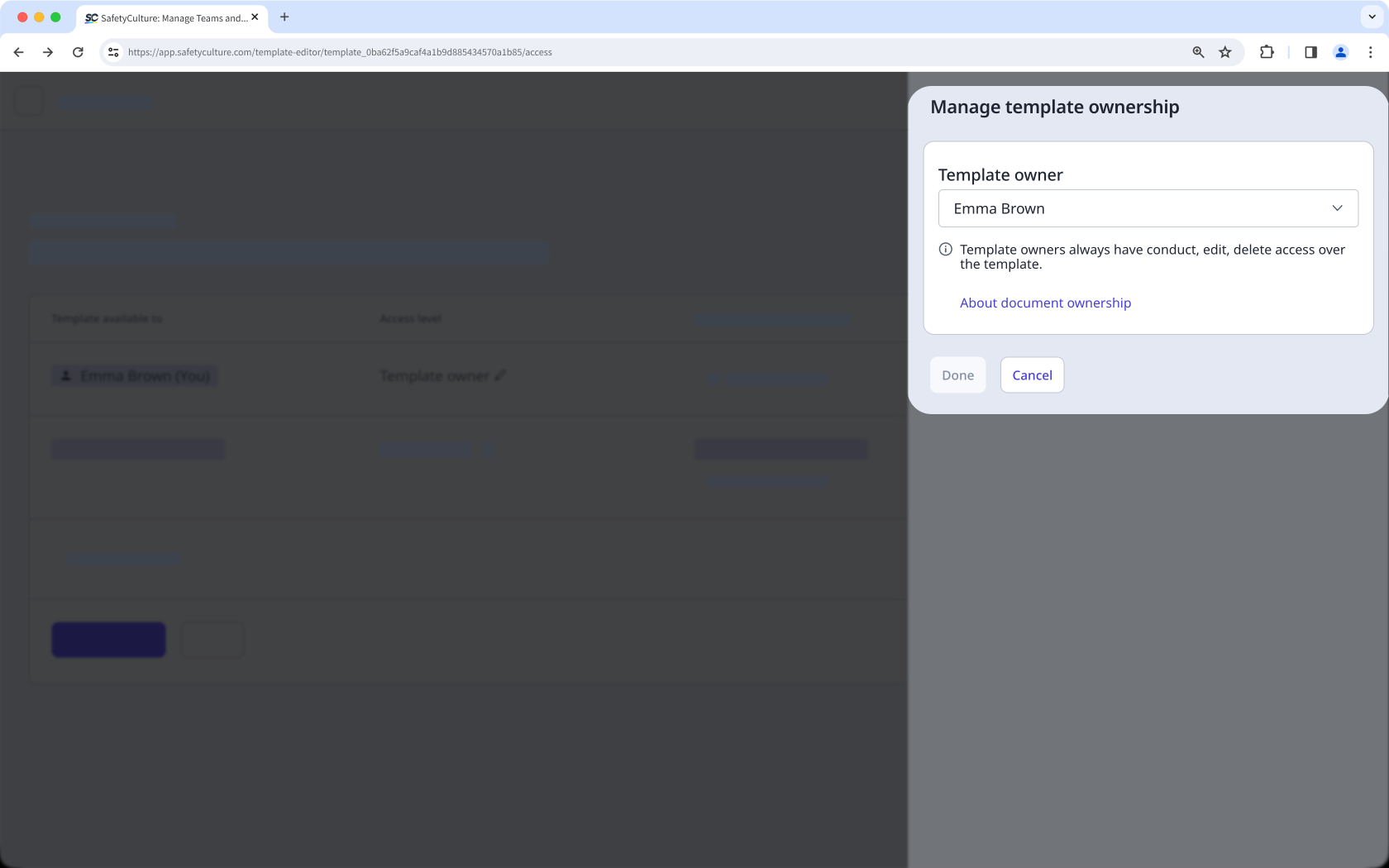
Only the owner can reassign template and inspection ownership, and only to other users in the same organization.
What you'll need
Reassign template ownership
Select Templates from the sidebar or select it in More.
You can filter the list to show templates that you own by clicking Add filter next to the search field, then selecting Owned by, checking the box on the left-hand side of your name, and clicking Done.
Click the template.
In the side panel, select Manage access.
Scroll at the bottom of the page and click Edit rules.
Click Template owner at the top of the "Access level" column.
In the side panel, click your username.
S earch and select the user you want to reassign ownership to.
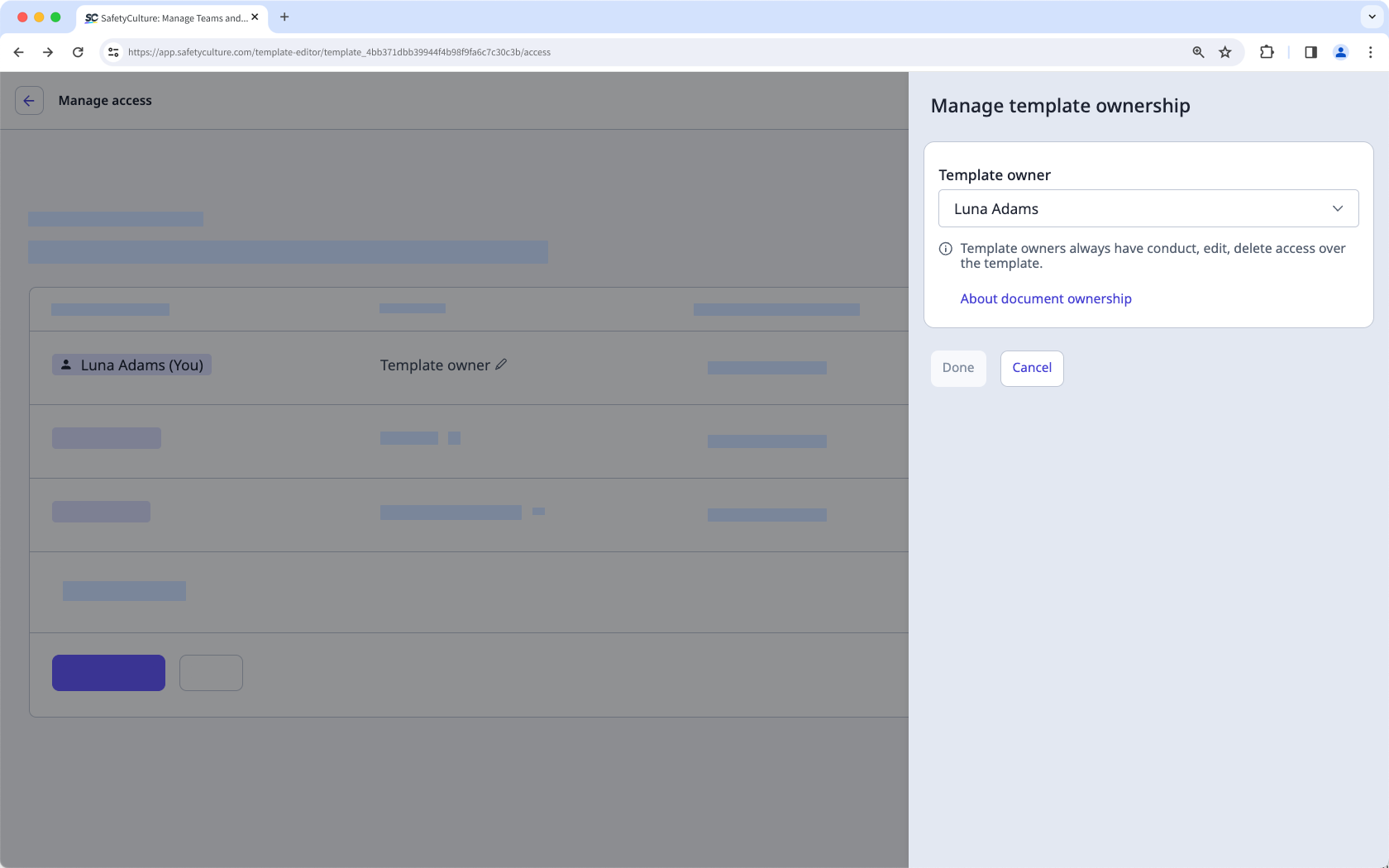
Click Done.
Click Save and apply. This notifies the new owner of the reassignment via email and gives your account "Conduct, edit, delete" access.



