
What you'll need
Reorder a lesson slide
Select Training in the sidebar or select it in More.
If you're on the "Learn" page, click Content at the top of the page and select Courses.
Create a new course or click View or Edit on an existing one. If you're editing a published course, click Edit on the upper-right of the page.
Create a new lesson or select an existing one. If you need help to get started, you can create a lesson or lesson slide using AI.
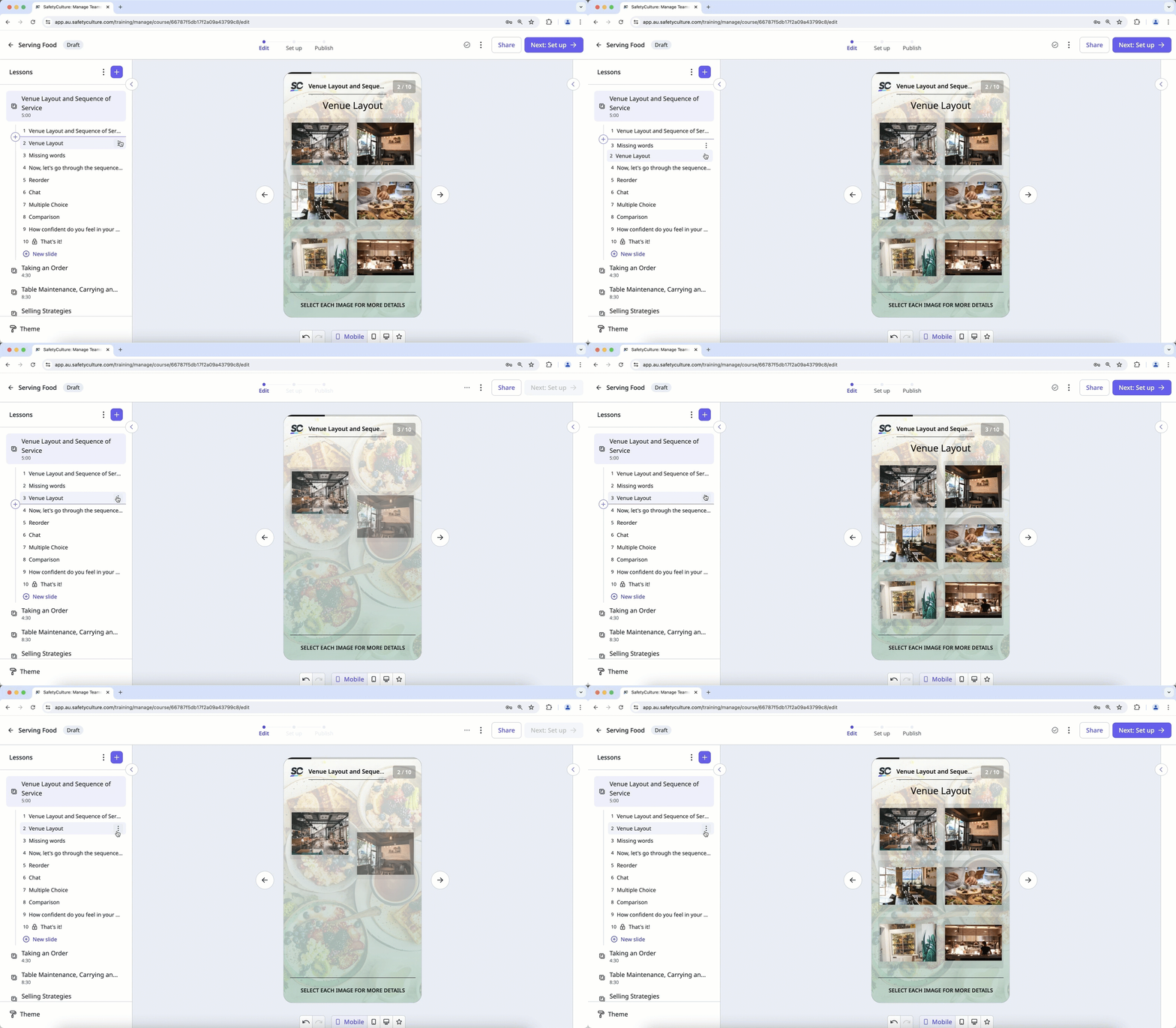
Select the relevant lesson slide and use your cursor to drag and drop the lesson slide to your desired order within the course.
If your course is currently a draft, remember to publish it to make your changes available to your team.


