Purchasing products from the SafetyCulture Marketplace is currently only available to customers in Australia and the U.S.
Saved credit cards in the SafetyCulture Marketplace are separate from the credit card used for your SafetyCulture plan.
Add a credit card
Select Marketplace in the sidebar or select it in More.
Click Settings on the upper-right of the page.
Select Saved payments tab at the top of the page.
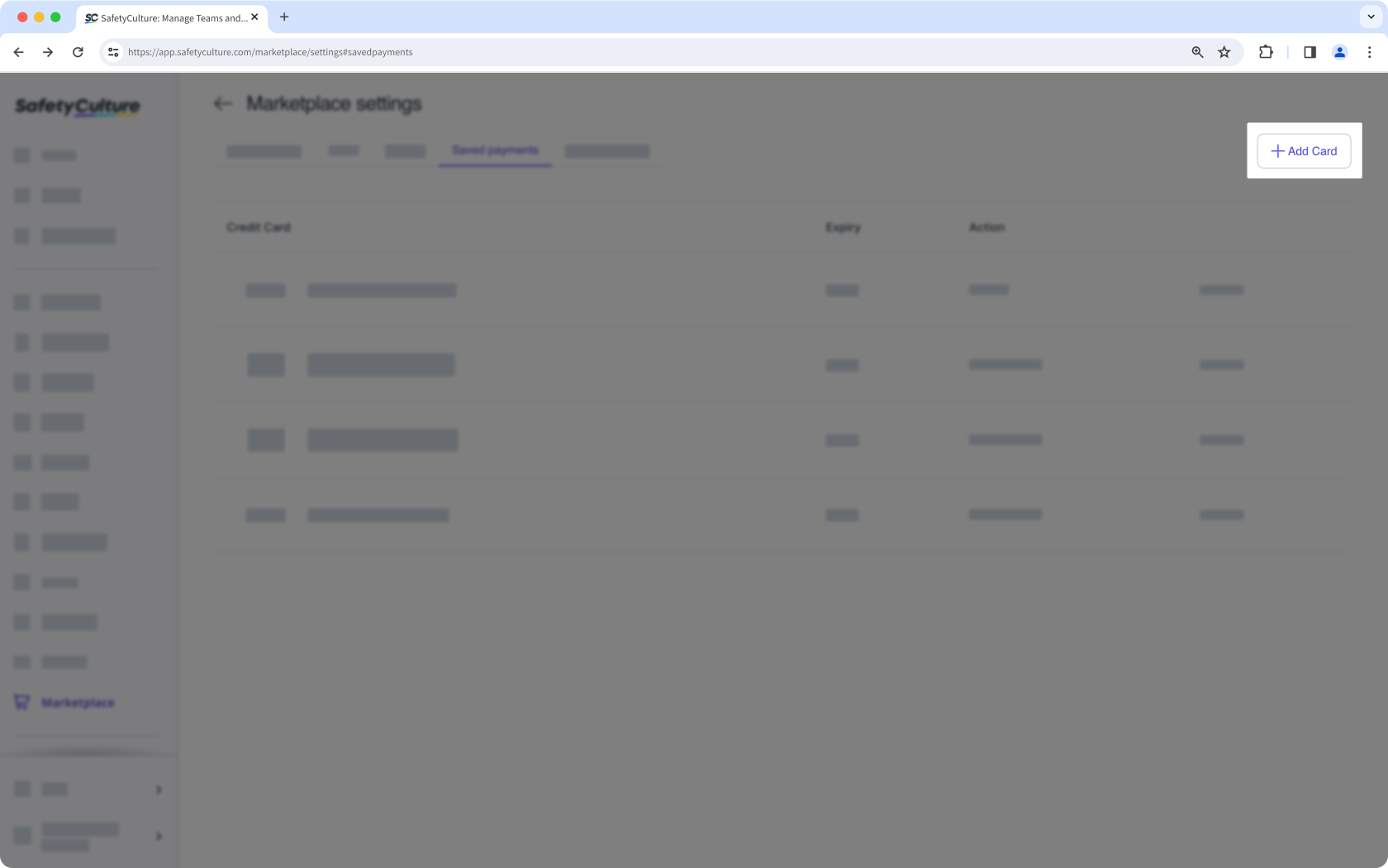
Click Add Card on the upper-right of the page.
In the side panel, enter your credit card details accordingly.
Click Add Payment Details.
Remove a credit card
Select Marketplace in the sidebar or select it in More.
Click Settings on the upper-right of the page.
Select Saved payments tab at the top of the page.
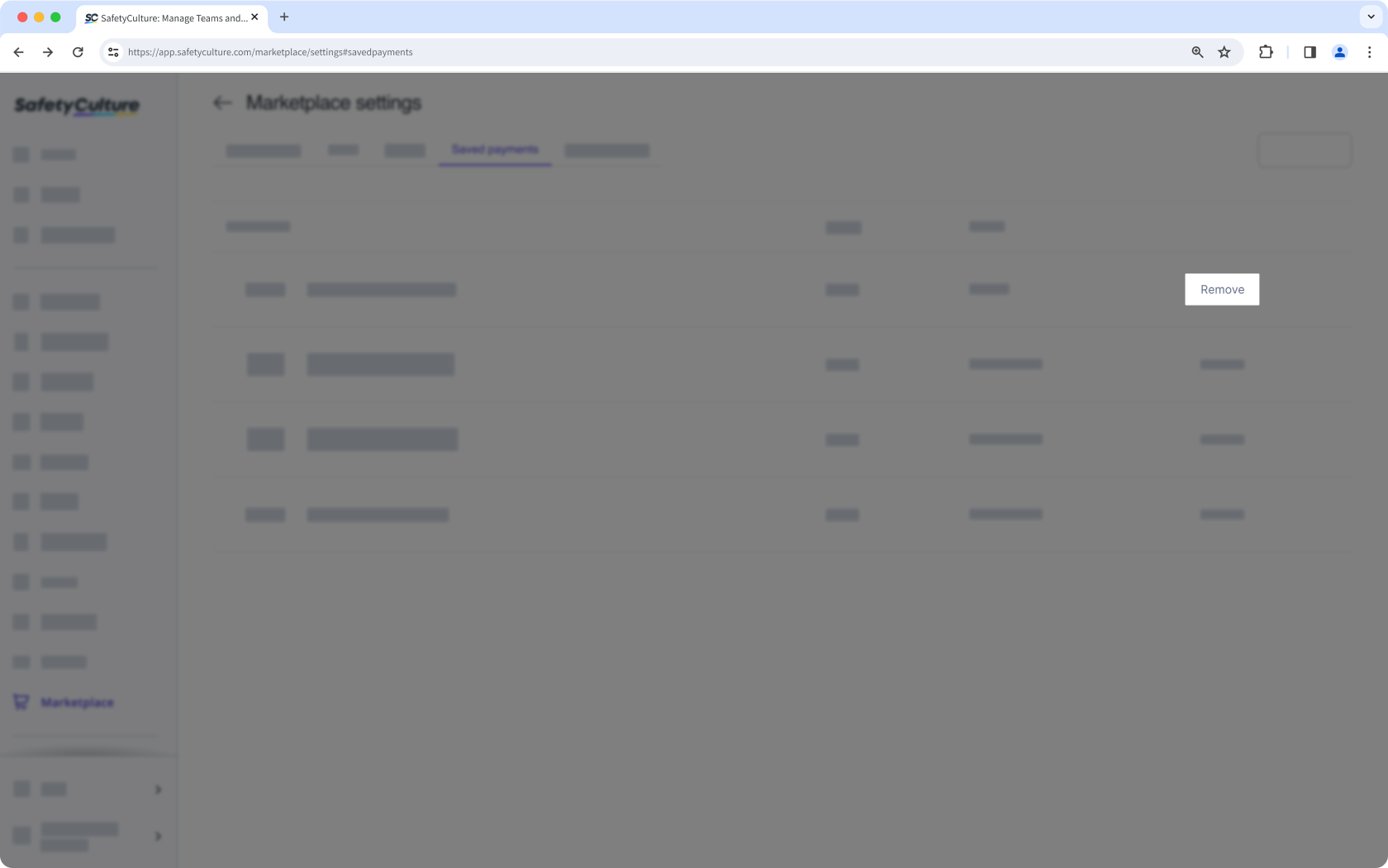
Click Remove next to your credit card details to delete your payment information.