What you'll need
Published changes made to templates only apply to new inspections moving forward.
You can build your templates using other response types, such as text answer, number, and media.
Edit a question
Select Templates in the sidebar or select it in More.
Click the template and select Edit template in the side panel.
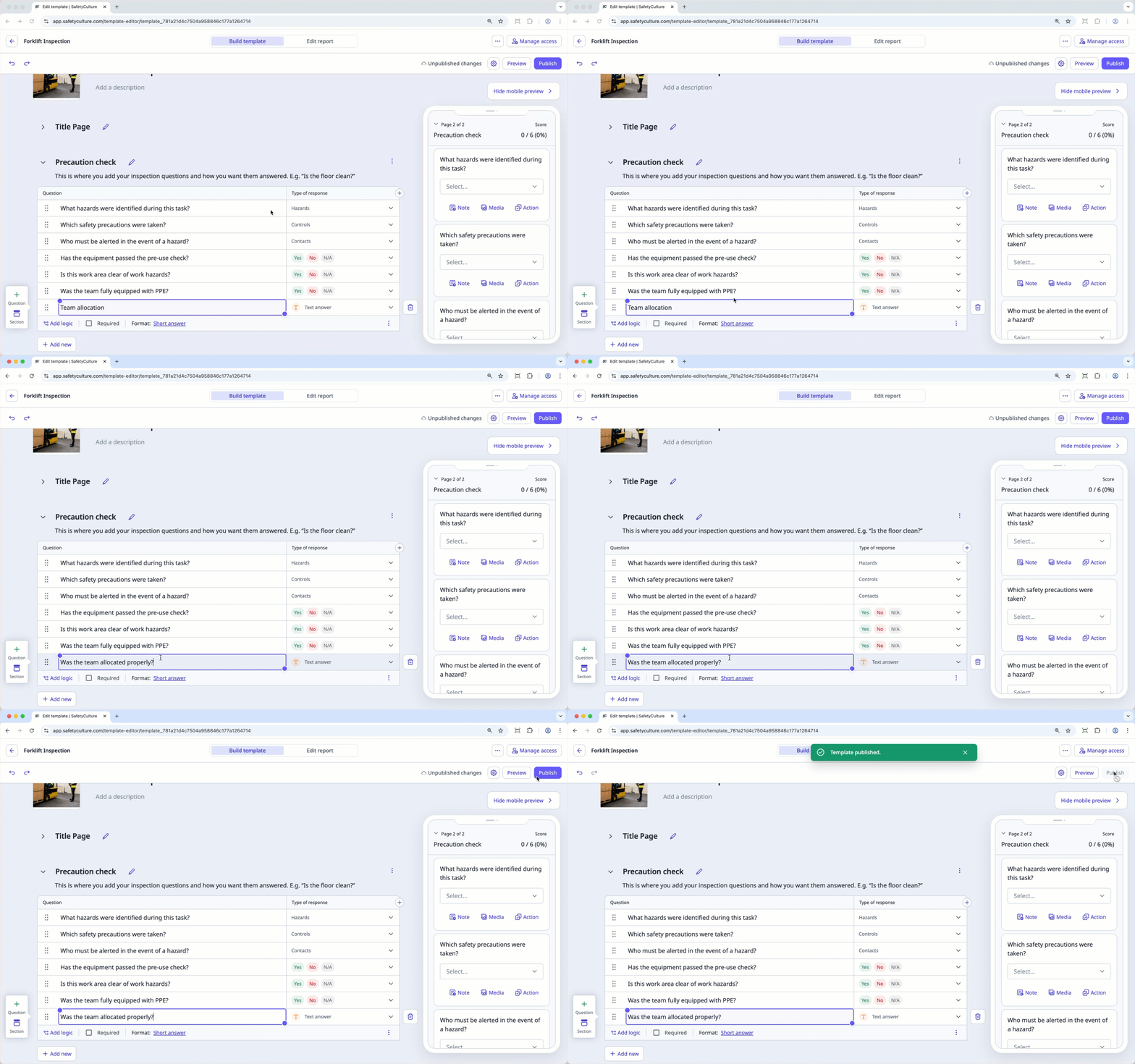
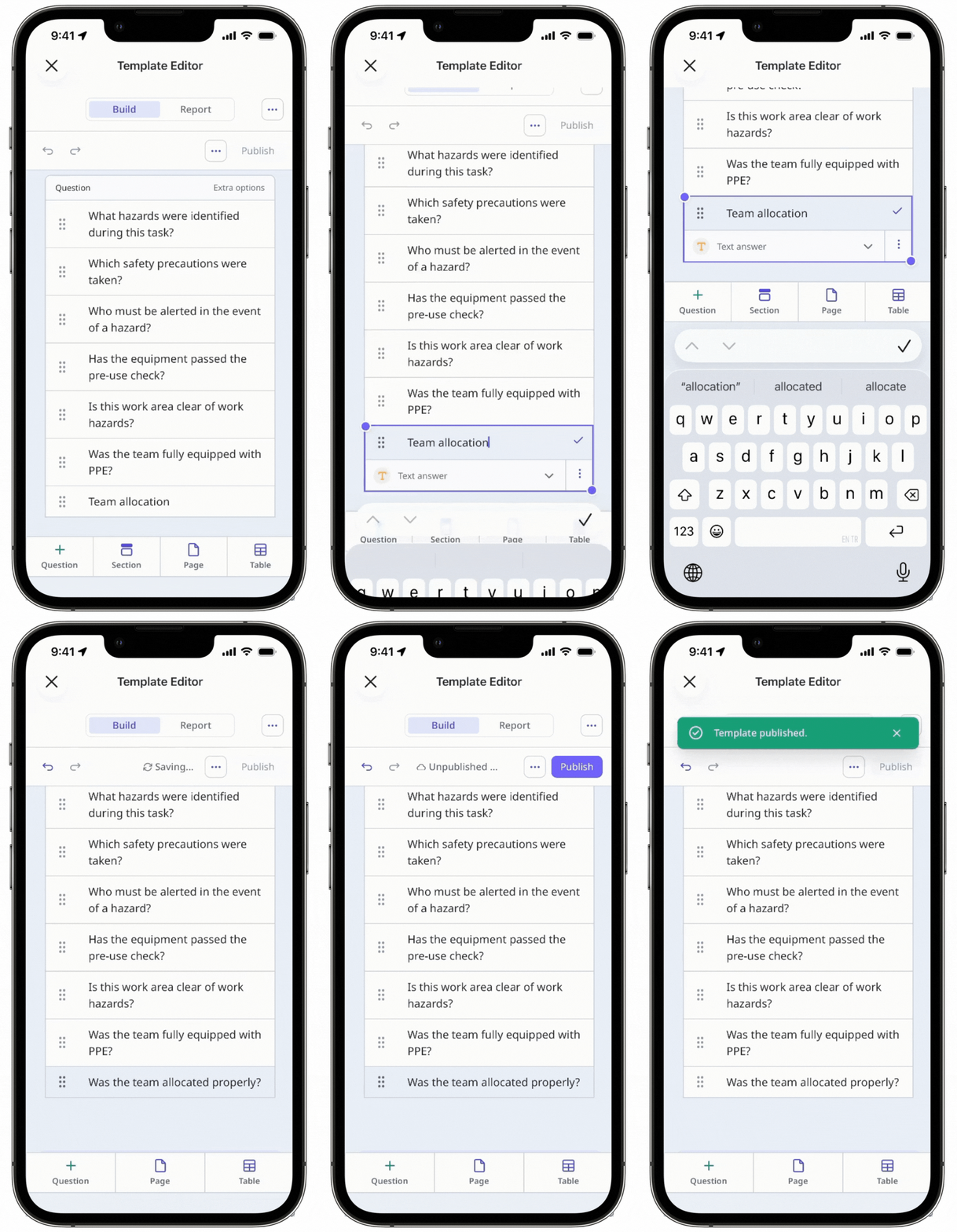
Select the question you want to edit.
Double-click the question's text field to begin editing the question label.
Press enter or return on your keyboard.
Click Publish on the upper-right of the page to publish the template. If you're not ready to publish the template, you can go back to the templates list and come back when you're ready.