
What you'll need
To delete the entire organization, you must first deactivate all other users. After they're deactivated, their accounts are also permanently deleted as part of the process.
Delete my account
Click your organization name on the lower-left corner of the page and select Organization settings.
Select Global settings at the top of the page.
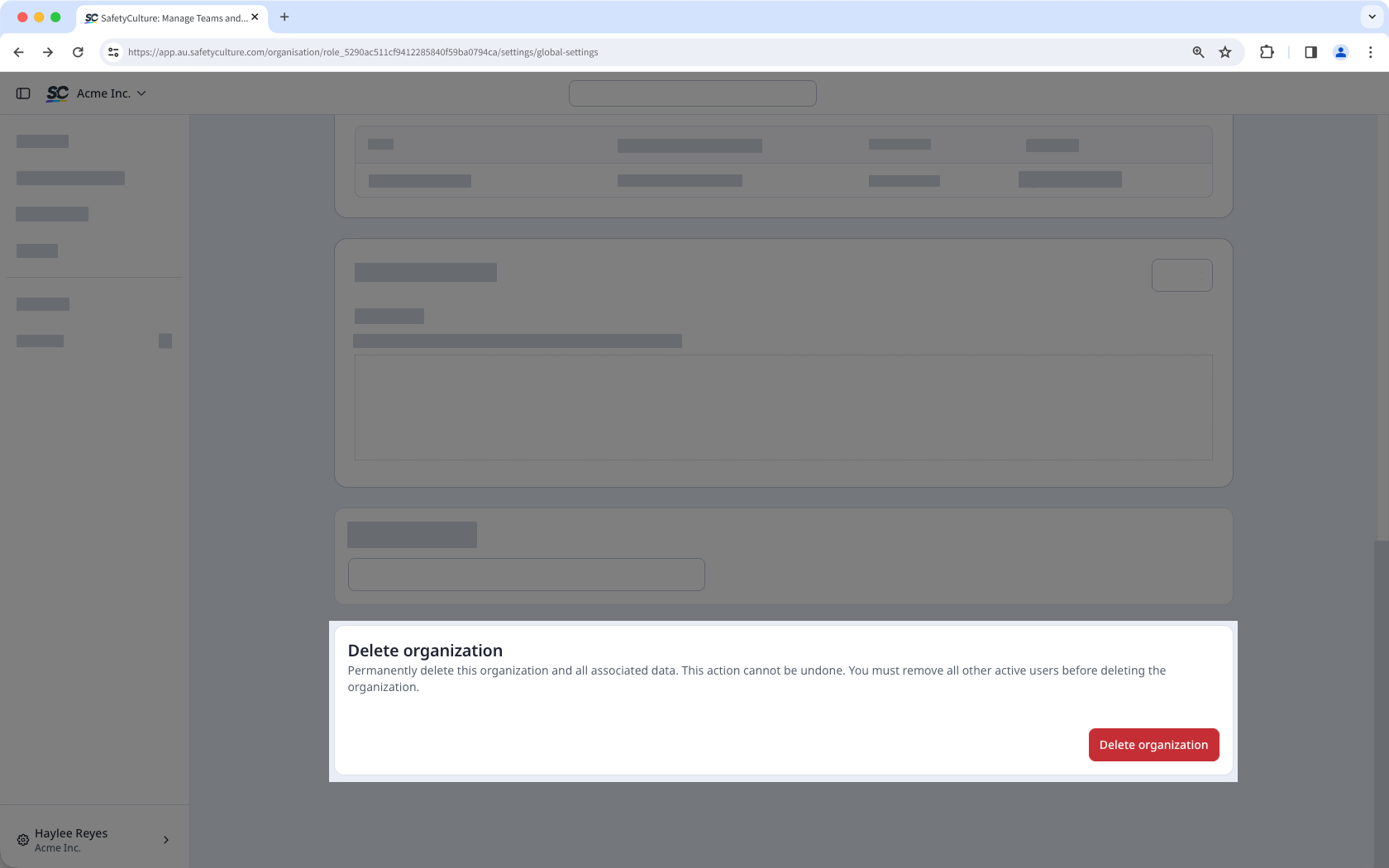
Scroll down to the "Delete organization" section and click Delete organization.
In the pop-up window, click Delete.
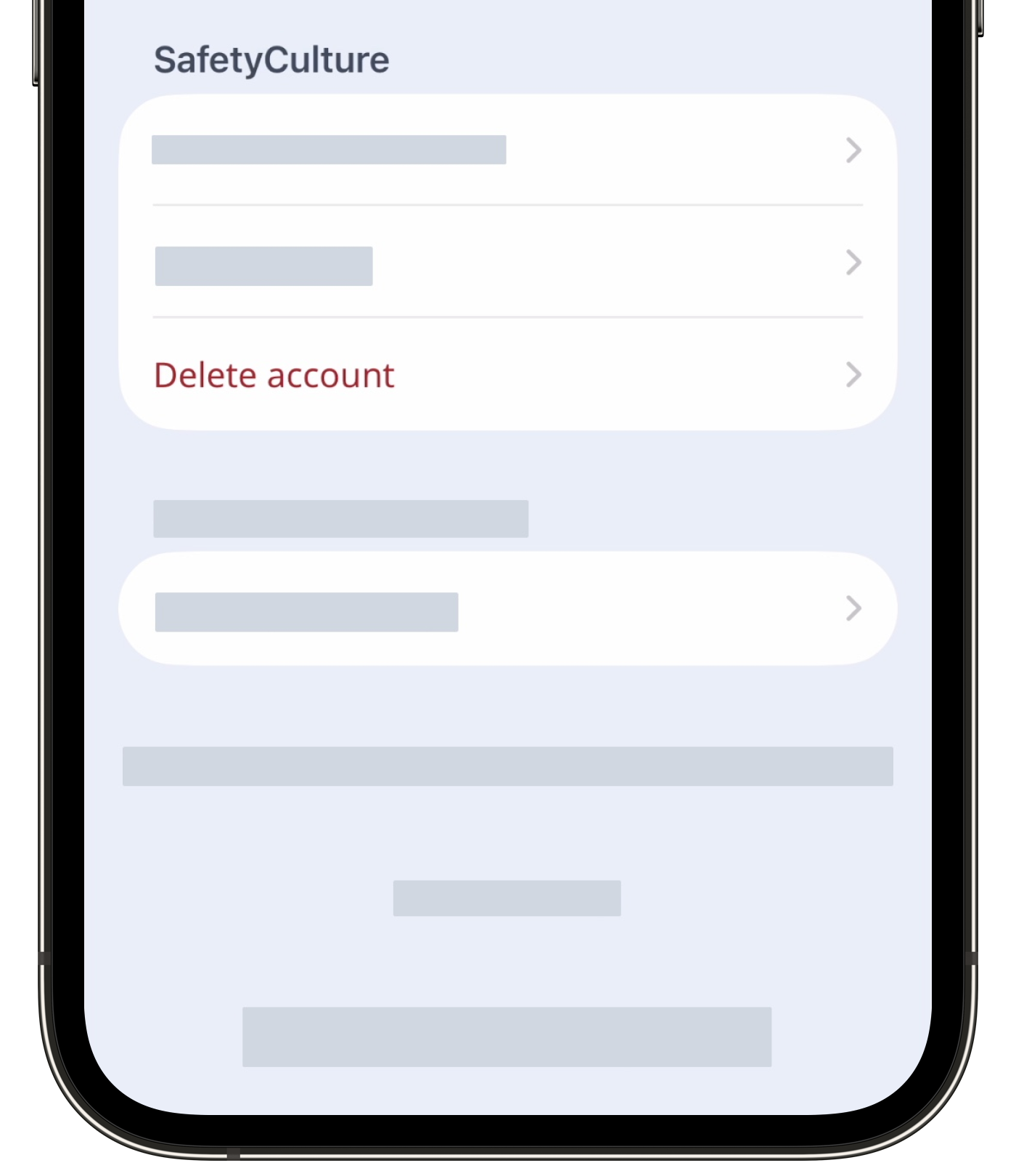
By requesting to have your SafetyCulture account deleted, you understand that all SafetyCulture data in your current organization will be permanently removed.


