
If you have "Heads Up: Manage" permission, you can manage, view acknowledgments, send reminders, and download all Heads Ups as CSV.
Edit a Heads Up
Select Heads Up in the sidebar or select it in More.
Click the Manage Heads Up tab on the top of the page.
Click on the Heads Up's right-hand side and select Edit.
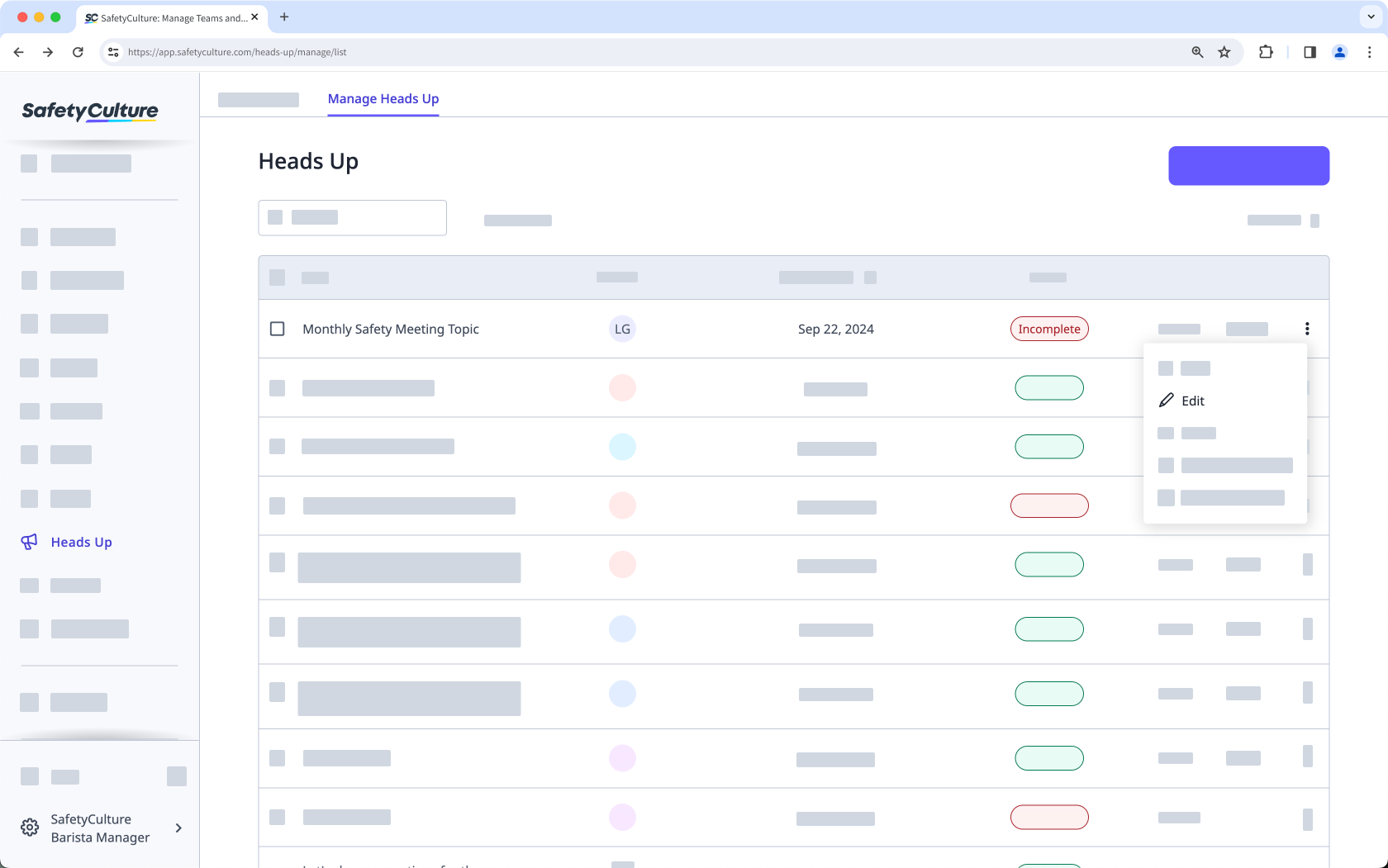
Edit the Heads Up accordingly.
Click Save on the lower-left of the page.
In the pop-up window, click Publish.
Limitations
You can only edit a Heads Up's media, description, and title within one hour of publishing. However, you can add or remove assignees at any time.


