
How does an account become locked?
As part of SafetyCulture's security measures, your account may be locked to prevent unauthorized access. This happens after 10 consecutive failed login attempts, which may indicate someone is trying to access the account without permission. You will then need to unlock your account to access it again.
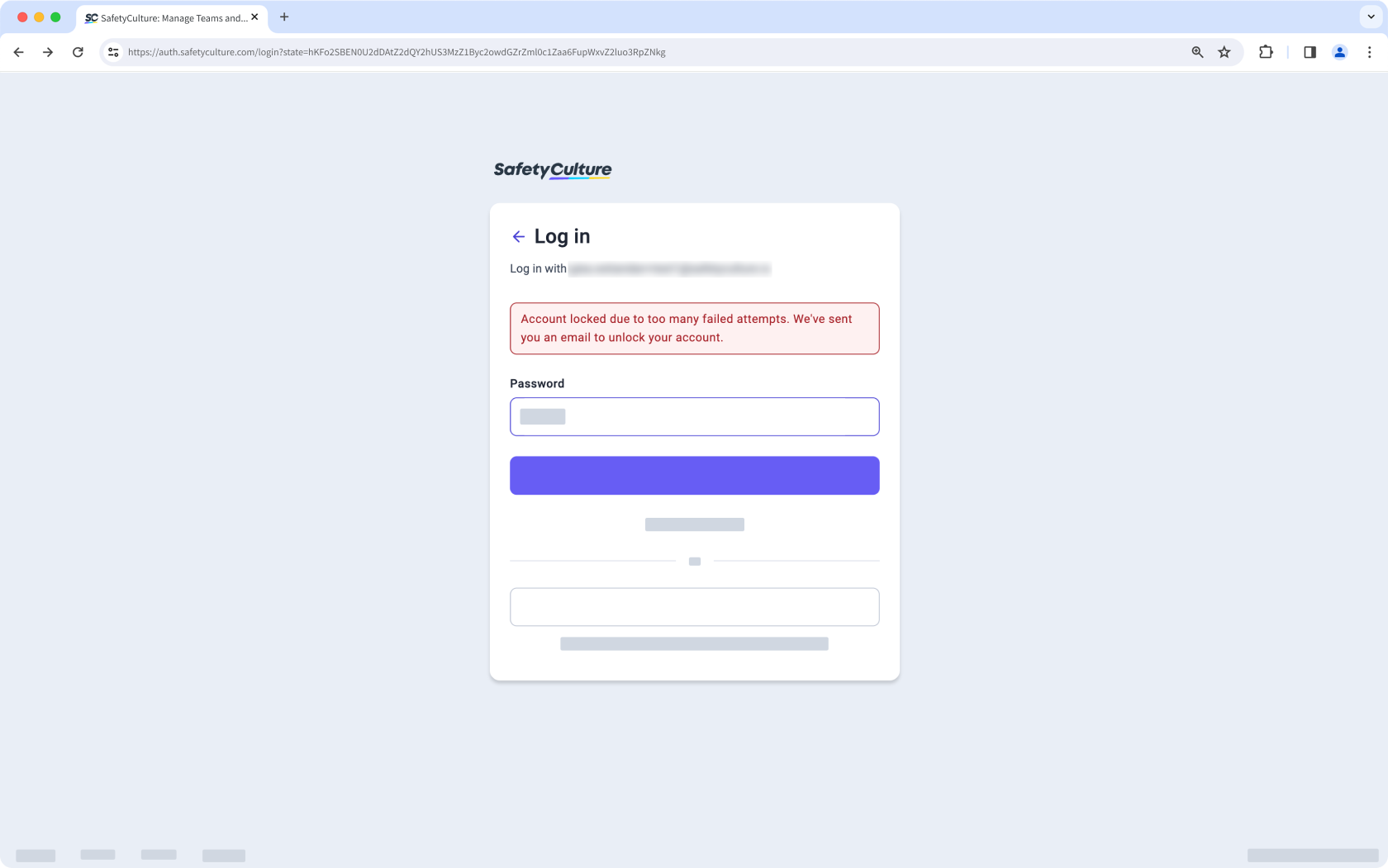
Your account becoming locked is different to your account being deactivated. If your account is deactivated, please contact your administrator for assistance with reactivating your account.
What you'll need
To unlock your account, access the email address linked to your SafetyCulture account. If you cannot access its inbox, please contact your administrator or our customer support team for further assistance. Please ensure your spam filter allows emails from support@safetyculture.io, which sends an account unlock email.
You can request a password reset via the web app and the mobile app if you've forgotten your password.
Unlock your account
When your account becomes locked, you'll receive an email titled "SafetyCulture Account Locked".
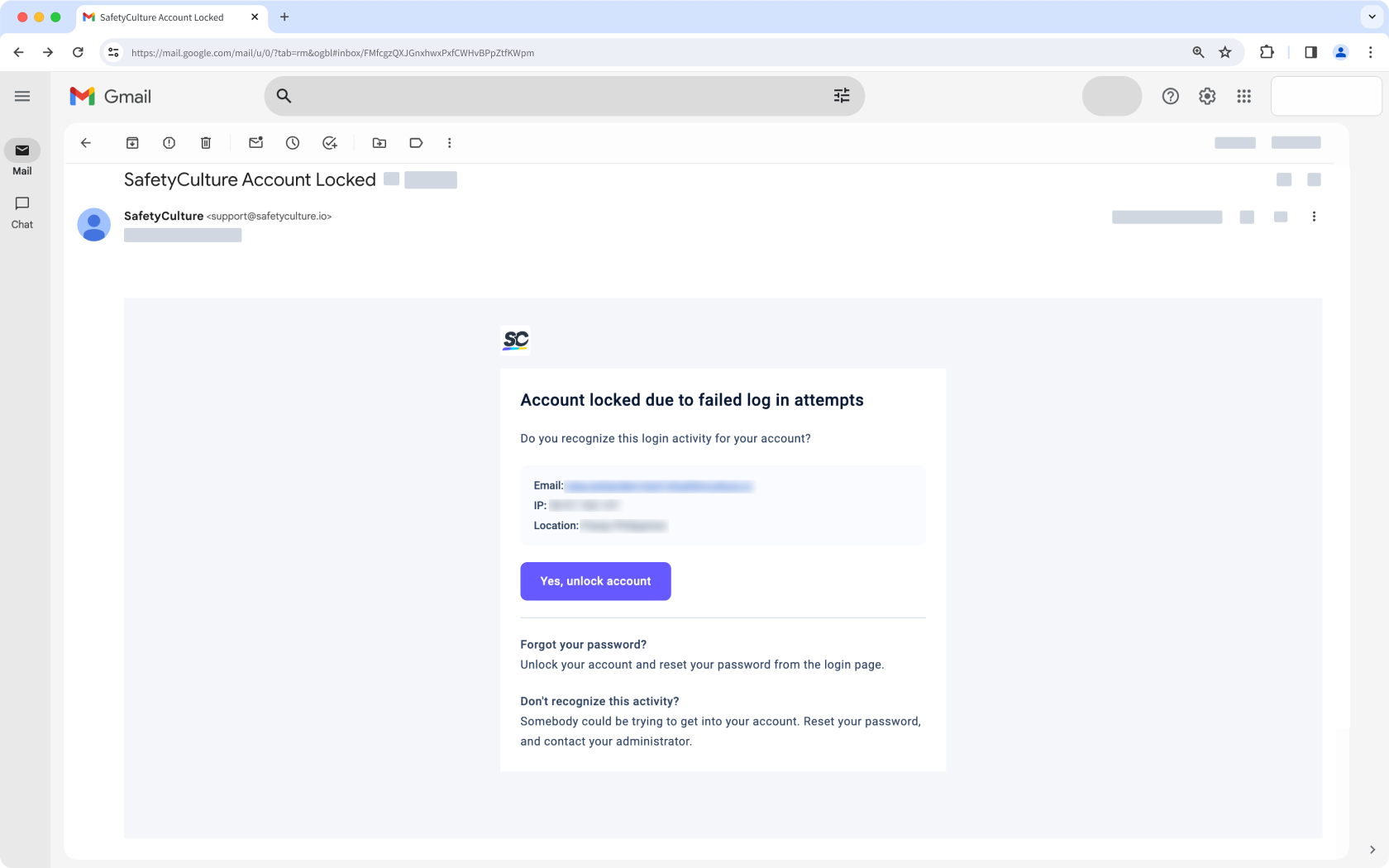
Click Yes, unlock account in the email to open a web page.
This takes you to the SafetyCulture Dashboard, or "Home" for mobile devices, indicating that your account is now unlocked.


