What you'll need
Published changes made to templates only apply to new inspections moving forward.
Turn a repeat section off
Select Templates in the sidebar or select it in More.
Click a template and select Edit template in the side panel.
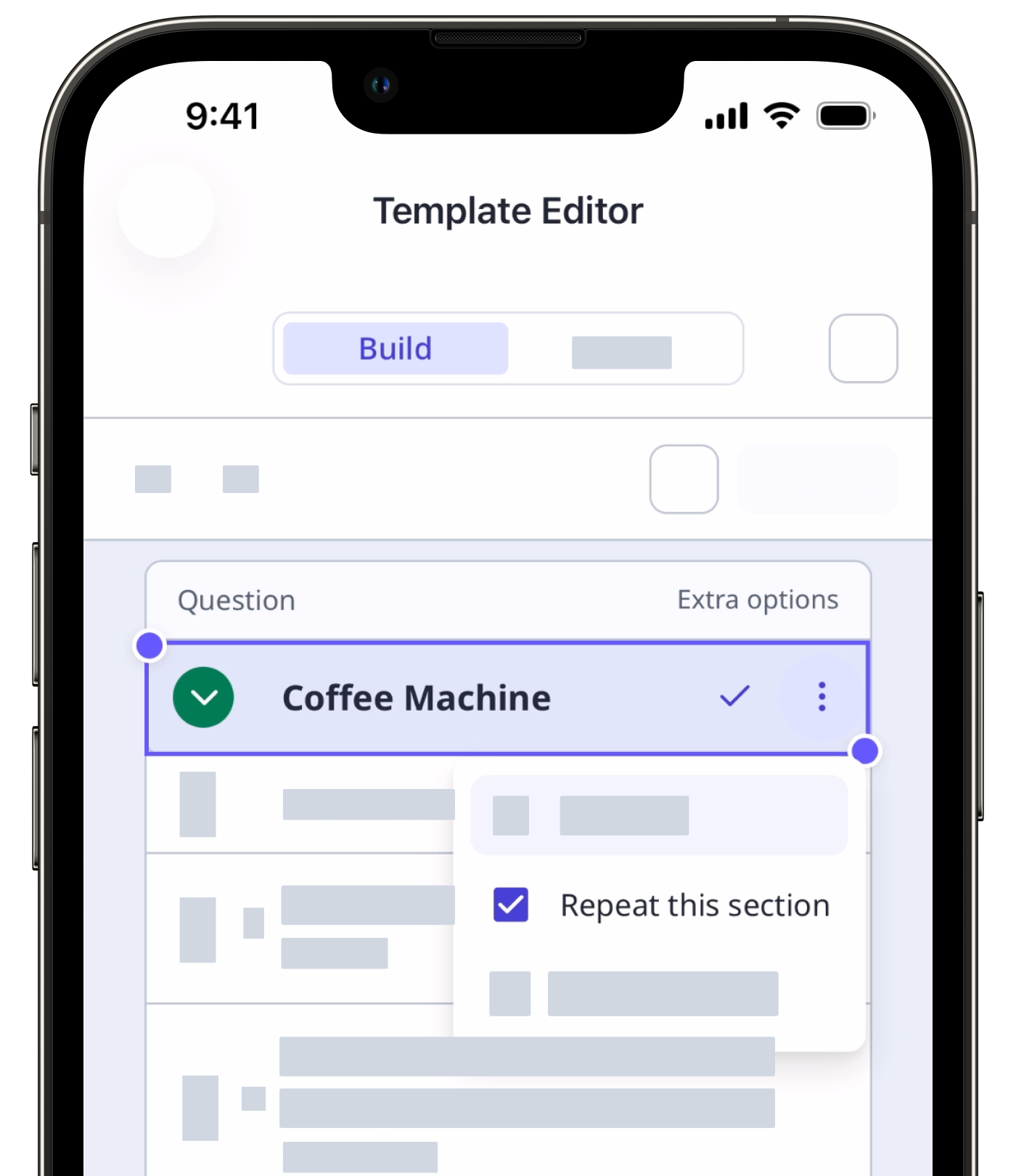
Select the repeat section.
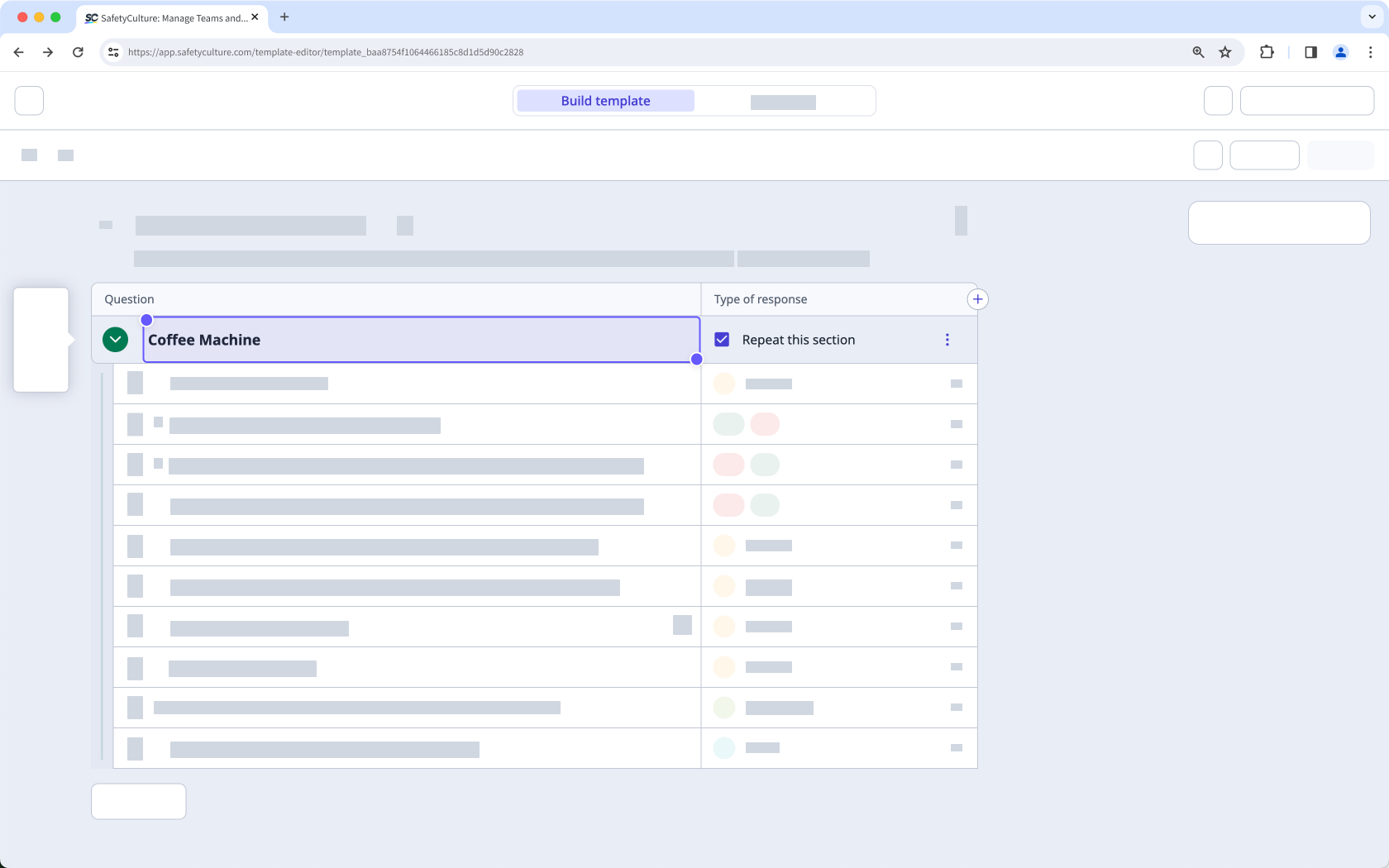
Uncheck the Repeat this section box on the section name's right-hand side.
Click Publish on the upper-right of the page to publish the template. If you're not ready to publish the template, you can go back to the templates list and come back when you're ready.