Why comment on Heads Ups?
Enabling comments on your Heads Ups creates opportunities for your audience to crystallize their understanding of your messages by asking questions and gaining knowledge from others. Commenting is an easy way for everyone involved to learn more in one central location, right from the Heads Up.
What you'll need
There's a limit of 2000 characters per comment on a Heads Up.
Comment on a Heads Up
Select Heads Up in the sidebar or select it in More.
Click the Heads Up.
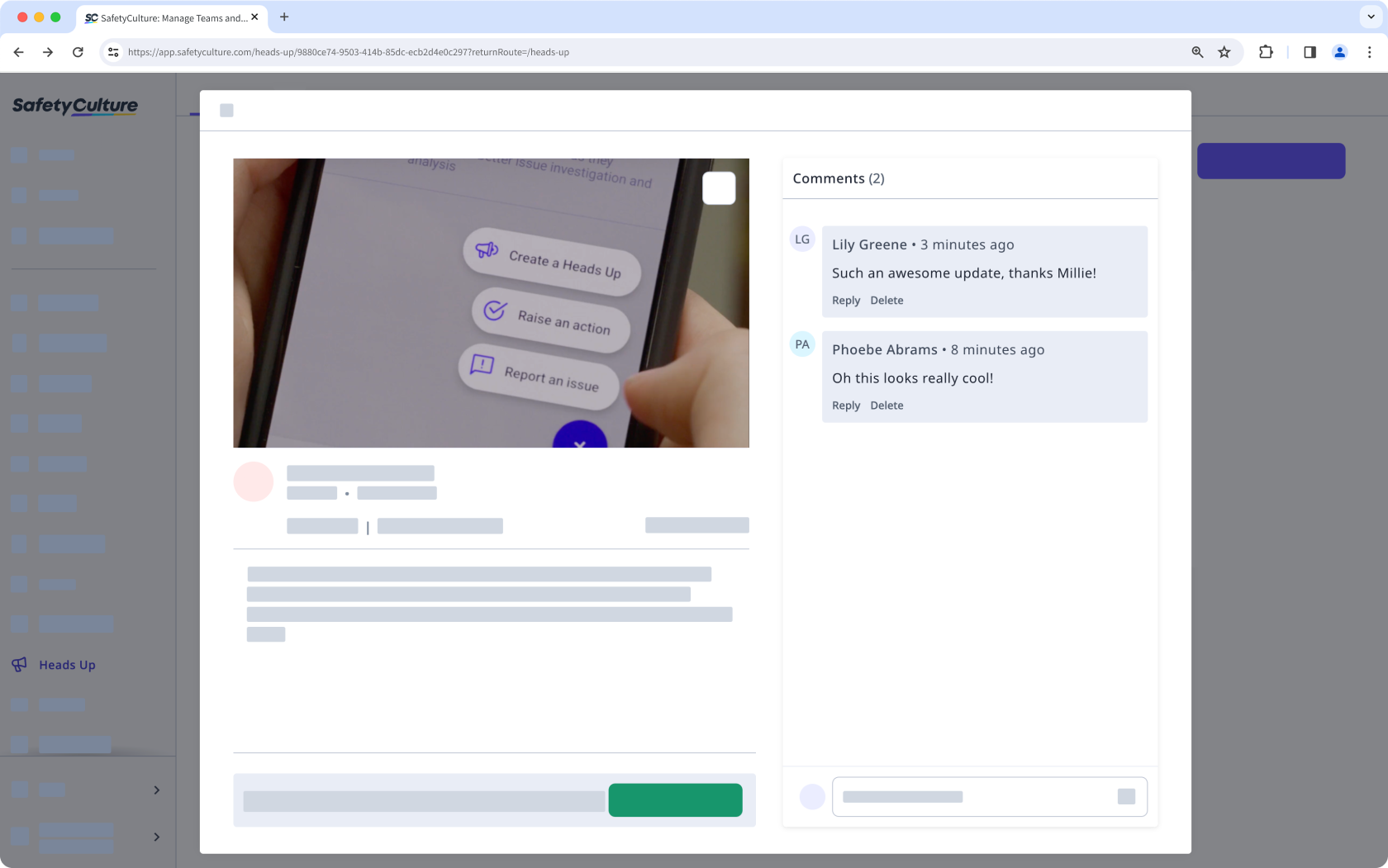
In the pop-up window, enter your comment on the lower-right or reply to an existing comment.
Press return or enter on your keyboard, or click .