
What you'll need
Published changes made to templates only apply to new inspections moving forward.
Deleting a template page also deletes all questions on that page.
Delete a template page
Select Templates in the sidebar or select it in More.
Click the template and select Edit template in the side panel.
Click on the upper-right corner of the inspection page, above the "Type of response" column.
Select Delete page.
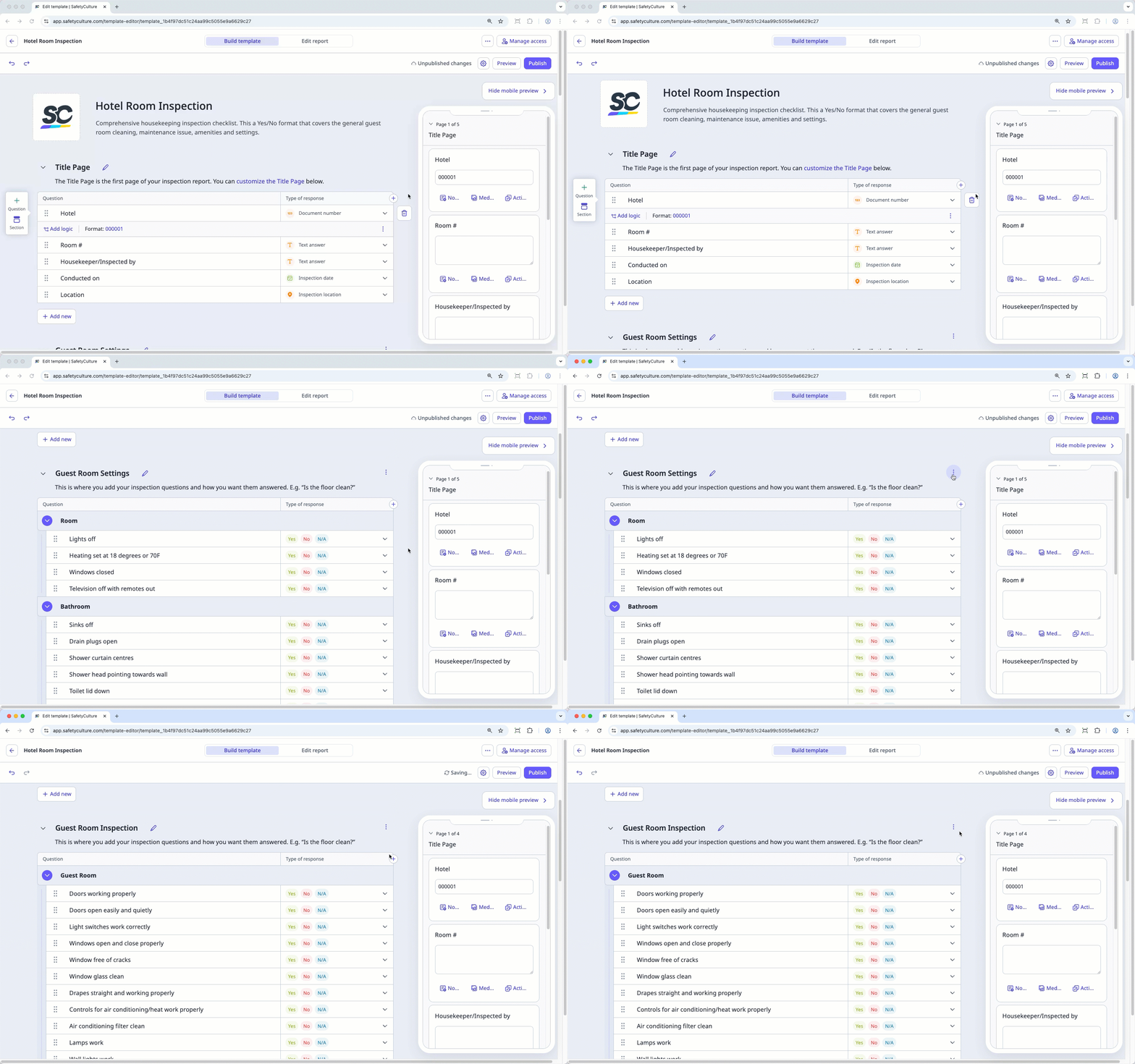
Click Publish on the upper-right of the page to publish the template. If you're not ready to publish the template, you can go back to the templates list and come back when you're ready.
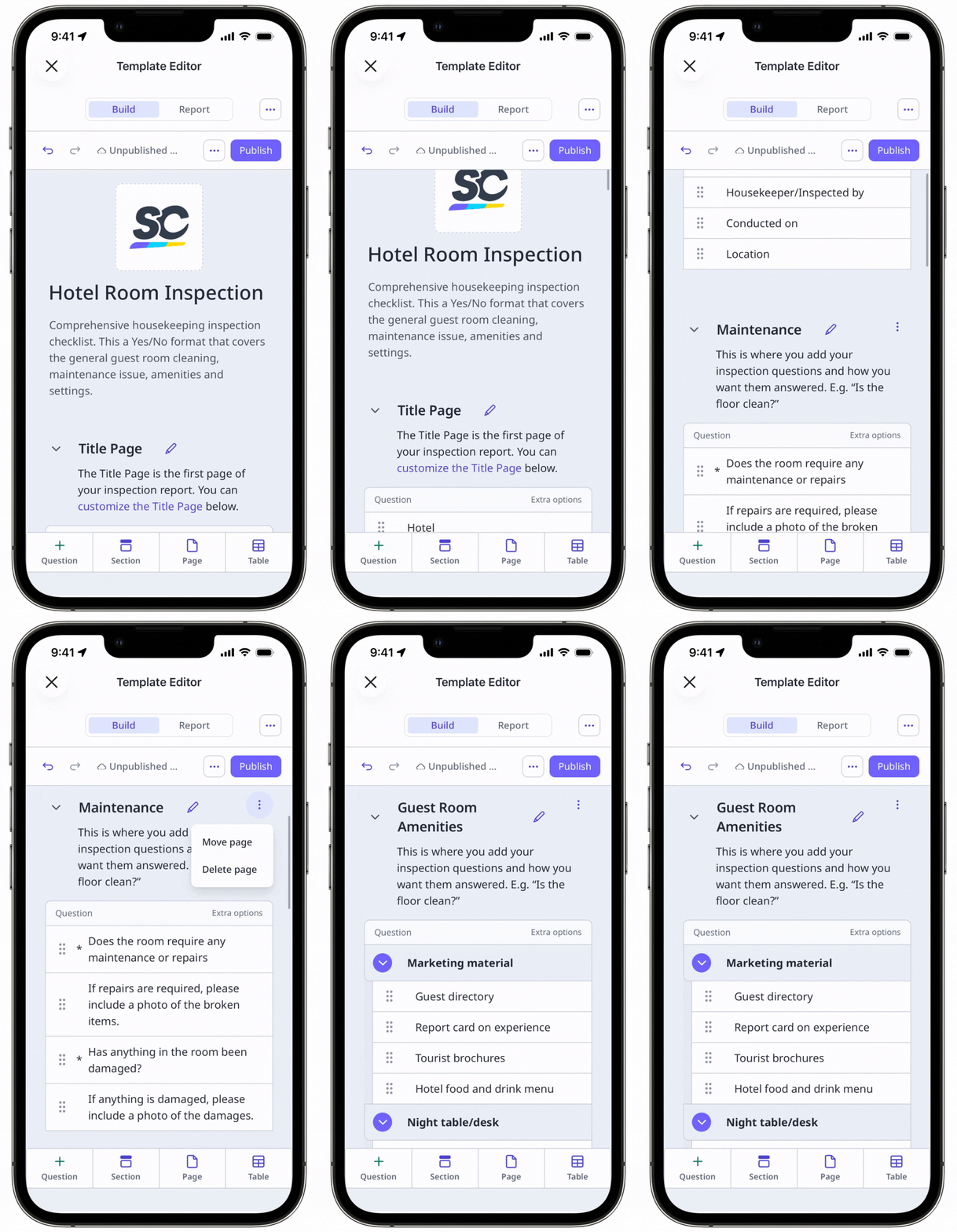
Template title pages can't be deleted.


