
What are template and inspection access levels?
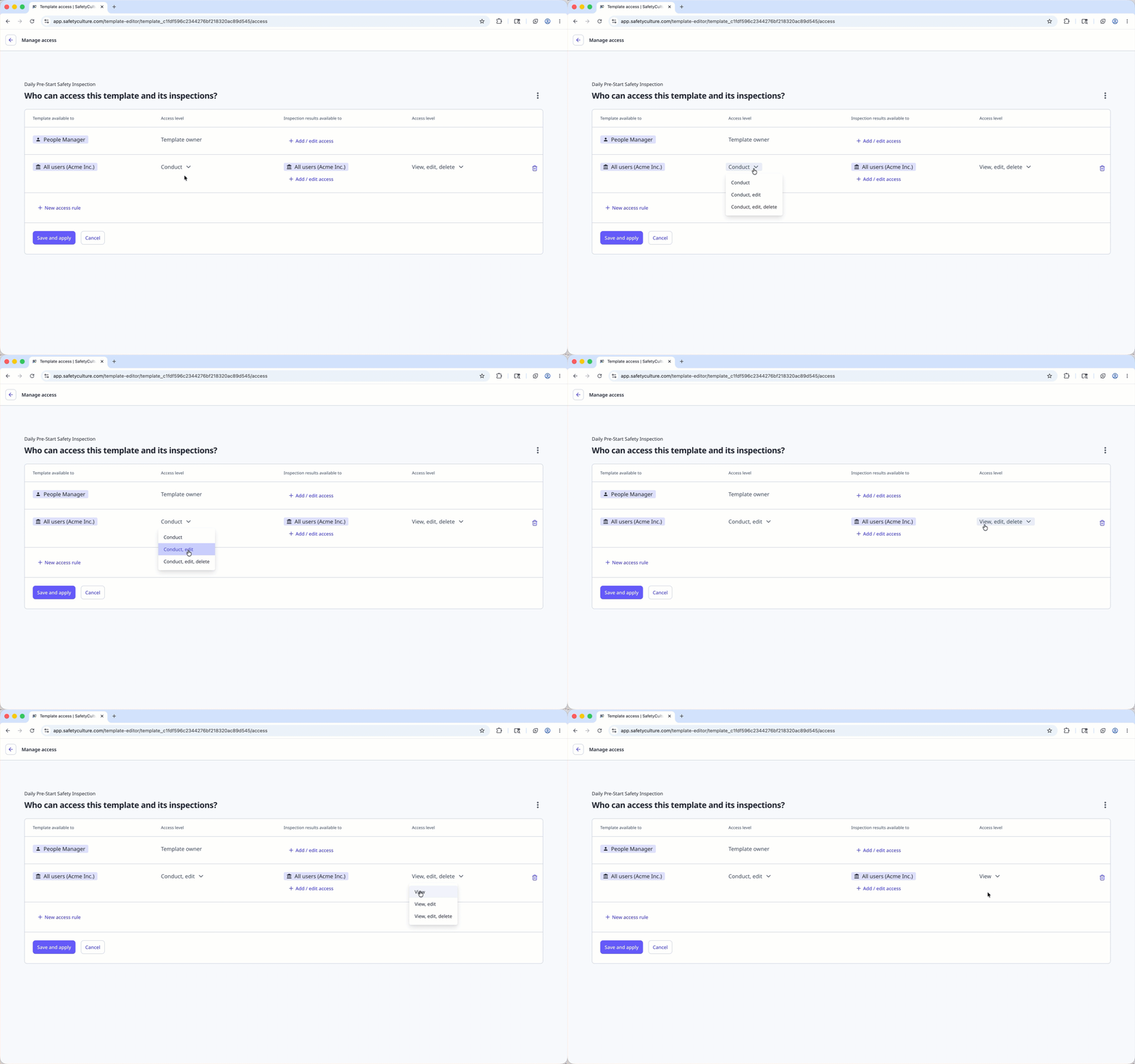
Access levels (opens in new tab) define what users can do with each template and inspection in SafetyCulture. Templates and inspections each have their own access levels, so you can decide who can conduct inspections using a template, and who can view or manage inspection results. This helps keep your team organized by ensuring everyone has the right level of access to do their work.
For example, an operations manager may edit and update safety inspection templates, while team members can only conduct inspections using those templates and view their own results. Access levels help keep your templates and inspections secure and prevent unwanted changes.
What you'll need
If you don't have access to any templates or inspections, ask another user in your organization to give you access.
Check my access levels for a template
Select Templates from the menu on the left hand-side.
Click the template.
In the side panel, if you see:
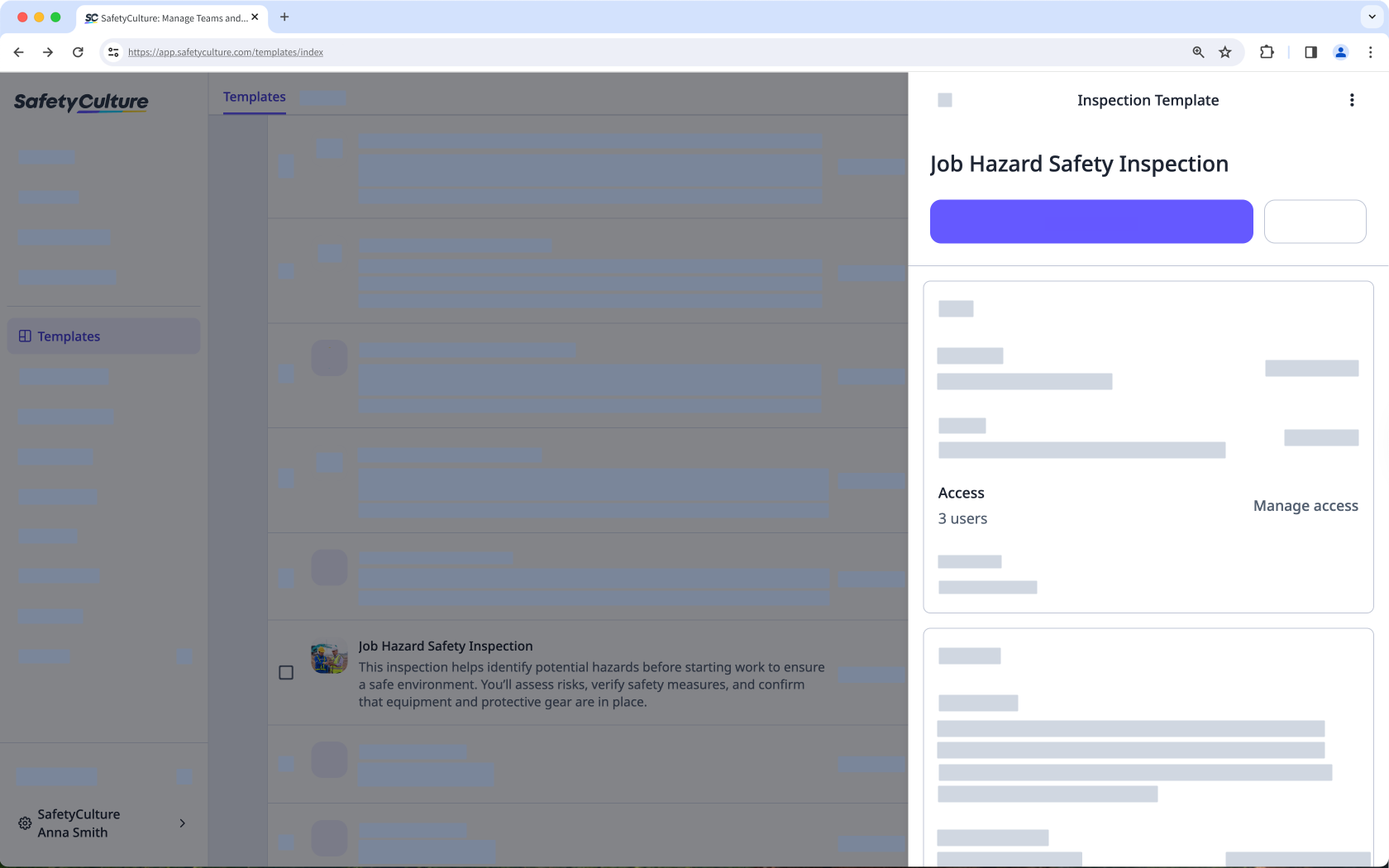
"Manage access" is greyed out, this means you have "Conduct" access.
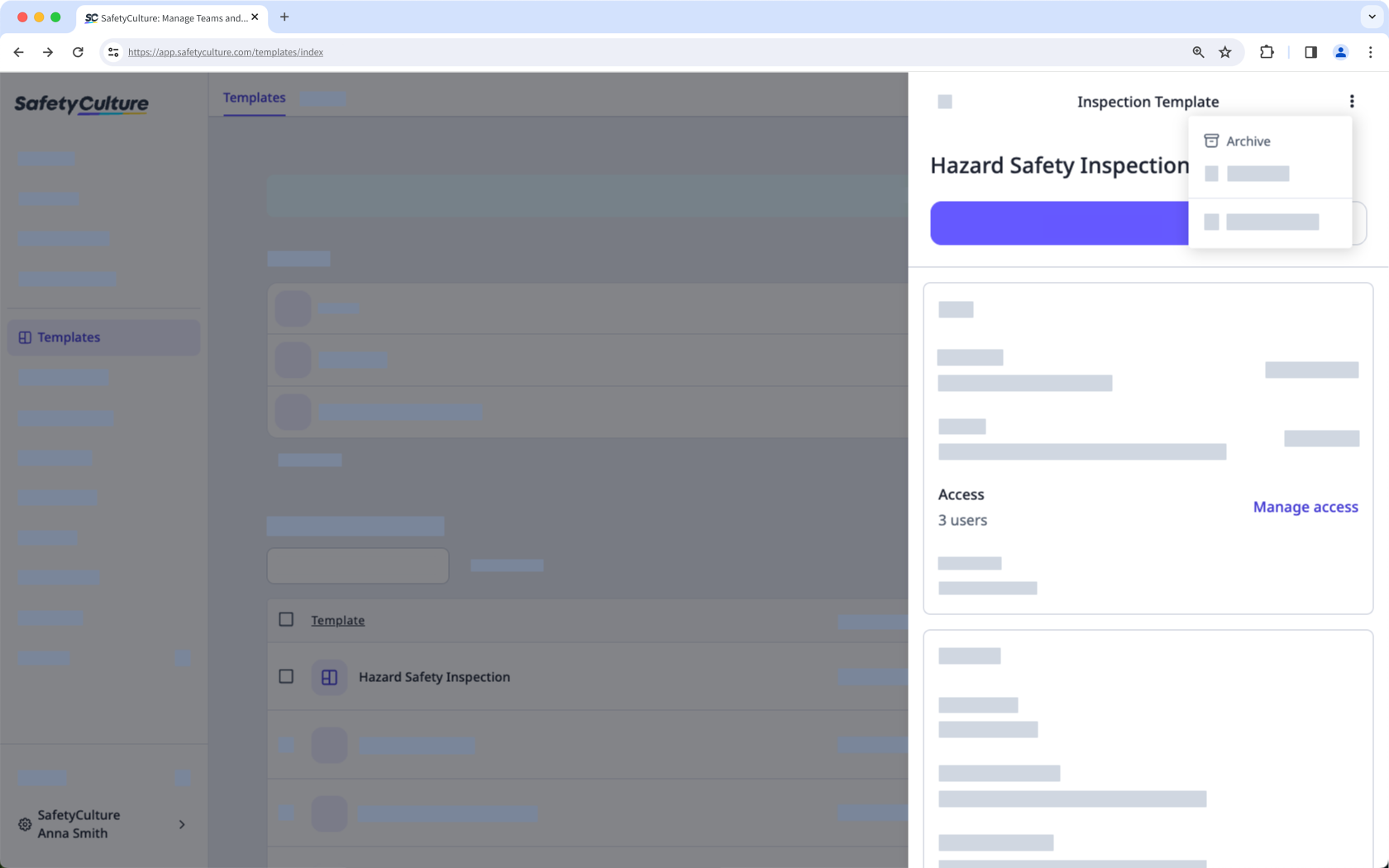
"Manage access" on the side panel and "Archive" is greyed out after clicking on the upper-right of the side panel, this means you have "conduct, edit" access.
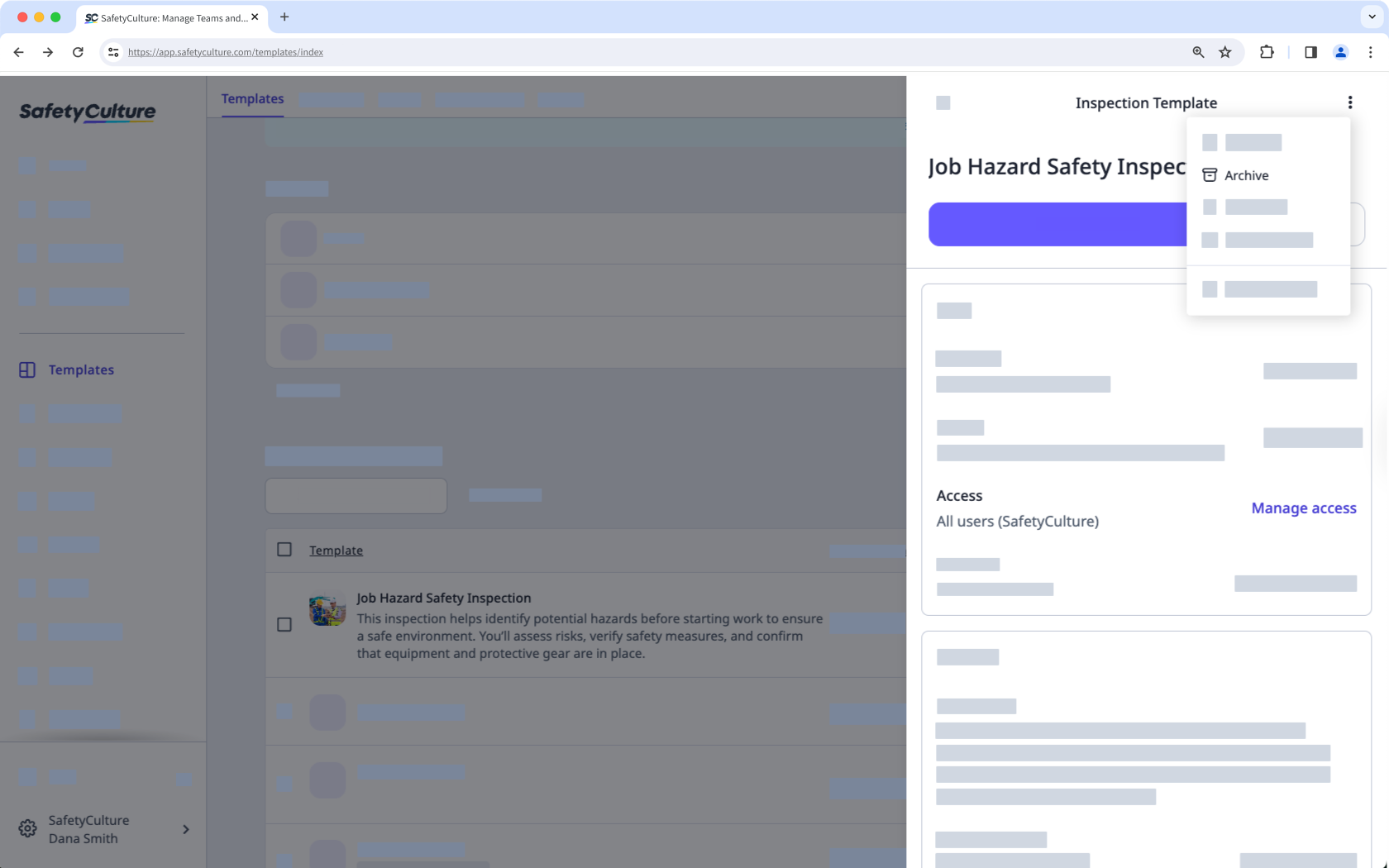
"Manage access" and "Archive" available to you after clicking on the upper-right of the side panel, this means you have "Conduct, edit, delete" access.
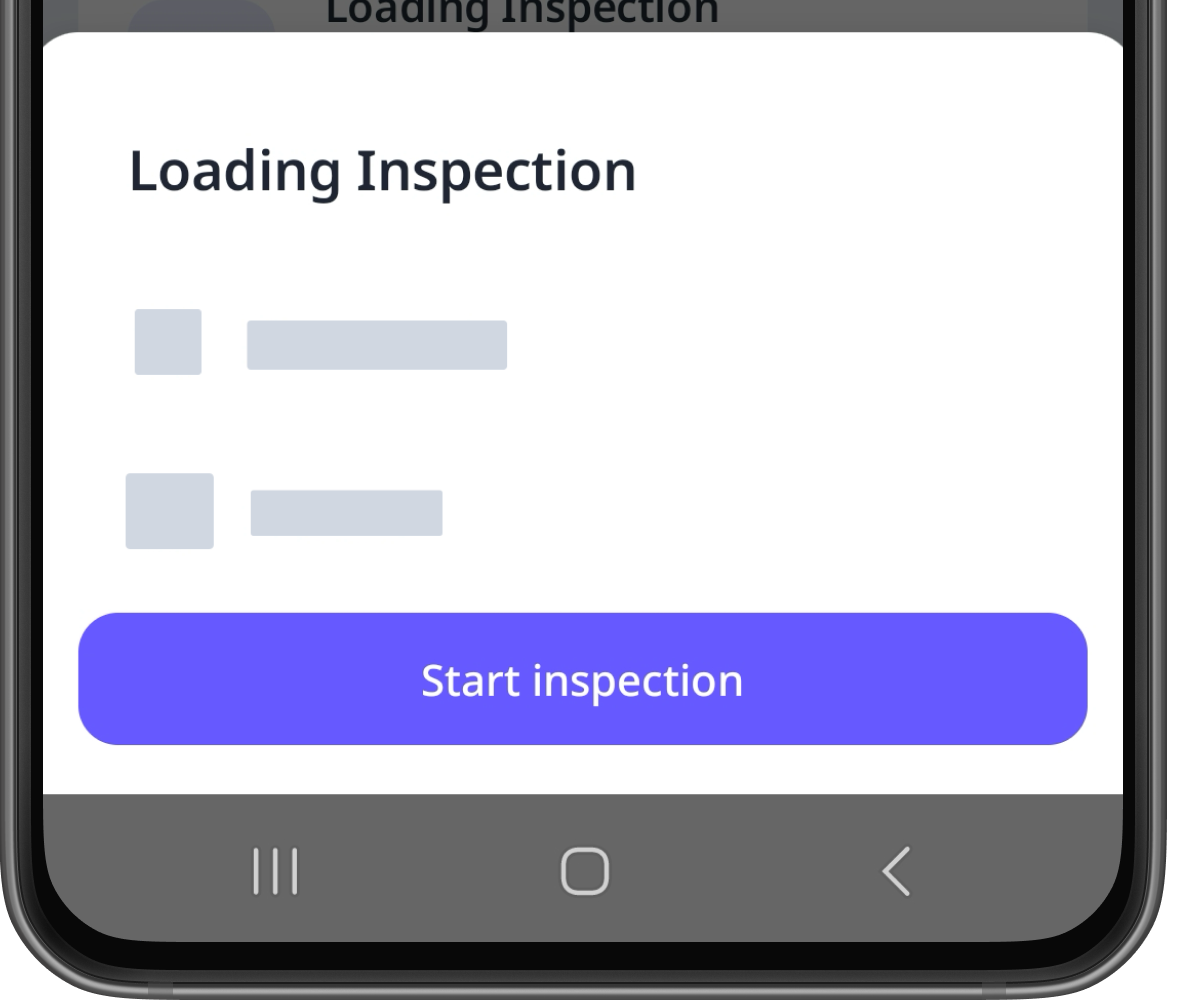
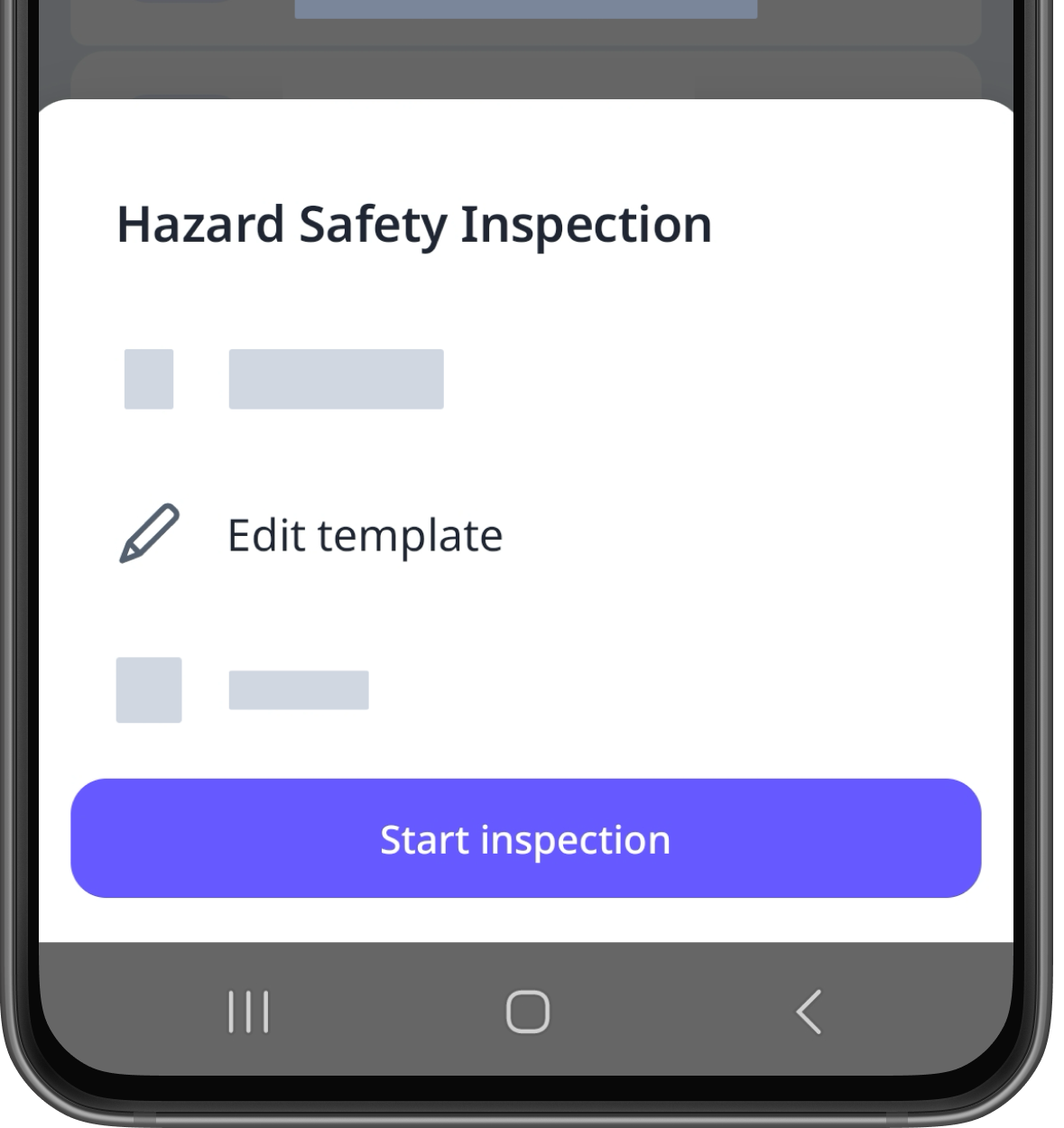
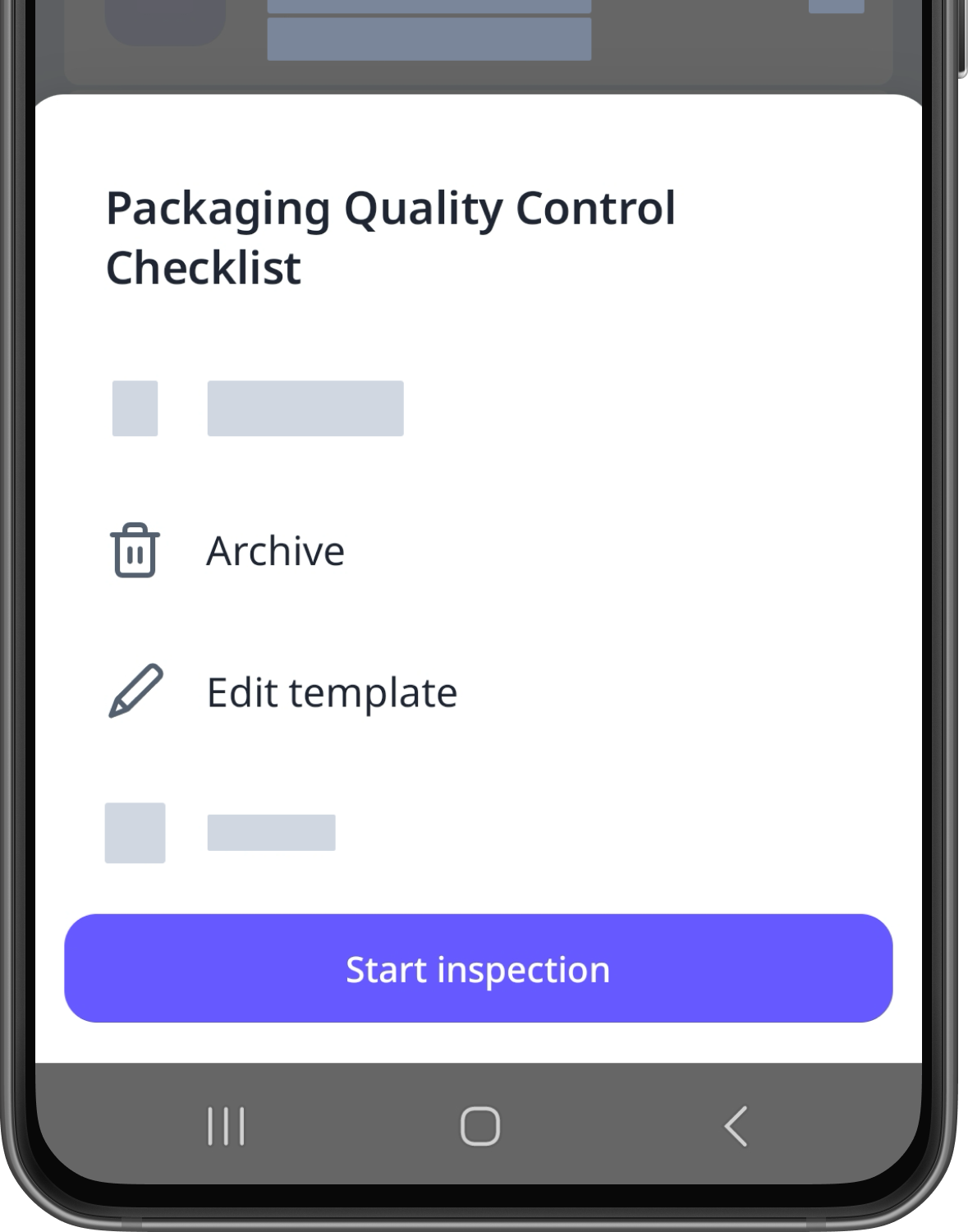
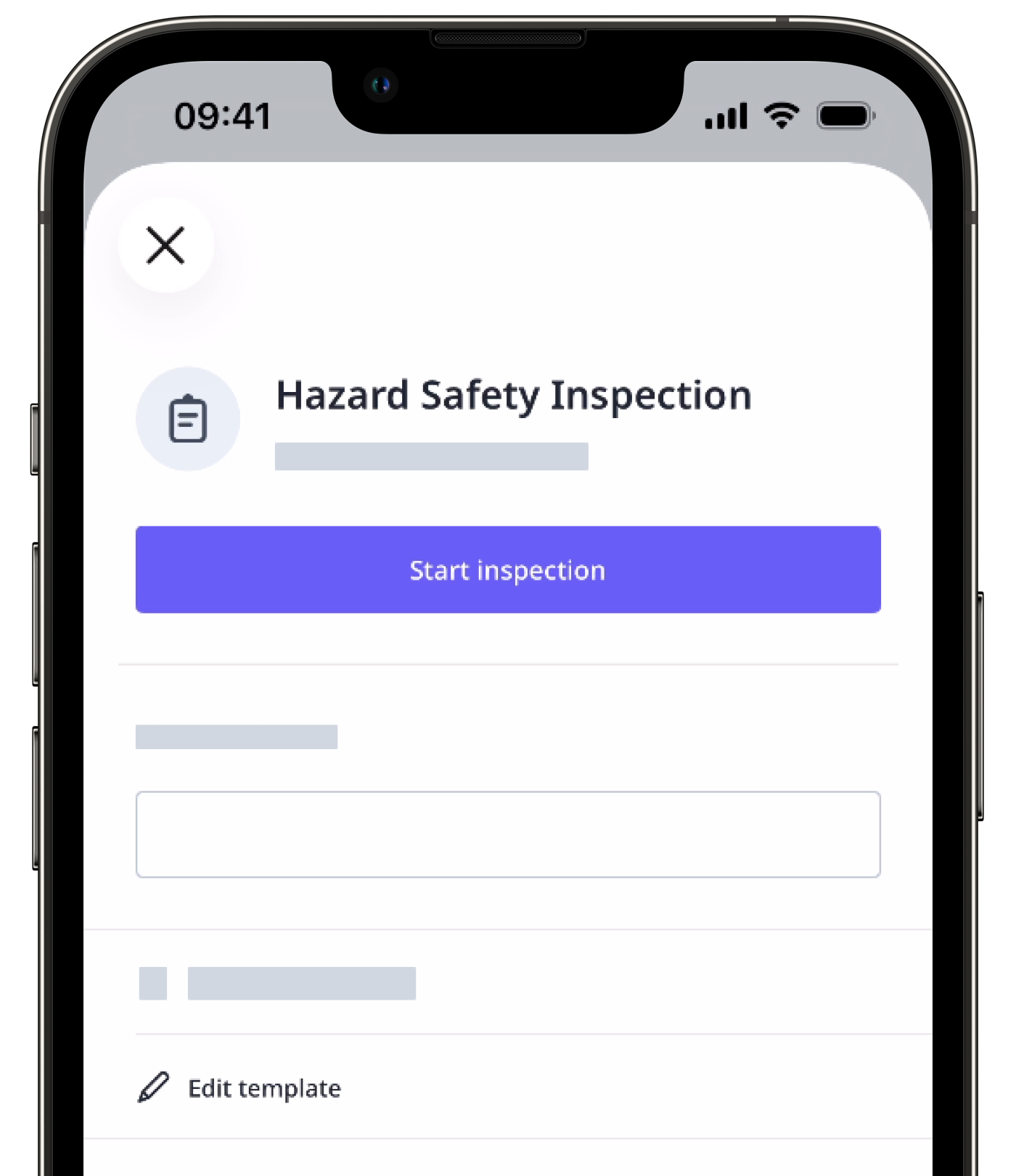
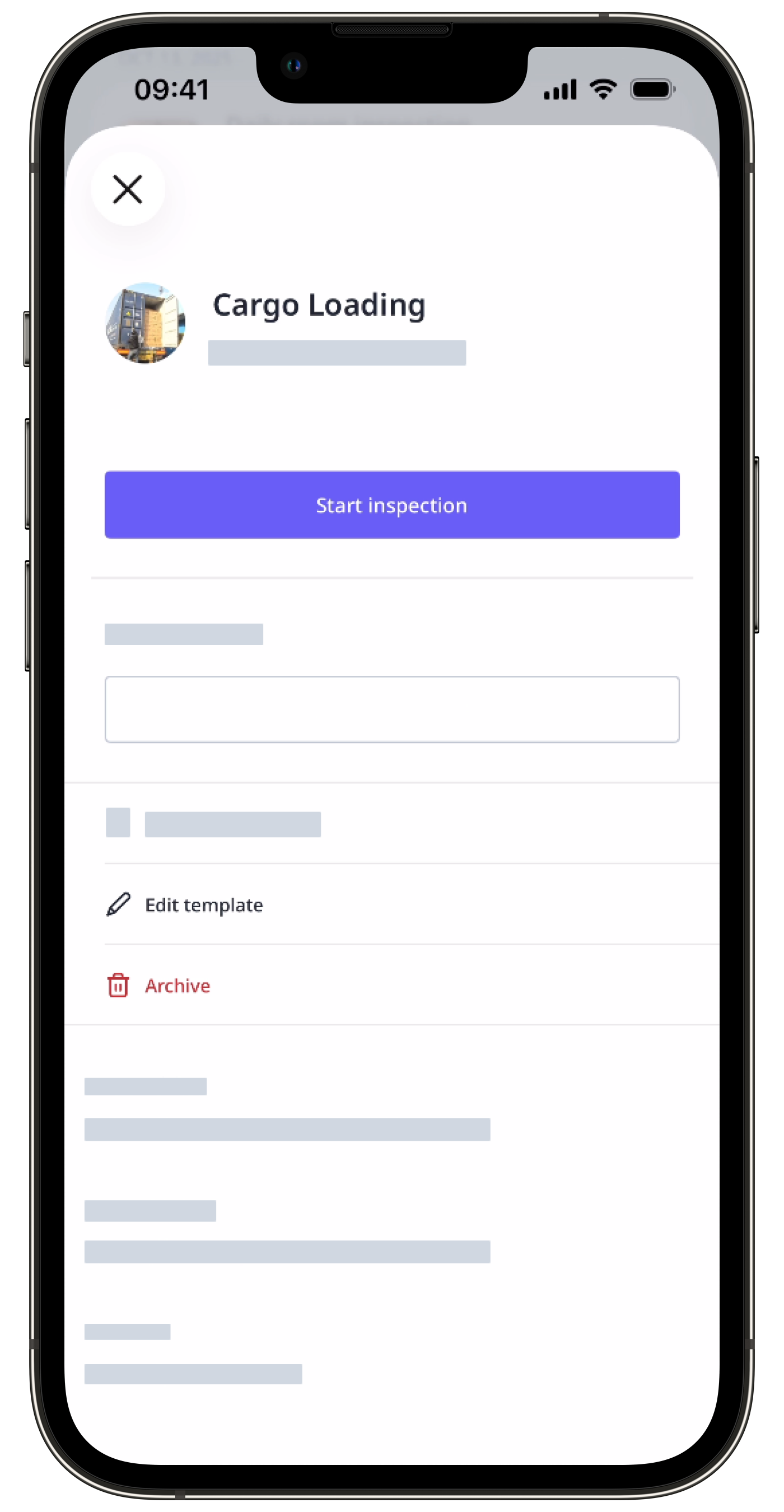
If you have the “Override permissions: Manage all data” permission, you can edit, archive, delete, and manage access for all templates in your organization, regardless of access settings.


