What are template and inspection access levels?
Access levels (opens in new tab) define what users can do with each template and inspection in SafetyCulture. Templates and inspections each have their own access levels, so you can decide who can conduct inspections using a template, and who can view or manage inspection results. This helps keep your team organized by ensuring everyone has the right level of access to do their work.
For example, an operations manager may edit and update safety inspection templates, while team members can only conduct inspections using those templates and view their own results. Access levels help keep your templates and inspections secure and prevent unwanted changes.
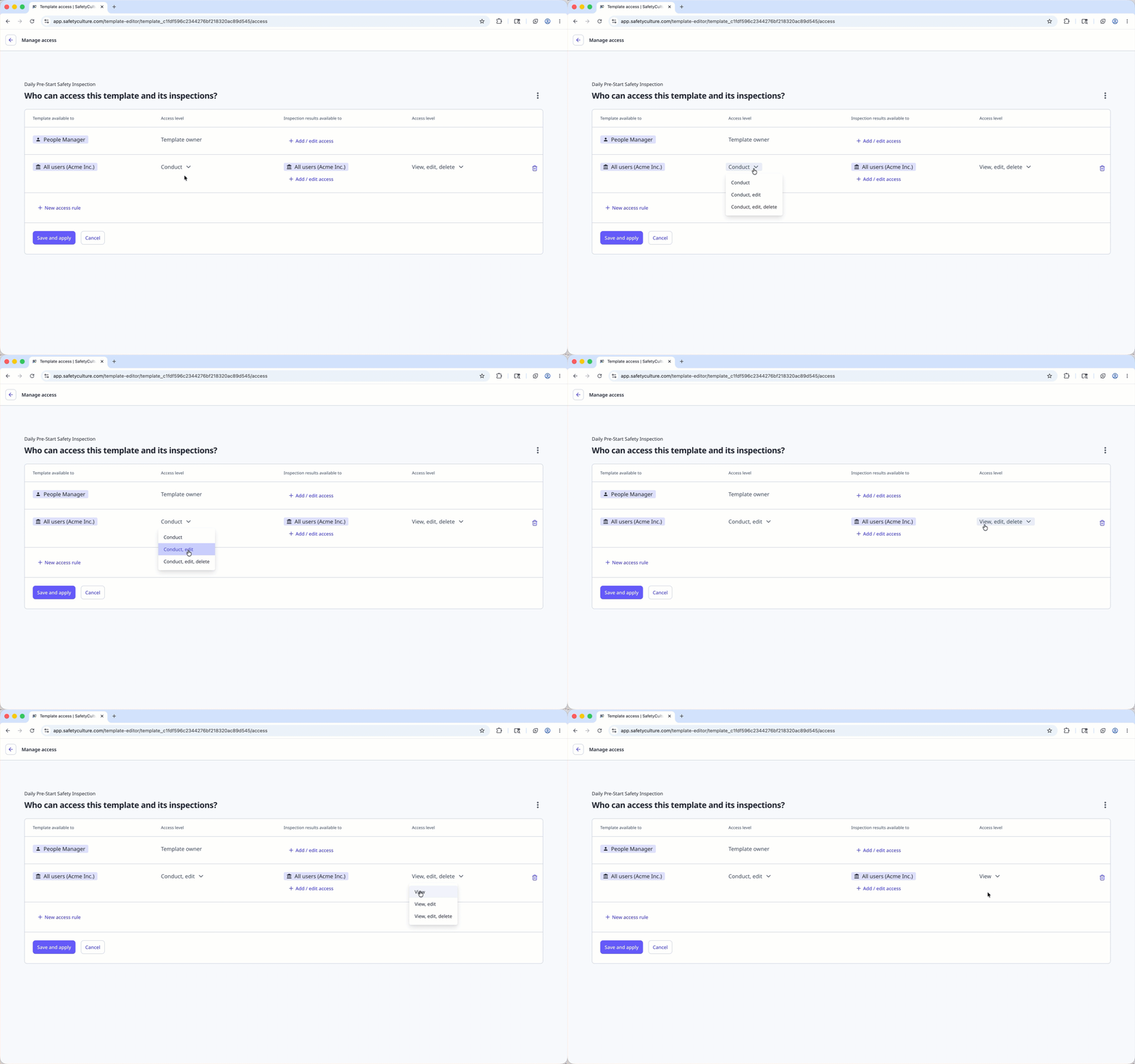
What you'll need
Template and inspection access levels
Access rules allow you to determine who gets given inspection results automatically. If required, you can still give individual inspection access to groups and users.
We recommend that you read our guide on the four key questions to consider when it comes to template and inspection access.
Template
Conduct: Allows users to use the template to conduct new inspections.
Conduct, edit: Allows users to use the template to conduct new inspections, edit its content, and manage access rules.
Conduct, edit, delete: Allows users to use the template to conduct new inspections, edit its content and access rules, as well as archive and delete it. This access level can only be given by users who already have it.
Inspection
View: Allows users to view (read-only) the inspection report.
View, edit: Allows users to view the inspection report, edit its content, and manage access.
View, edit, delete: Allows users to view the inspection report, edit its content and manage access, as well as archive and delete it. This access level can only be given by users who already have it.
If you don't have access to any templates or inspections, ask another user in your organization to give you access.
Check my access level for an inspection
Select Inspections in the sidebar or select it in More.
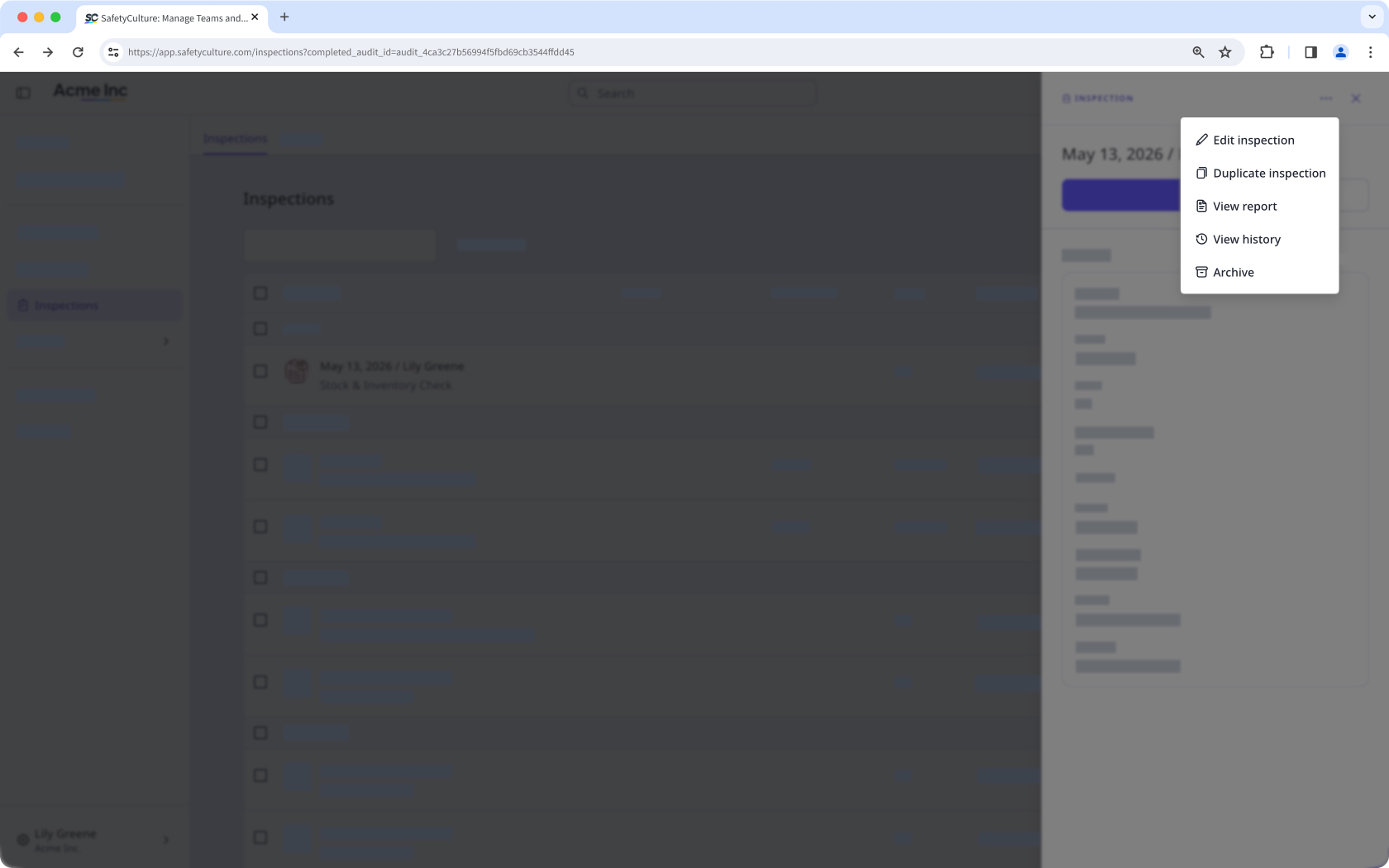
Click the inspection and click in the side panel. If you see:
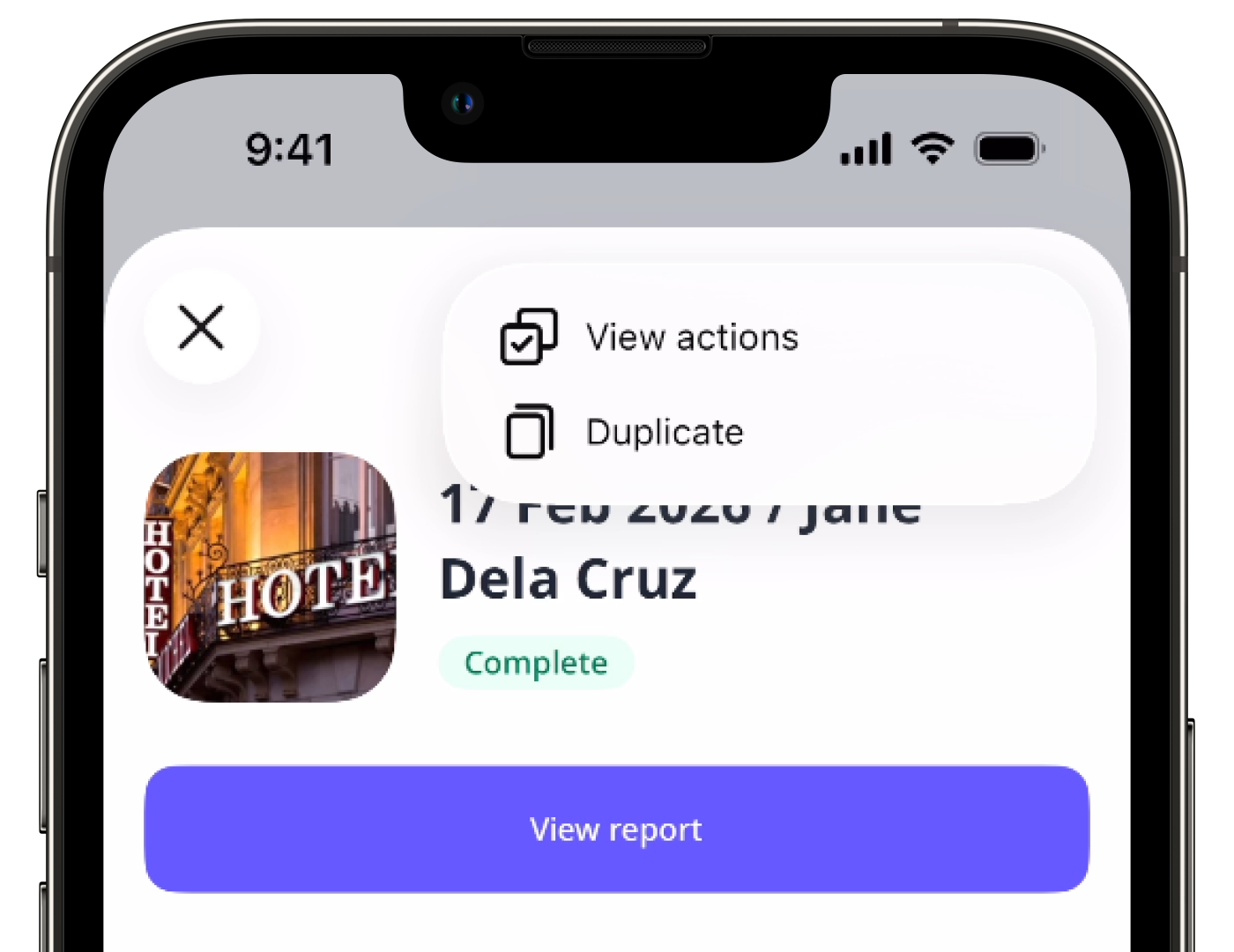
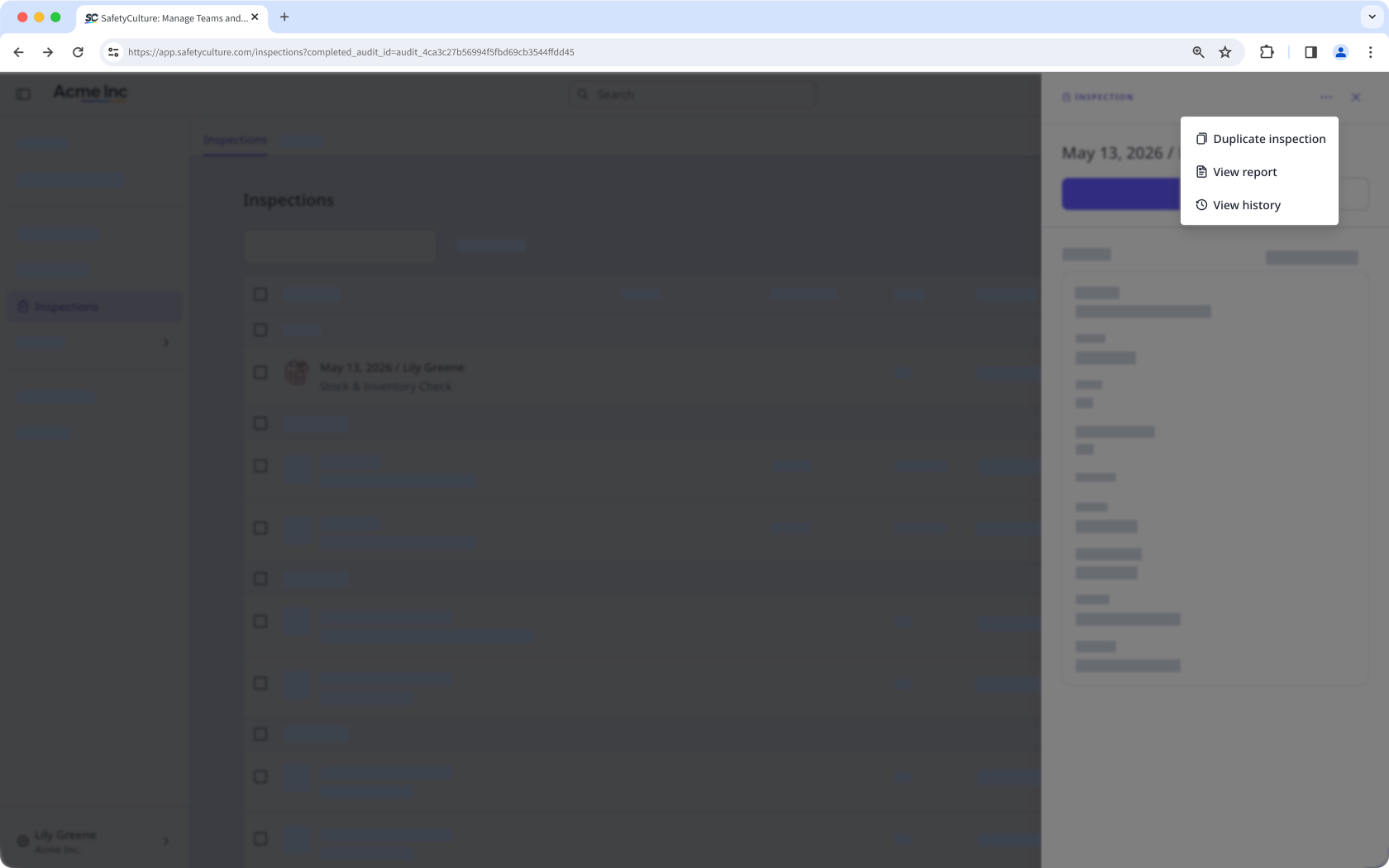
Duplicate inspection, View report, and View history, but don't see Edit inspection this means you have "View" (read-only) access.
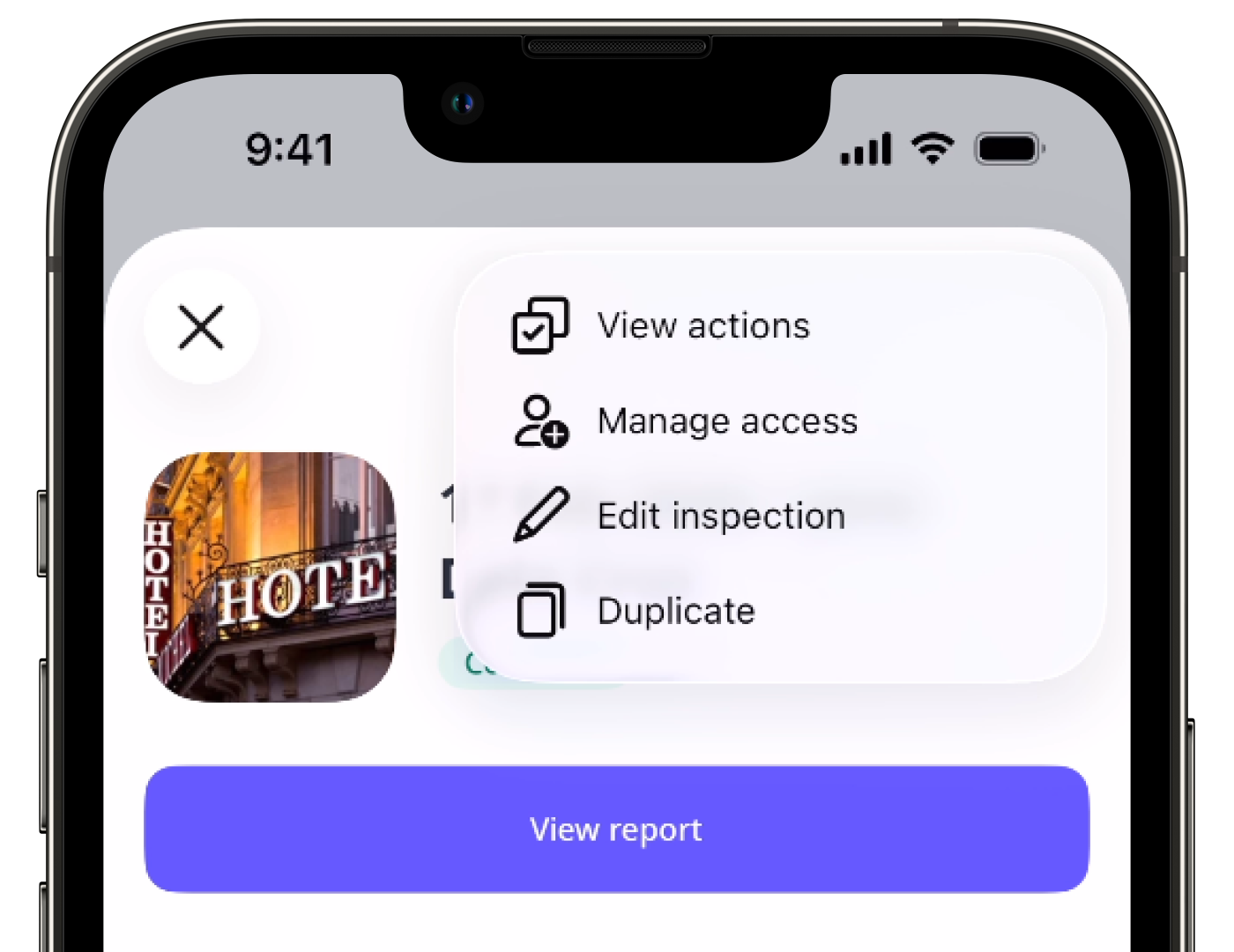
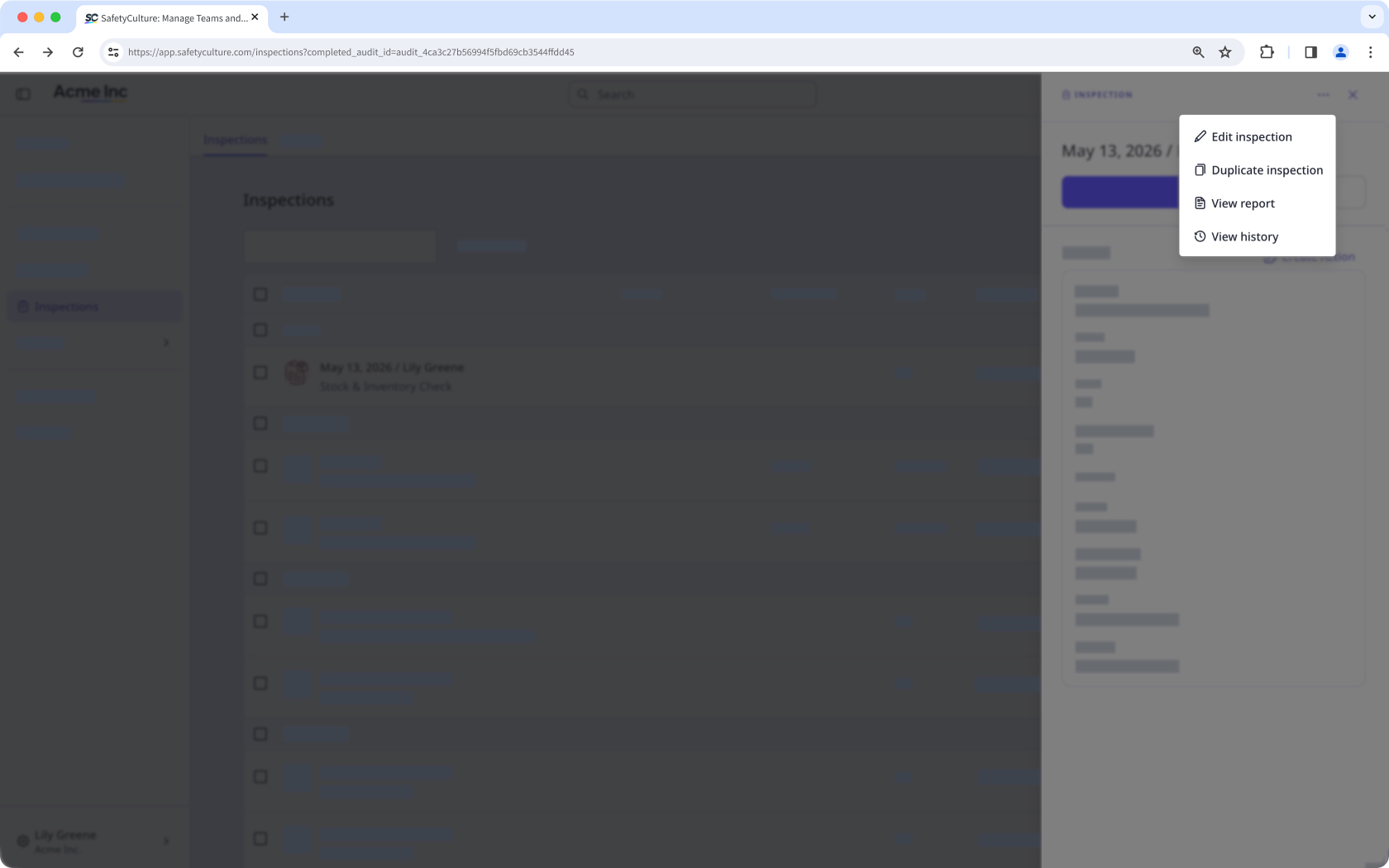
Edit inspection, but don't see Archive, this means you have "View, edit" access.
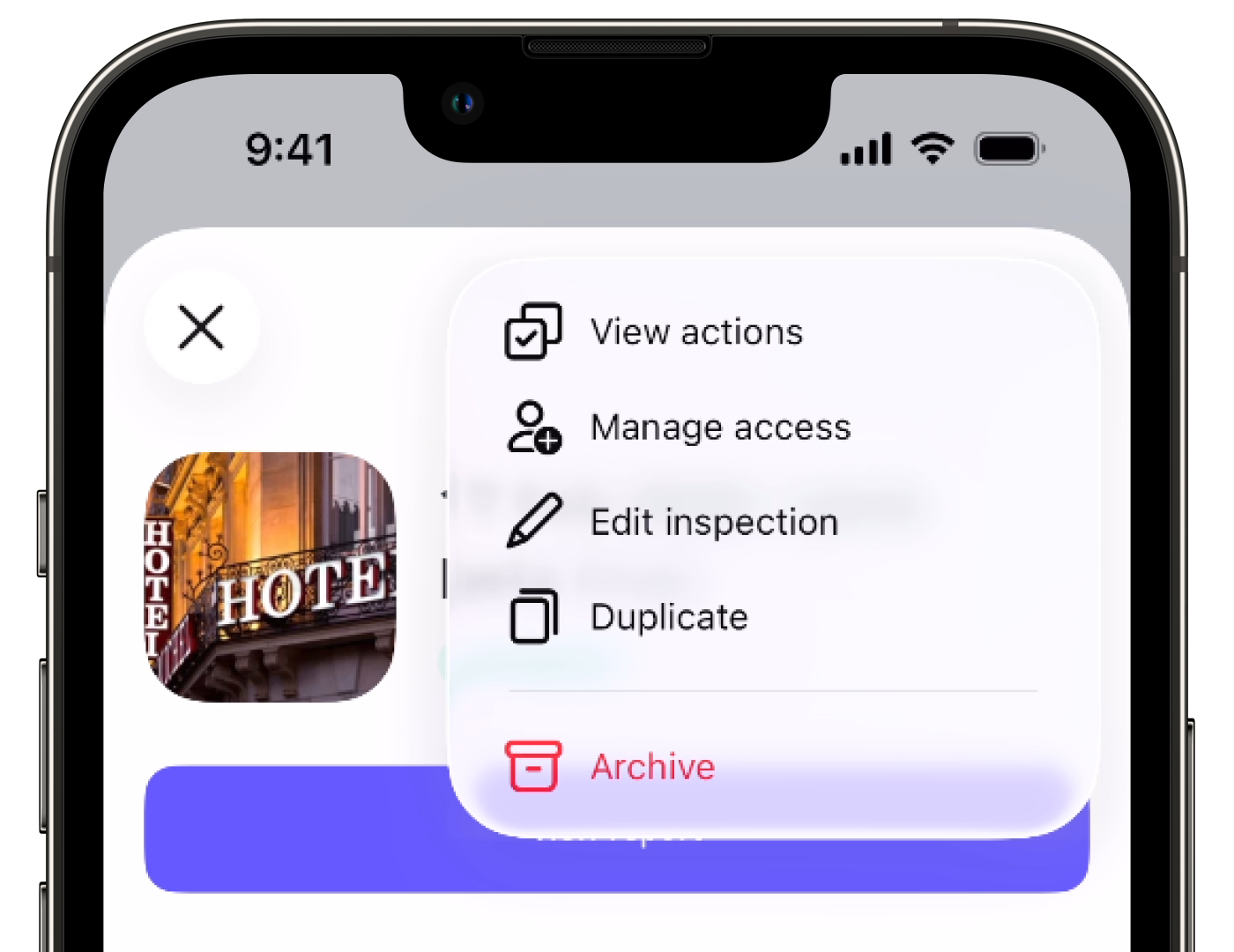
Archive, this means you have "View, edit, delete" access.