
If you have "Platform management: Users" permission, you can also change account emails for your users.
What you'll need
If you're in multiple organizations, please contact our customer support team for assistance in changing your account email.
Change your email
Click your username on the lower-left corner of the page and select My profile.
Click Settings on the upper-right of the page.
Click Edit in the "Details" section.
Update the "Email" field accordingly.
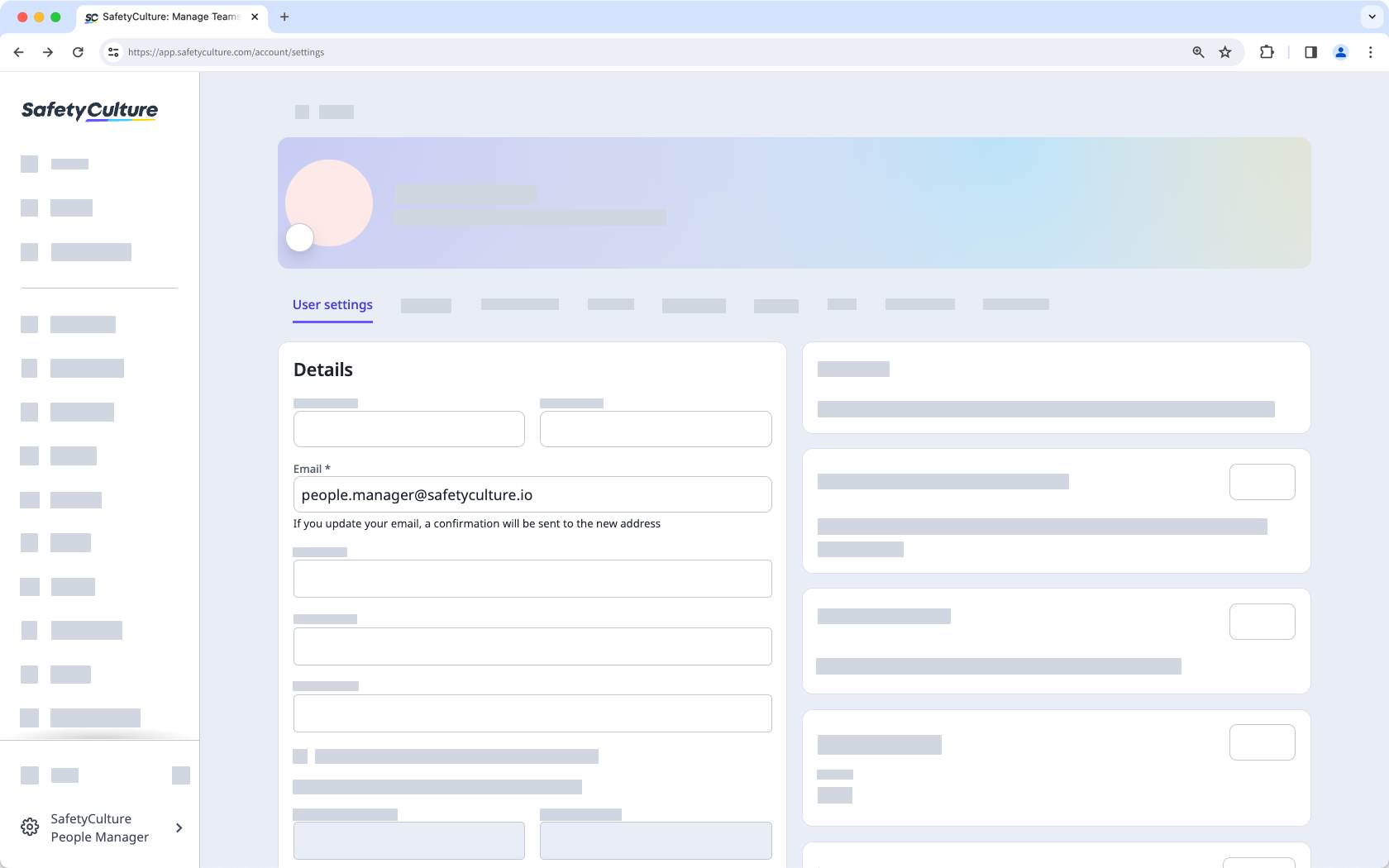
Click Save changes to send out a confirmation email to the new address. We recommend that you stay logged in and check your email inbox for an email titled "SafetyCulture Email Address Change Confirmation".
Once you've received the email, click Confirm my new email in the email.
If you're still logged in to the web app, this confirms the email change immediately. Otherwise, log in with your old email address to confirm the email change.
If you're not receiving the confirmation email from support@safetyculture.com, please check your email's spam or junk box. If you still can't find the email, please contact our customer support team for assistance.


