What are device limits?
Device limits are the limitations in place for SafetyCulture mobile app logins that control how many mobile devices can be logged in using a single account at the same time. This helps protect your data while keeping device access easy to manage across your organization. With SafetyCulture, you can log in to the mobile app on up to three mobile devices at once. If your account has reached the limit, you’ll need to remove or log out of existing devices before you can log in to new ones.
By limiting mobile devices, you can reduce login issues, prevent unauthorized access, and improve the overall SafetyCulture mobile app experience.
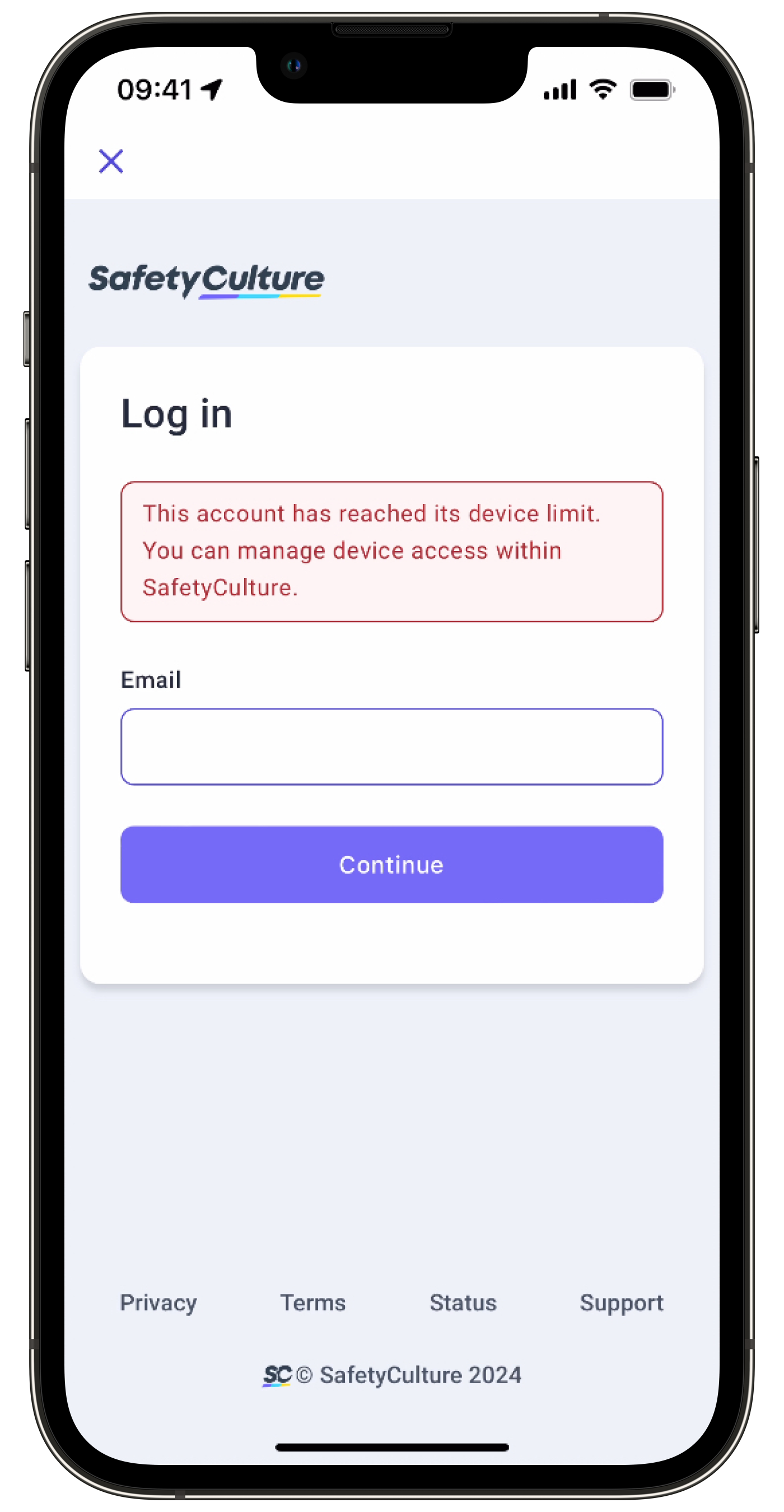
Device limits are specific to each organization. You can log in to up to 3 devices for every organization you’re part of.
What you'll need
You can also remove devices by logging out from existing ones. If you don't have access to the existing devices, follow the instructions in this article to remove them via the web app.
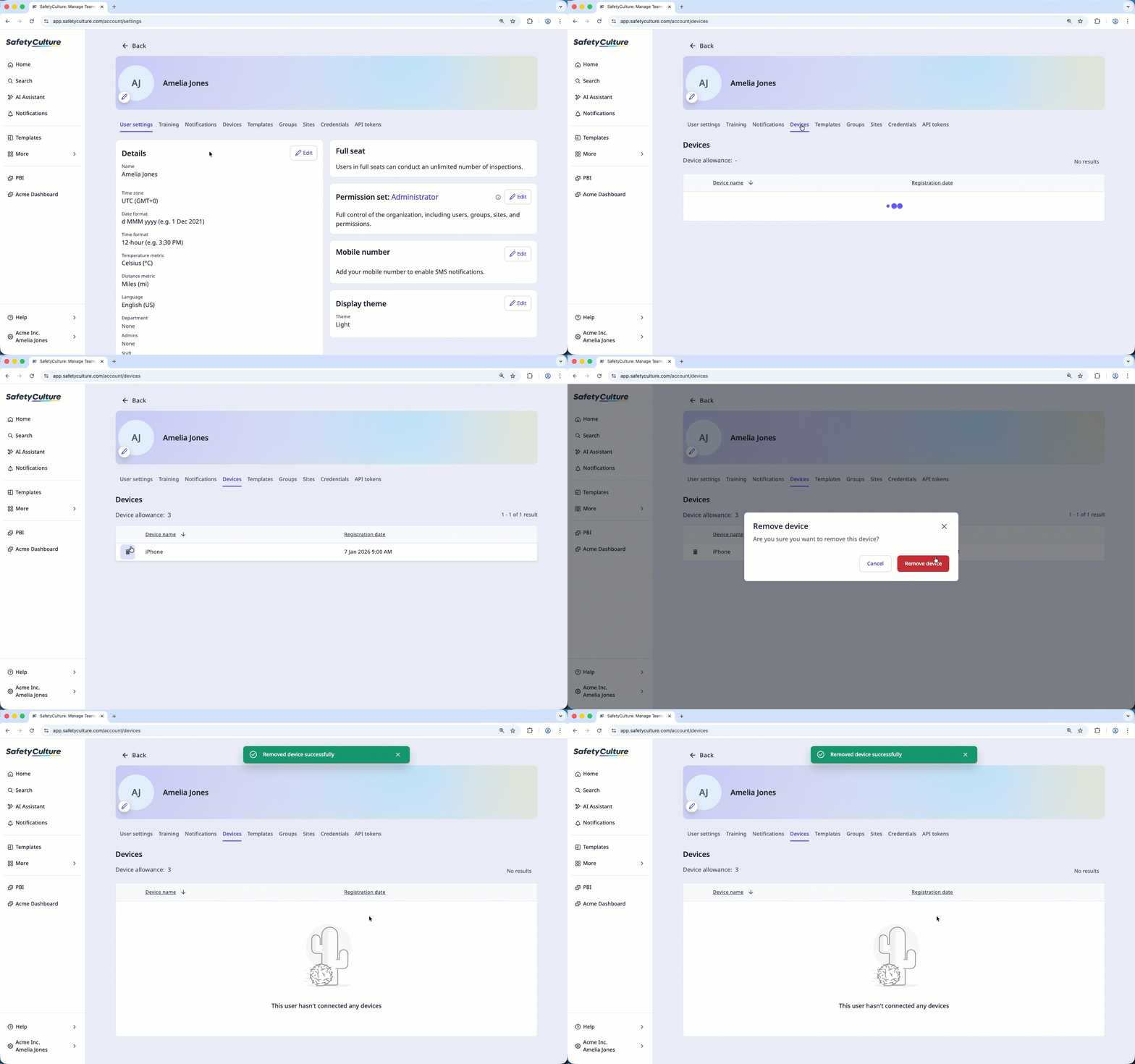
Remove a device
Ensure you’re in the correct organization where you’ve reached the device limit.
Click your username on the lower-left corner of the page and select My profile.
Click Settings on the upper-right of the page.
Select Devices at the top of the page.
Click on the left-hand side of the device name. You can also refer to the registration date for each device to help you decide which devices can be safely removed.
In the pop-up window, click Remove device.