What does it mean to custom brand my organization?
Your logo is a key part of your brand identity, helping team members, customers, and stakeholders instantly recognize and connect with your organization. With SafetyCulture, you can customize your organization by adding your logo, ensuring a consistent and professional brand experience across the web and mobile apps and reinforcing your brand identity across your organization.. 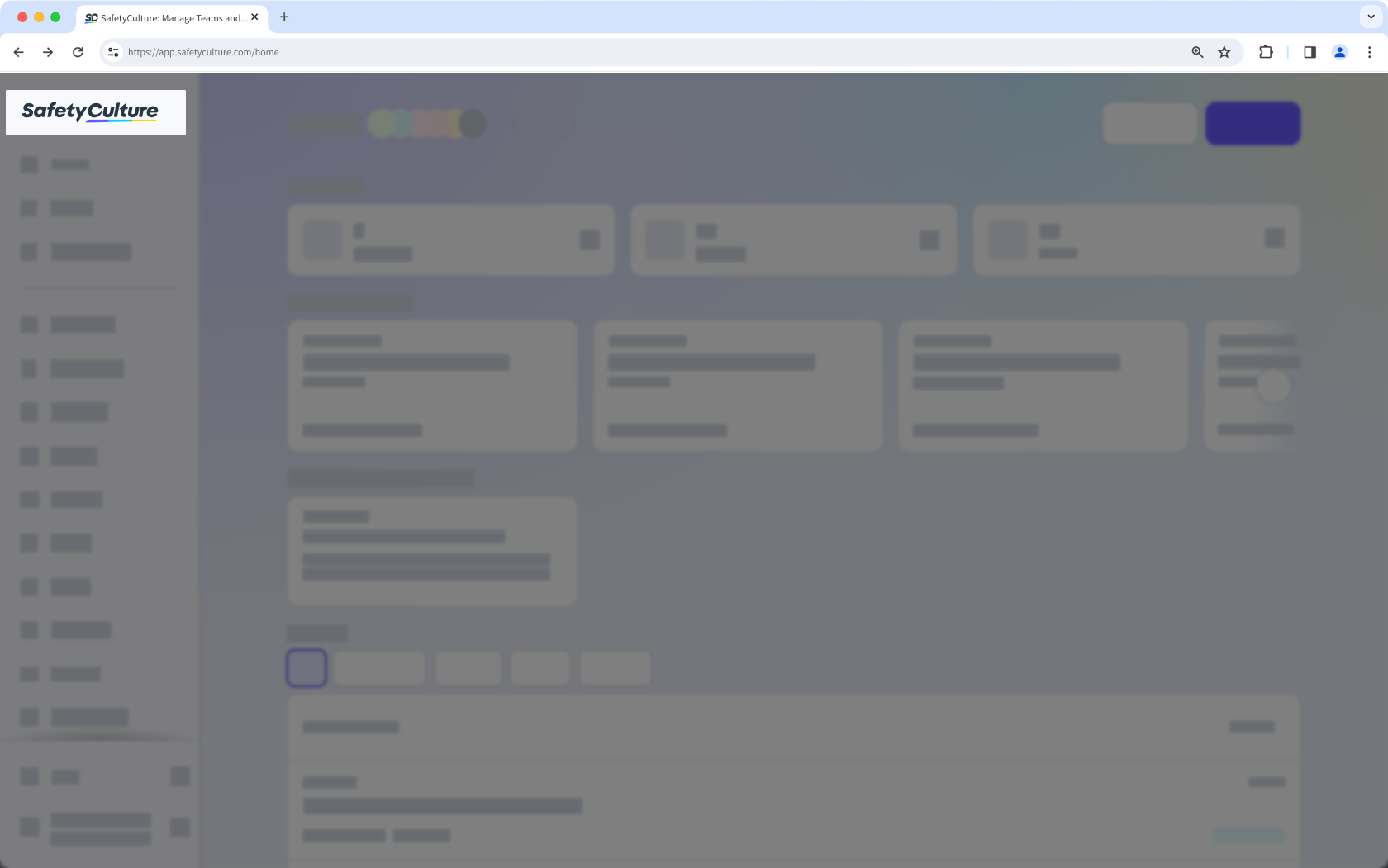
What you'll need
You can customize template and inspection report logos via the template editor.
Upload your organization logo
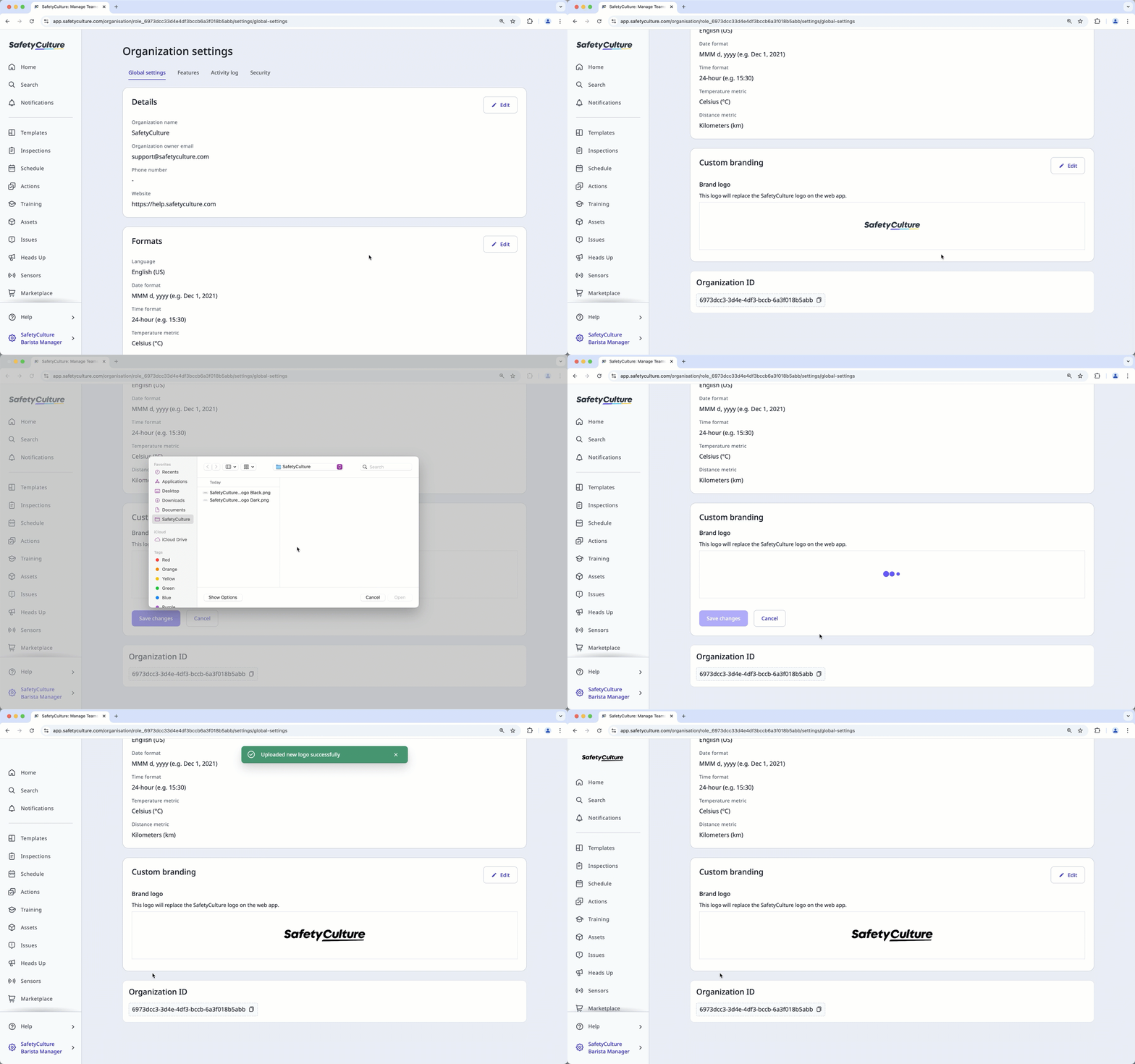
Click your organization name on the lower-left corner of the page and select Organization settings.
Click Edit in the "Custom branding" box.
Click Upload your logo or the existing logo under "Brand logo" to select the file from your computer directory.
Click Save changes.