
If you have "Platform management: Users" permission, you can also change account usernames for your users.
What you'll need
If you're in multiple organizations, your username needs to be updated separately per organization you're a part of.
Change your username
Click your username on the lower-left corner of the page and select My profile.
Click Settings on the upper-right of the page.
Click Edit in the "Details" section.
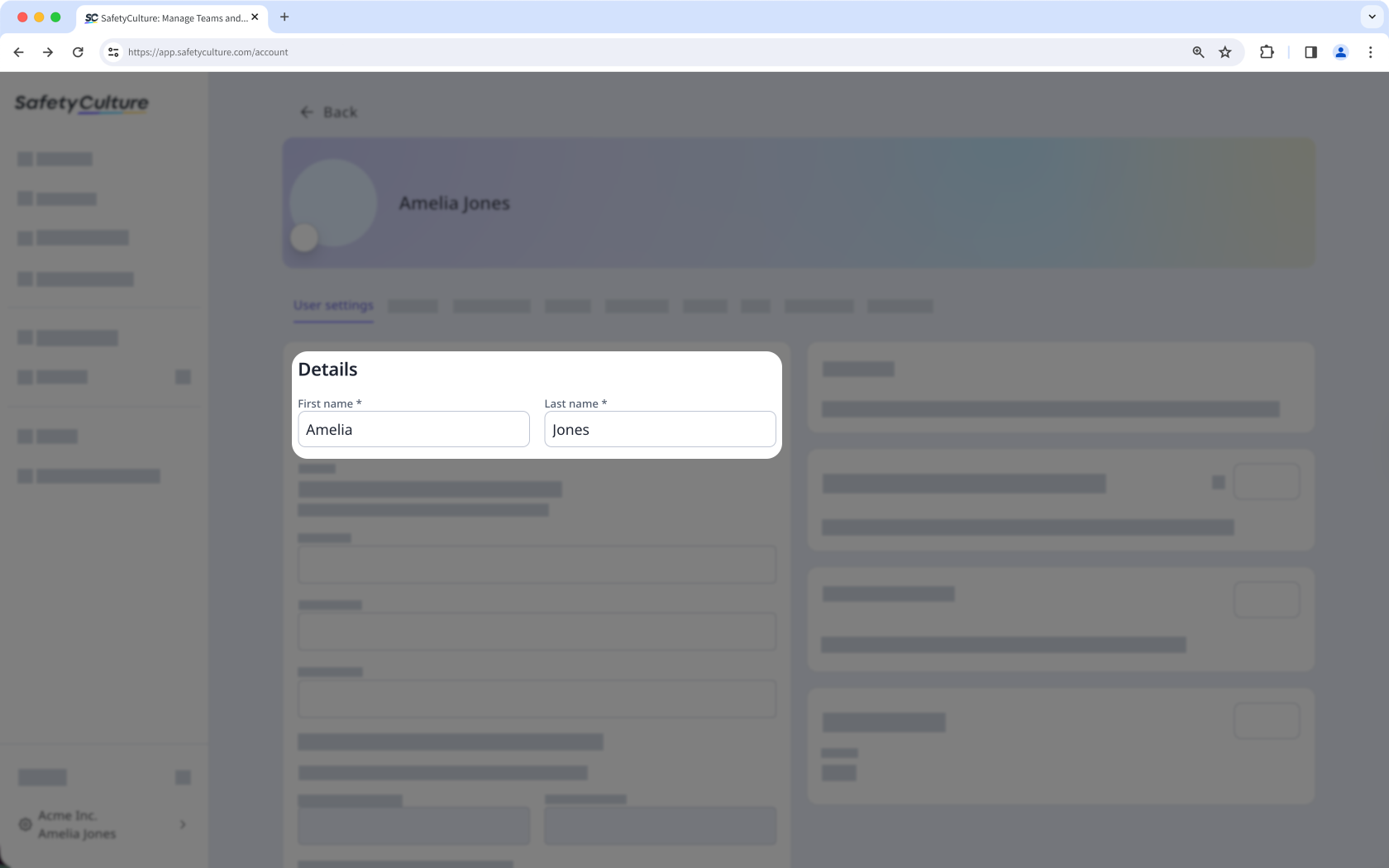
Update the "First name" and "Last name" fields accordingly.
Click Save changes on the lower left-hand side of the "Details" section.


