What are sensors?
Sensors in SafetyCulture automatically track conditions like temperature in fridges, cool rooms, and other critical areas. Instead of relying only on manual checks or paper logs, they send regular readings into SafetyCulture, so your team can see what is happening now, review trends over time, and keep clear records for audits. When you set up alerts, SafetyCulture notifies the right people if readings move outside the range you choose, helping protect stock and equipment day to day.
Each sensor connects to a nearby gateway, which forwards the data to SafetyCulture. Gateways act as the bridge between your on-site devices and your account that collects readings from multiple sensors within range, so you can monitor several locations from one place.
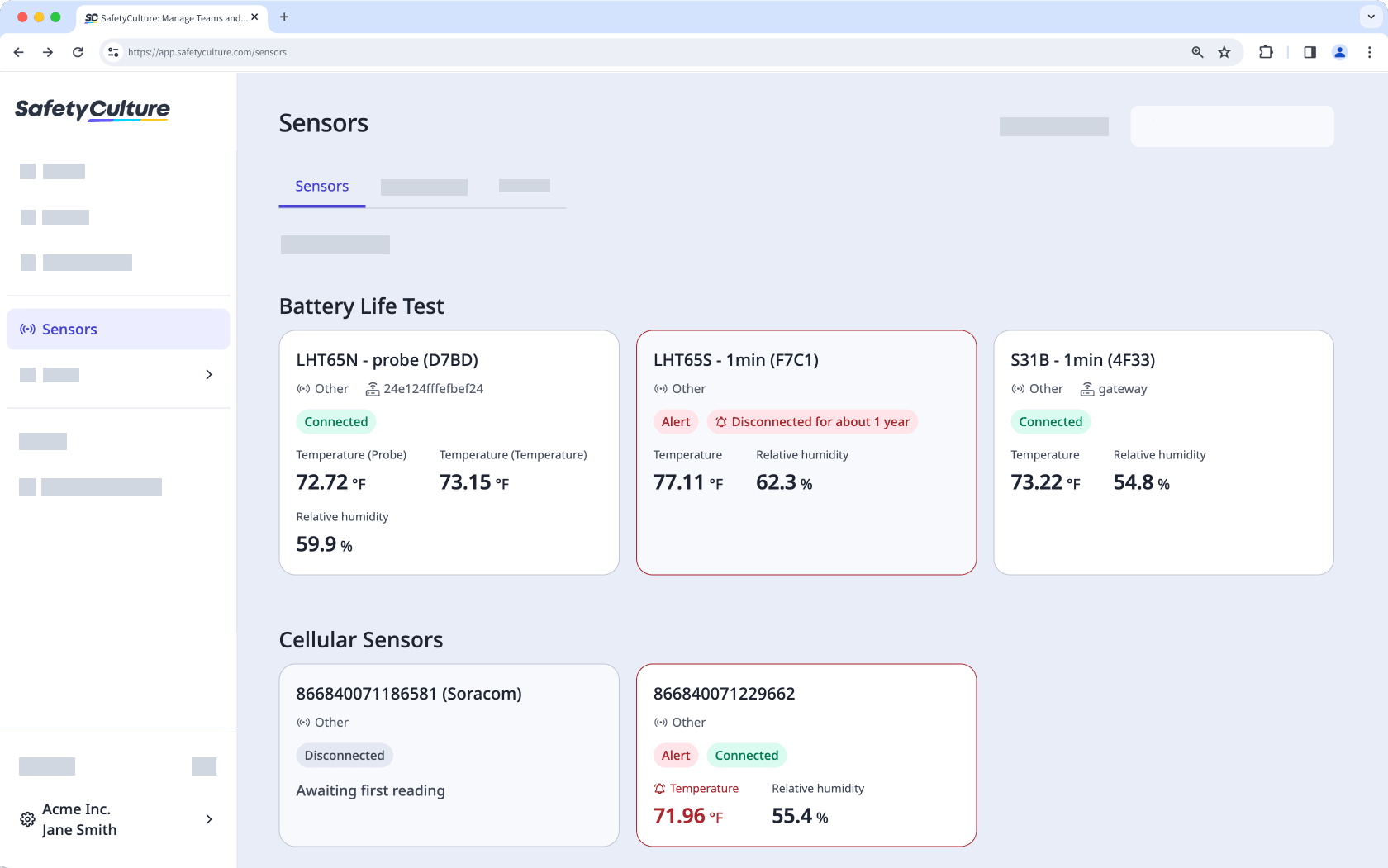
If you already use sensors with SafetyCulture and want to add more gateways or sensors, contact your customer success manager. For new purchases or questions about buying from third parties or us, get in touch with our product experts.
Sensors upload a reading every 10 minutes and you will receive readings until the device is offline. For the sensor to register as offline in the app, the device must be offline for 60 minutes.