What you'll need
View a sensor's readings
Click Sensors from the sidebar or in More.
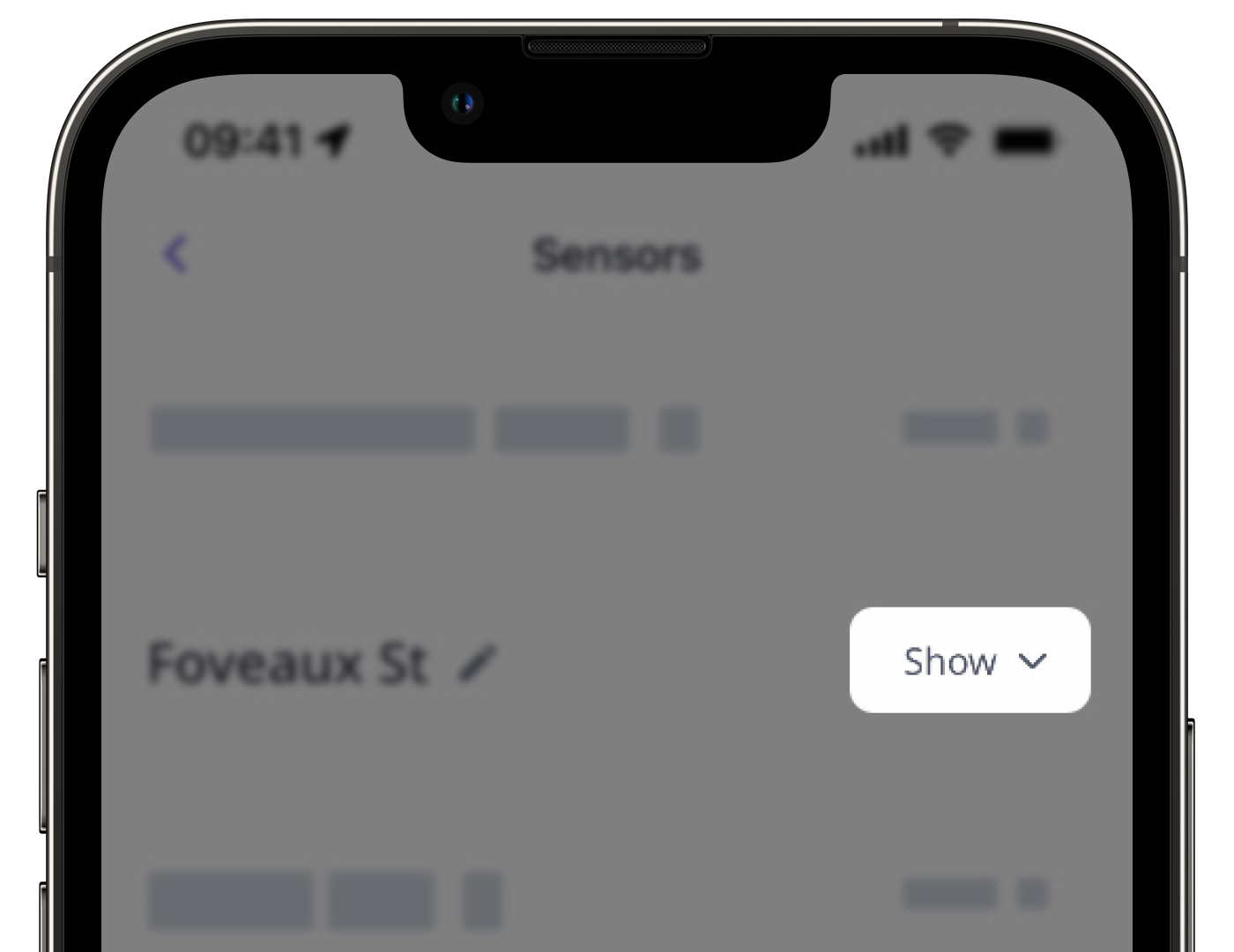
Select Sensors from the tab at the top of the page.
Click the sensor you want to view the readings for.
Select Sensor details.
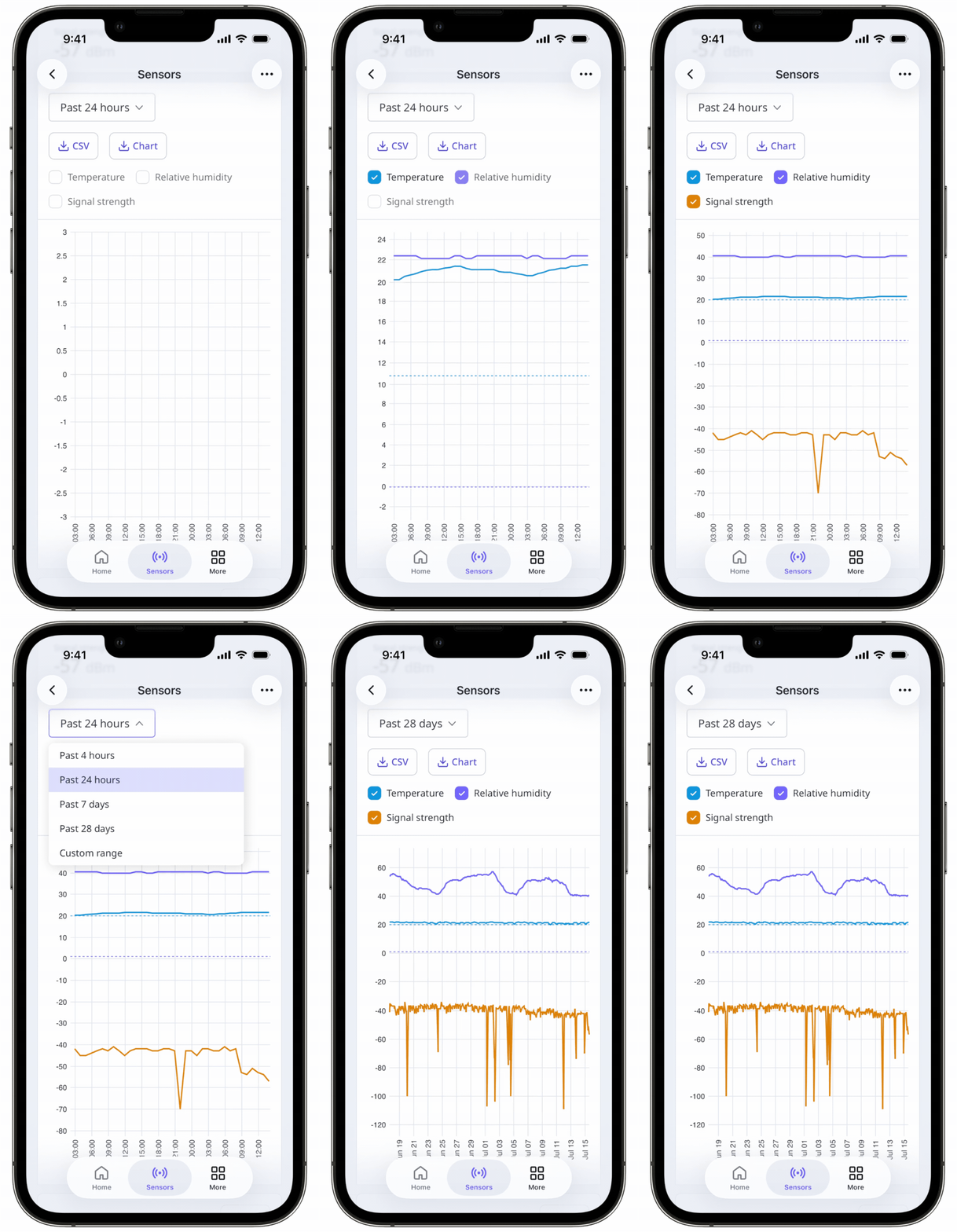
On the left-hand side, you can select "Temperature", "Humidity", and "Signal strength" depending on the relevant reading needed.
Click the date picker on the right-hand side and select any of the following options:
Past 4 hours
Past 24 hours
Past 7 days
Past 28 days
Custom range
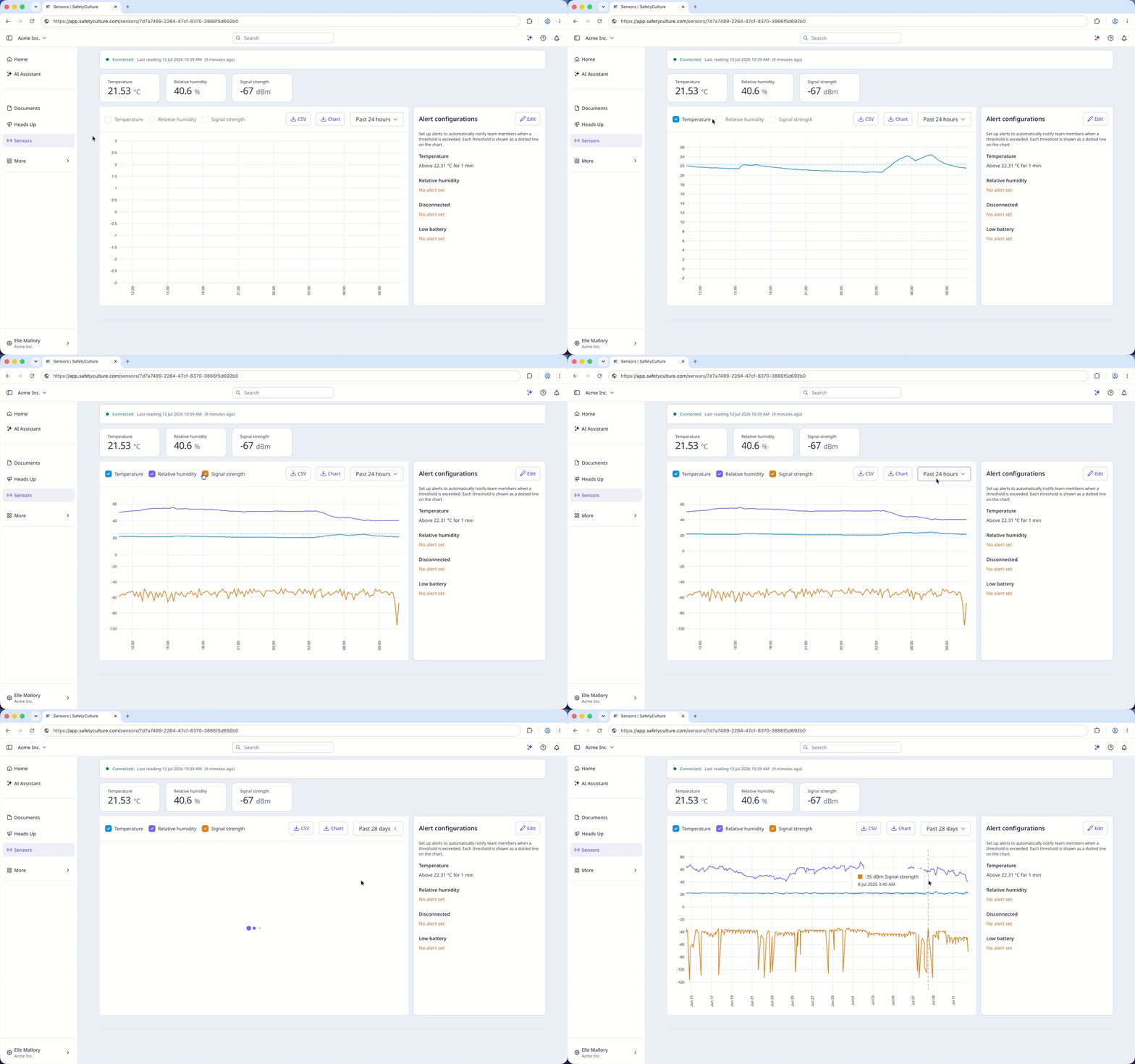
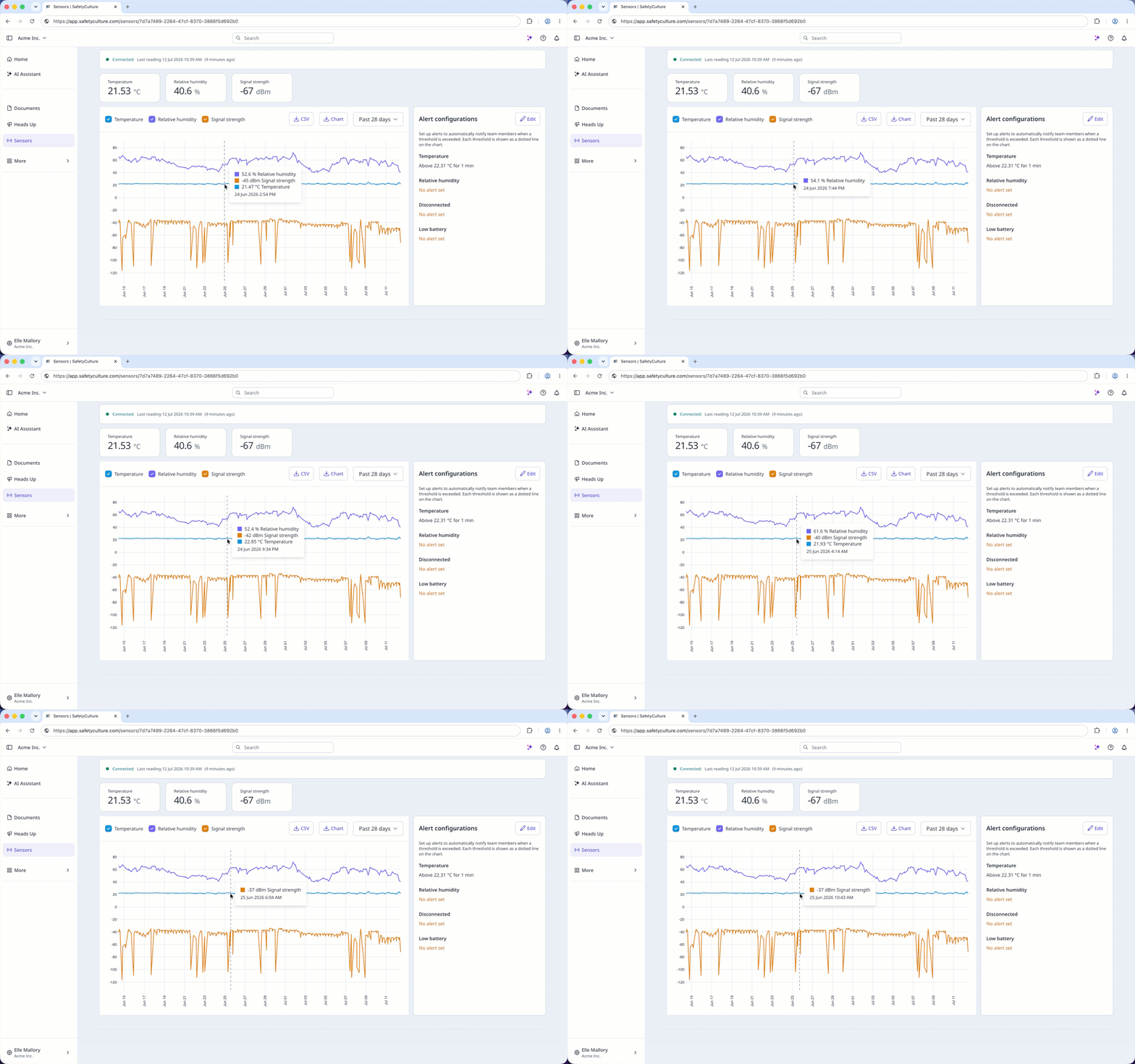
Your graph will display readings based on the selected time period.
For the past 4 or 24 hours, the graph will show the sensor's readings in 10-minute intervals.
For longer time periods, the graph will show the sensor's readings at different intervals to provide a clearer view of the reading's trends.
To access all the sensor readings in 10-minute intervals, download the CSV file of your sensor readings.