
What are company document types?
Company document types allow you to categorize and organize the documents a contractor company uploads to your organization, such as employment contracts, business reports, and financial statements. Each type helps you track which documents a company has provided and monitor any missing or outdated documents for compliance.
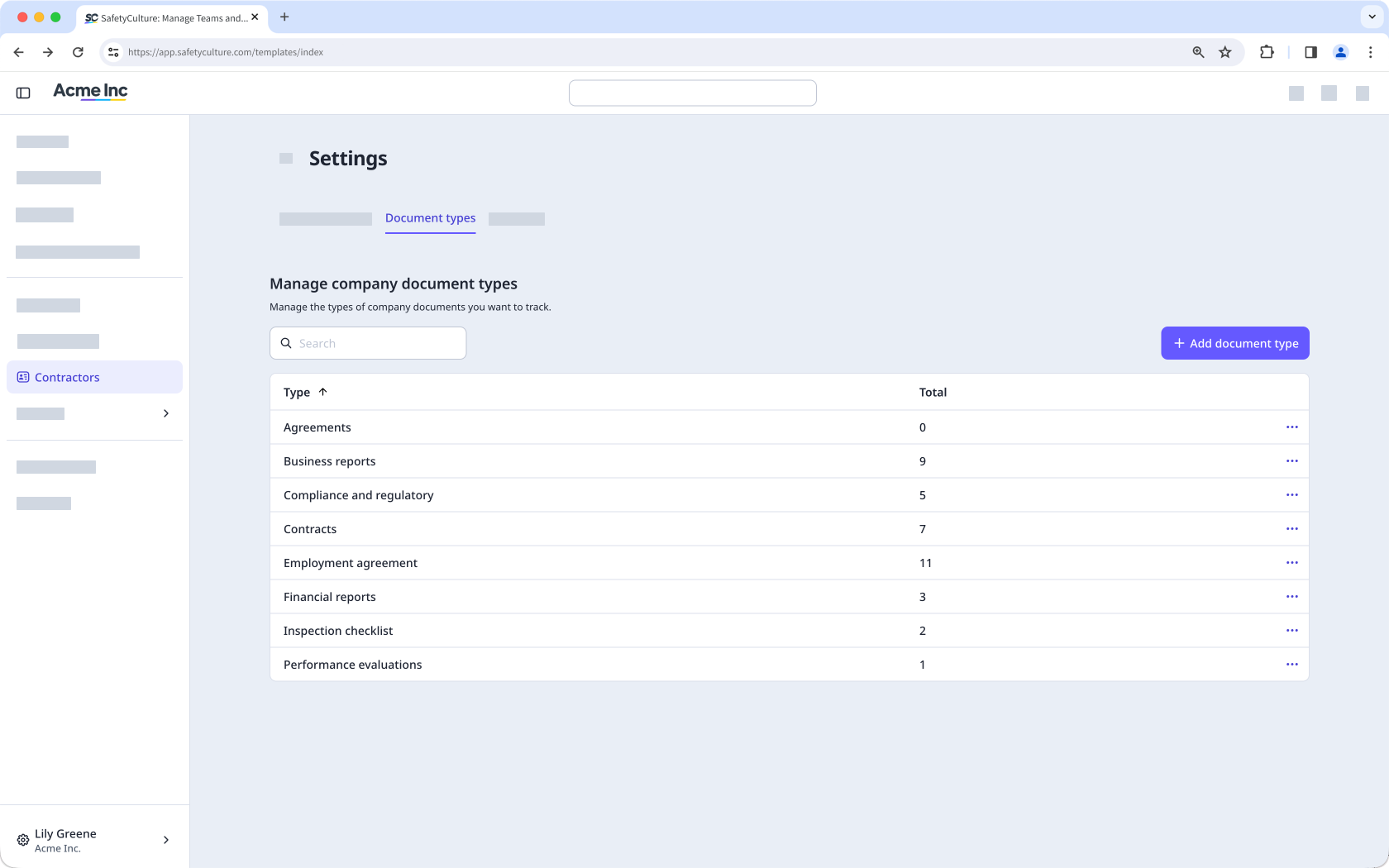
Create a company document type
Click Contractors from the sidebar or in More.
Click Settings on the upper-right of the page.
Select Document types at the top of the page.
Click Add document type on the upper-right of the page.
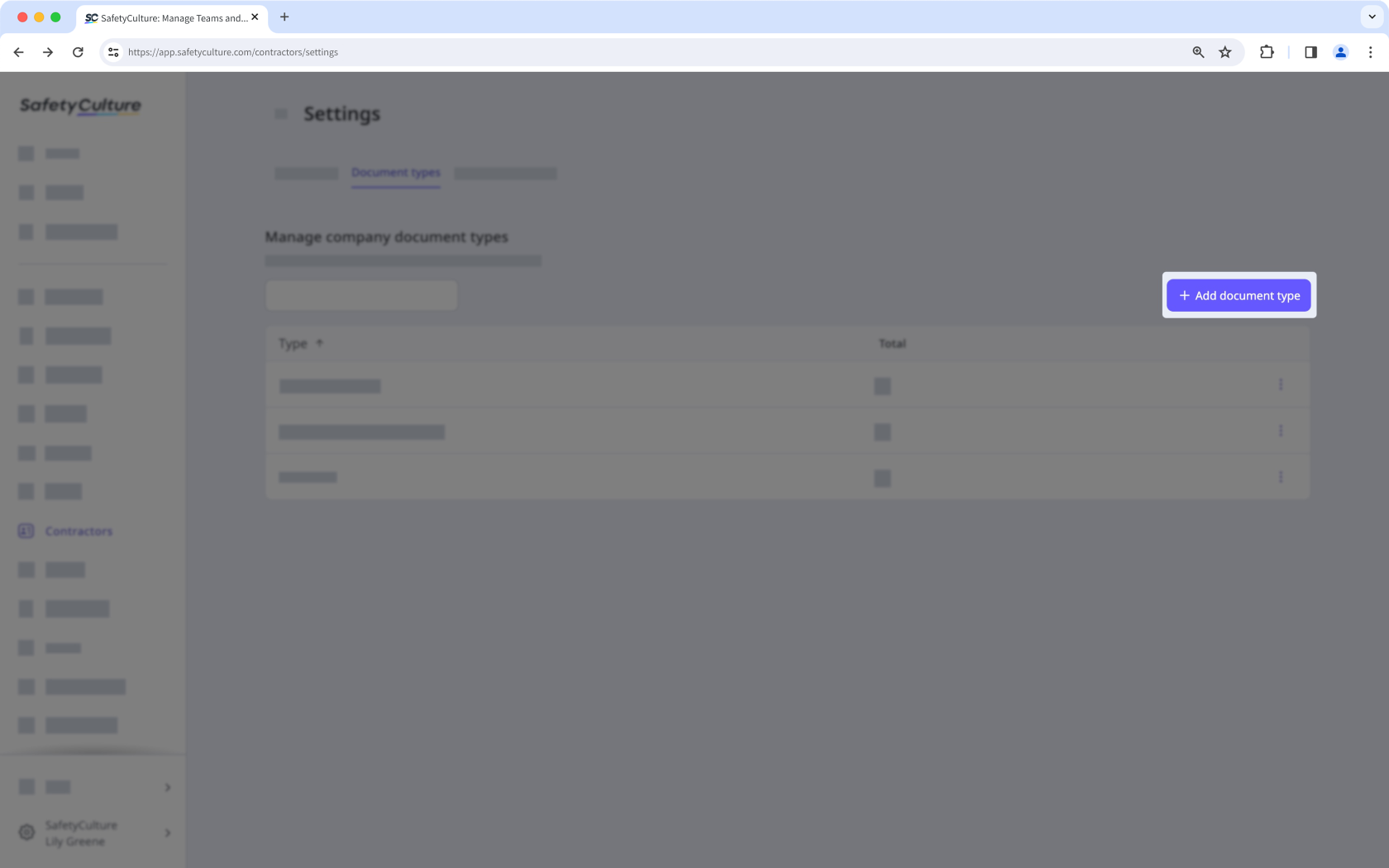
Enter a name for the document type and click Create.
View a company document type
Click Contractors from the sidebar or in More.
Click Settings on the upper-right of the page.
Select Document types at the top of the page.
On this page, you can view all the company document types created in your organization.
Edit a company document type
Click Contractors from the sidebar or in More.
Click Settings on the upper-right of the page.
Select Document types at the top of the page.
C lick on the right-hand side of the document type and select Edit.
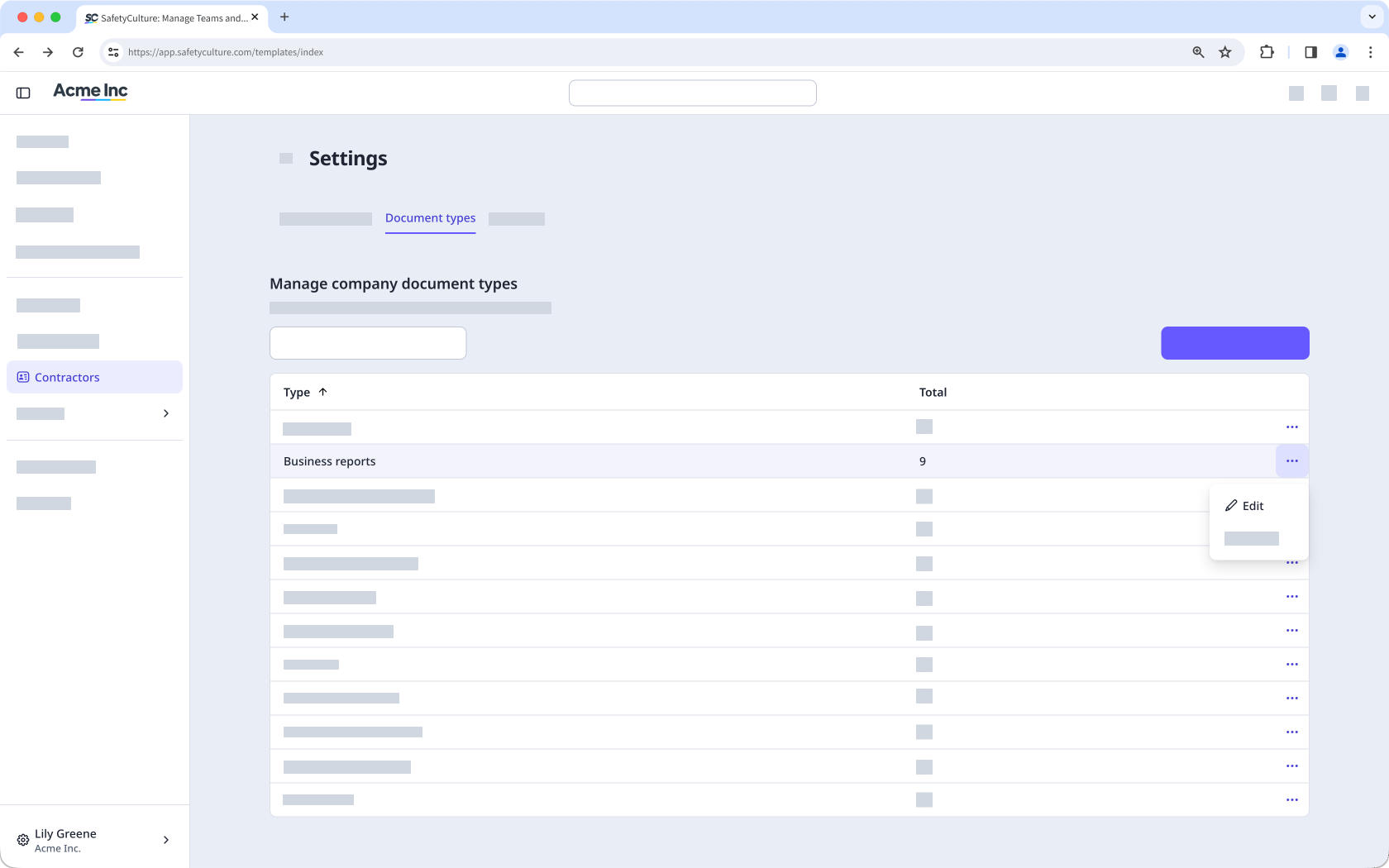
In the pop-up window, edit the type accordingly and click Save.
Deleting is irreversible, and we cannot restore permanently deleted items. Confirmation is always required before any deletion, so be sure you're not accidentally deleting the wrong item.
Delete a company document type
You can't delete a document type that has documents associated with it. Delete the documents first, then delete the document type.
Click Contractors from the sidebar or in More.
Click Settings on the upper-right of the page.
Select Document types at the top of the page.
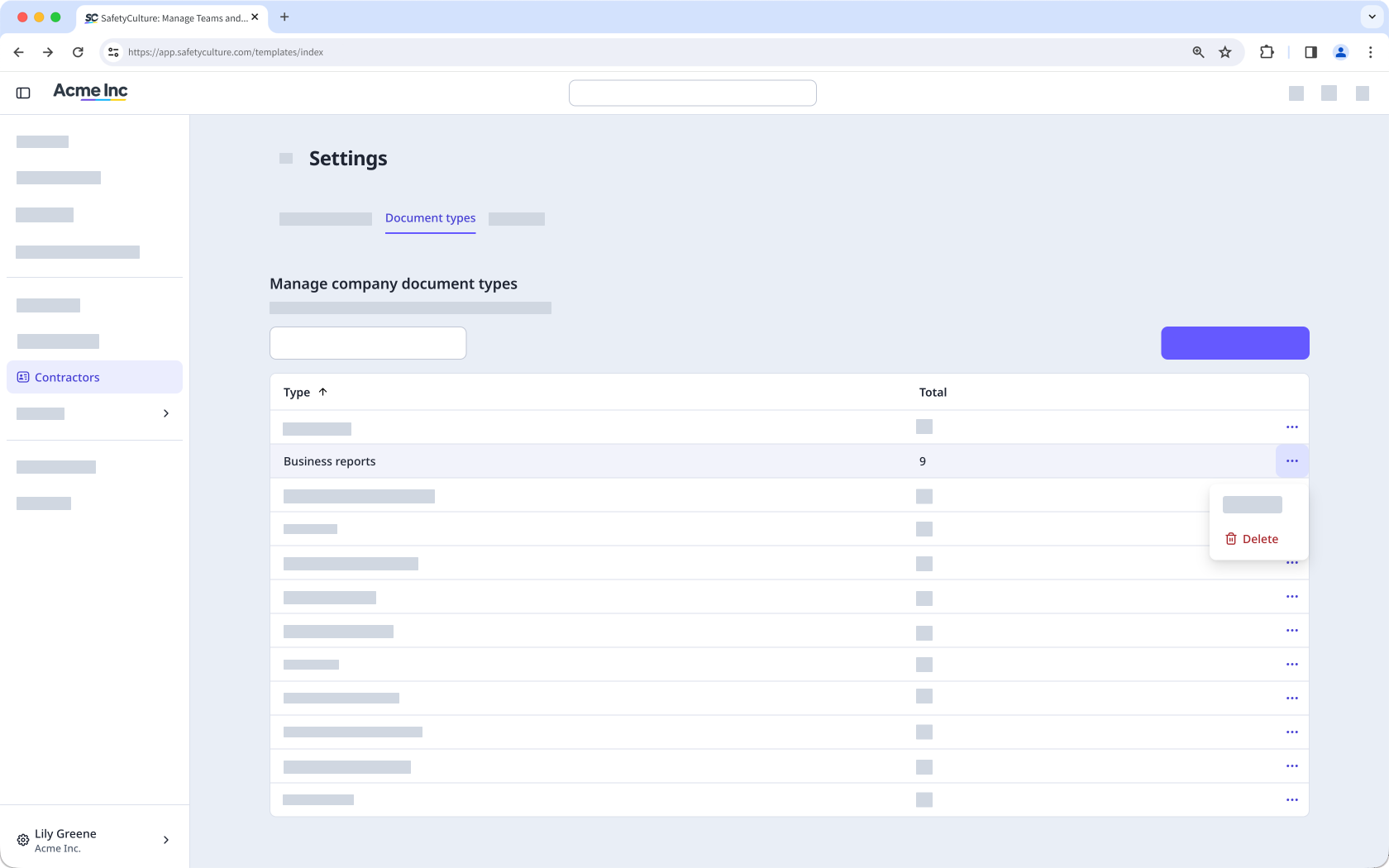
C lick on the right-hand side of the document type and select Delete.
Ensure you set up company document types before requesting documents from key contacts.


