Why add internal notes in a company?
Internal notes give company managers a dedicated space to record important context about a contractor company. Use them to capture key details, background information, or handover notes that stay with the company record. You can see who last updated the notes and when, so your team can track recent changes and manage contractors consistently.
You can only add up to 500 characters in the internal notes.
Add an internal note in a company profile
Select Contractors in the sidebar or select it in More.
Select a company.
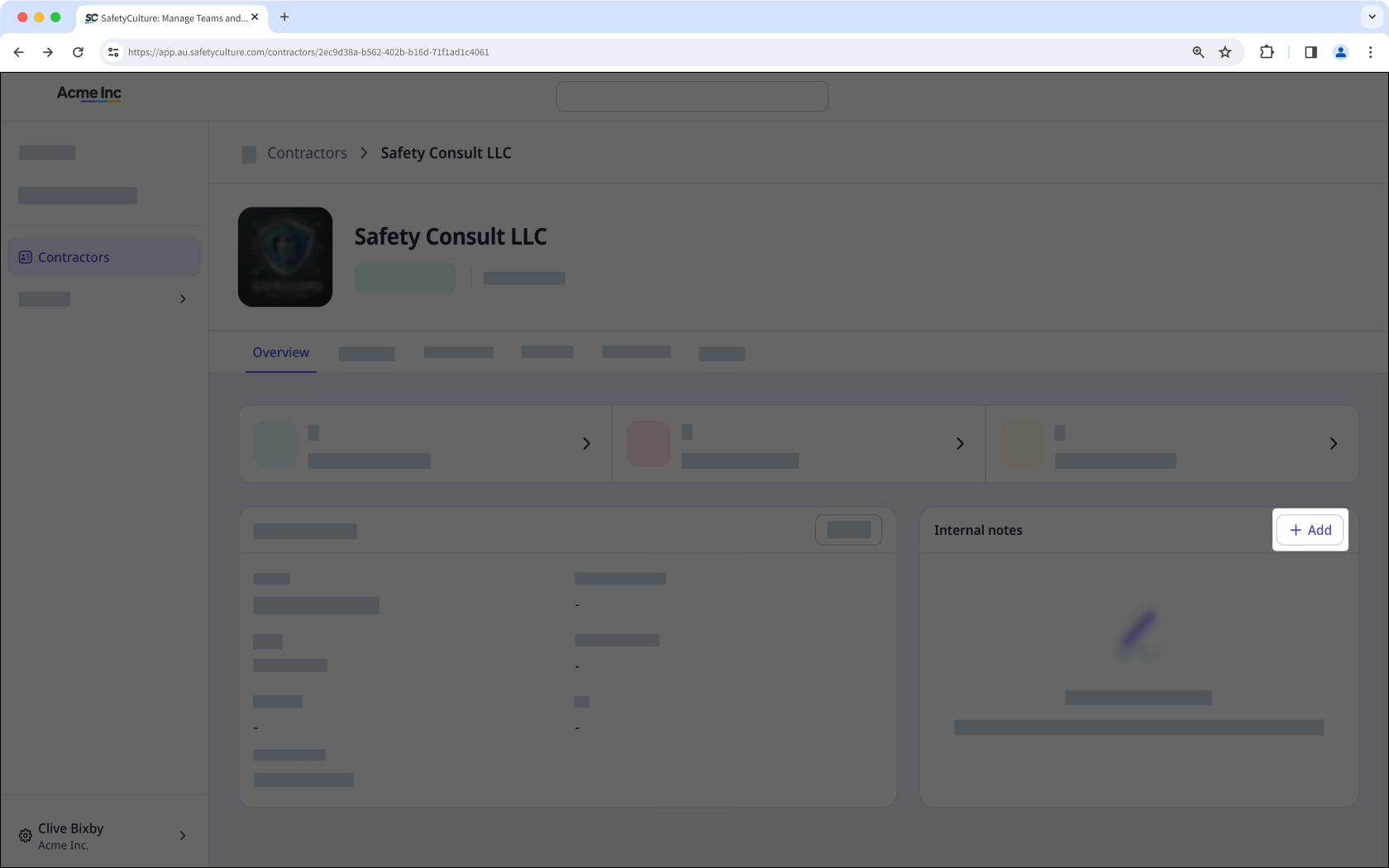
In the "Internal notes" section, click Add on the right-hand side of the page.
Enter the notes accordingly.
Click to save your changes.
Edit an internal note in a company profile
Select Contractors in the sidebar or select it in More.
Select a company.
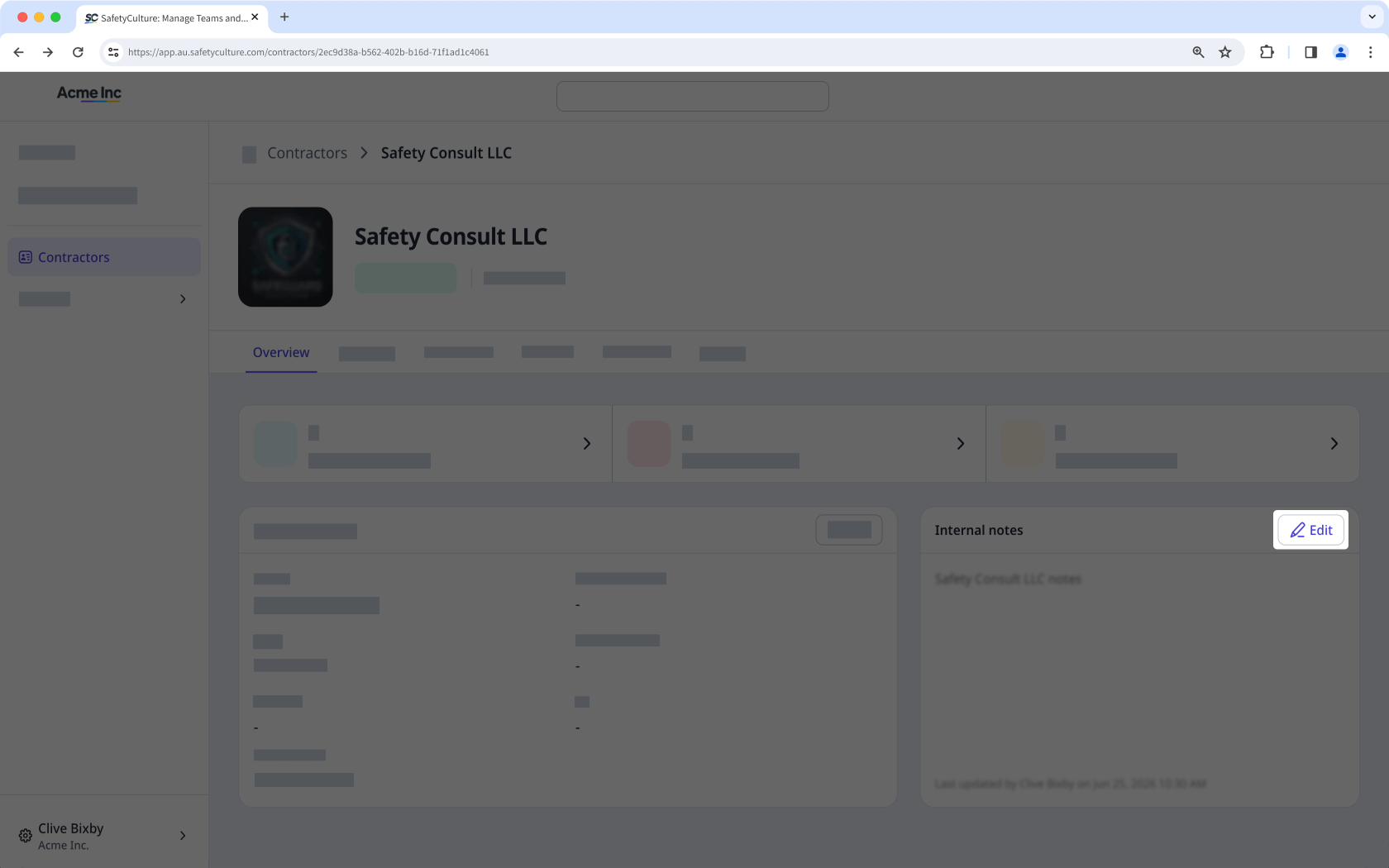
In the "Internal notes" section, click Edit on the right-hand side of the page.
Update the notes accordingly.
Click to save your changes.