Deleting is irreversible, and we cannot restore permanently deleted items. Confirmation is always required before any deletion, so be sure you're not accidentally deleting the wrong item.
Delete an investigation
Select Investigations in the sidebar or select it in More.
Select an investigation.
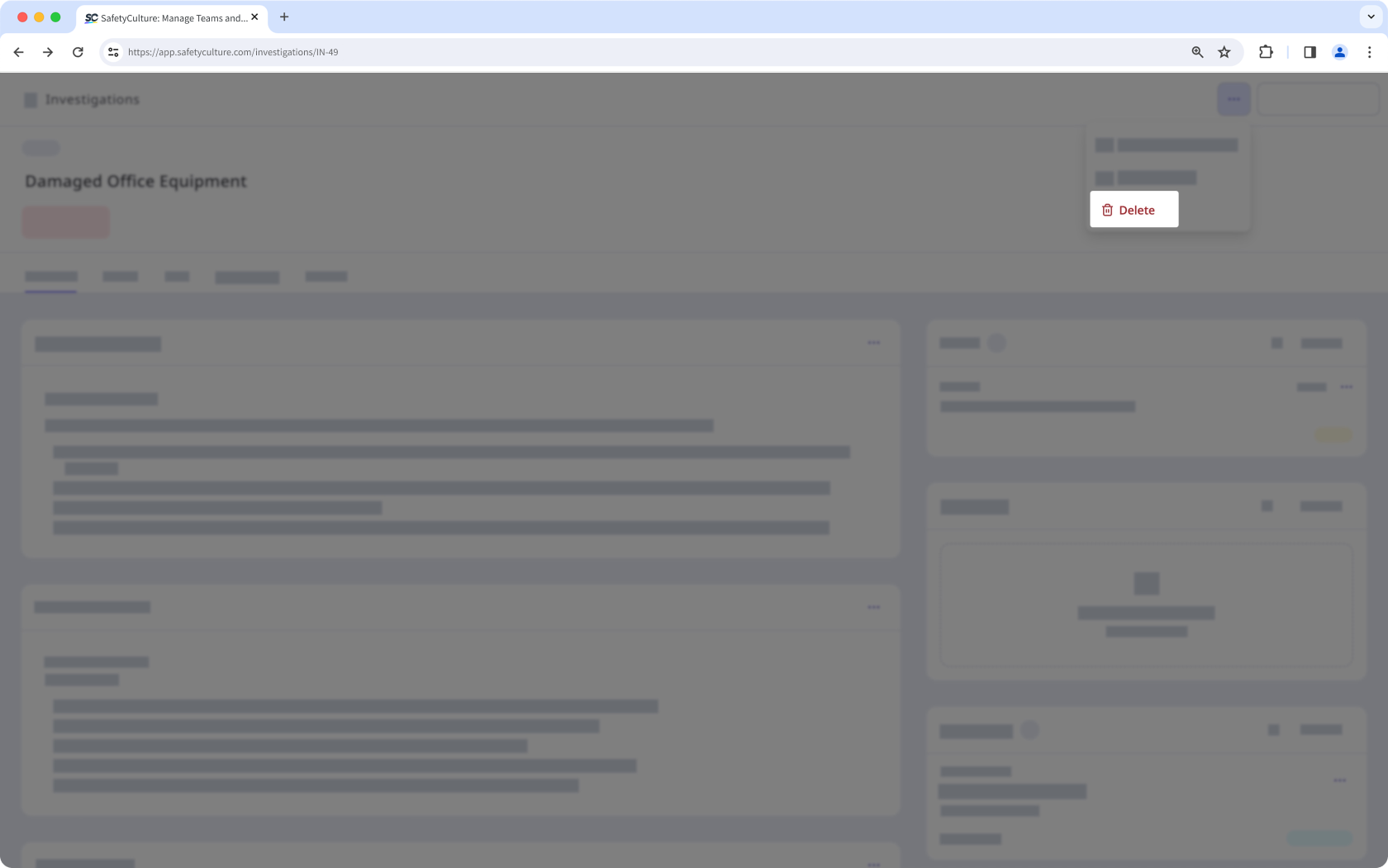
Click on the upper-right of the page and select Delete.
In the pop-up window, click Delete.