
What are Quiz themes?
Quiz themes let you customize the appearance of your Quizzes. You can adjust colors, fonts, and branding to match your course design. This helps users easily recognize quizzes and provides visual context that supports the content being assessed.
What you'll need
Manage the theme for a quiz
Select Training in the sidebar or select it in More.
Click Content at the top of the page and select Quizzes.
Hover your cursor over the quiz and click Edit.
Click Settings on the upper-right of the page.
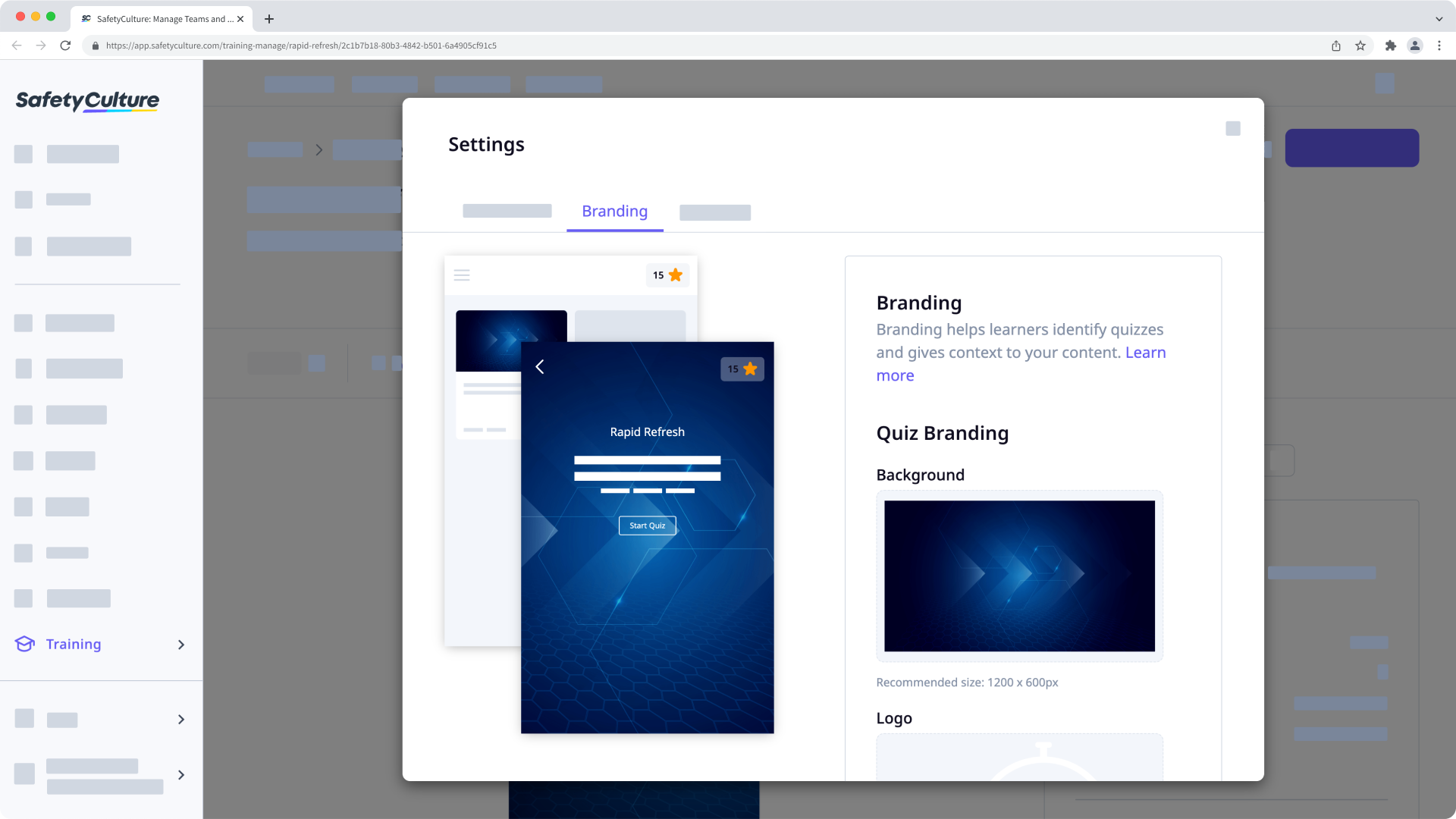
In the pop-up window, select Branding.
In this tab, you have the following options to manage the quiz's theme:
Background: Upload a background to your quiz. We recommend that you use an image that's 1200 x 600 pixels.
Logo: Upload a logo to use in your course. We recommend that you use an image that's 80 x 80 pixels.
Color Scheme: Select the primary and secondary colors.
Custom CSS: Add custom CSS code to your quiz.
Changes are saved automatically.


