This feature is currently in Early Access. If you're interested, please contact your customer success manager to check if your organization is eligible.
What is Training-only mode?
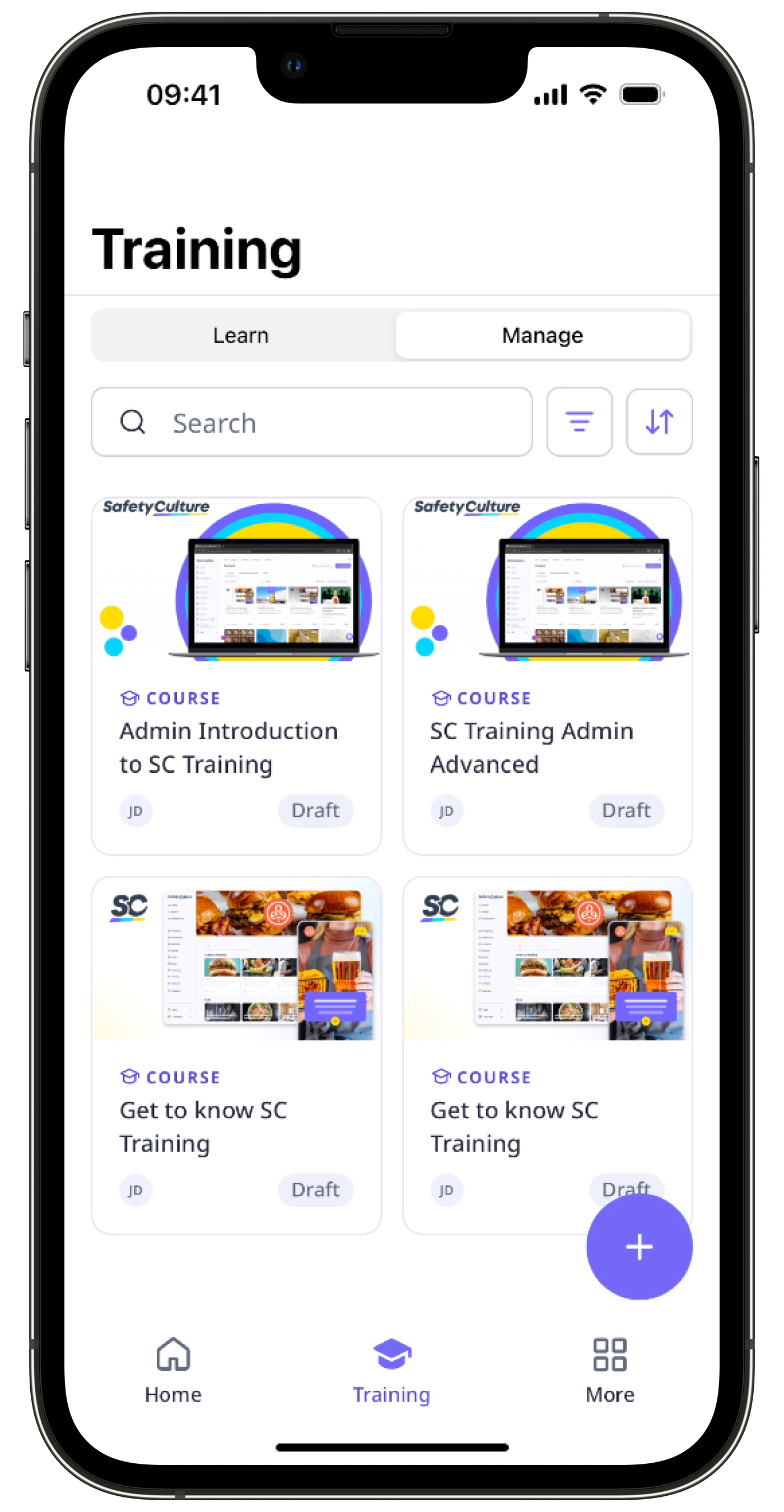
Training-only mode simplifies the experience for users focused on completing their assigned training. It only shows features relevant to their needs, such as the Home page, notifications, Heads Up, and Training. This makes their experience straightforward and ensures that they aren’t overwhelmed by the full range of features on SafetyCulture.
What are the criteria that put a user in Training-only mode?
A user automatically sees Training-only mode in SafetyCulture when they meet the following criteria:
Training-only mode is turned on for their organization.
Lite seat is their seat type.
They have one or more of the following permissions and no other permissions:
What you'll need
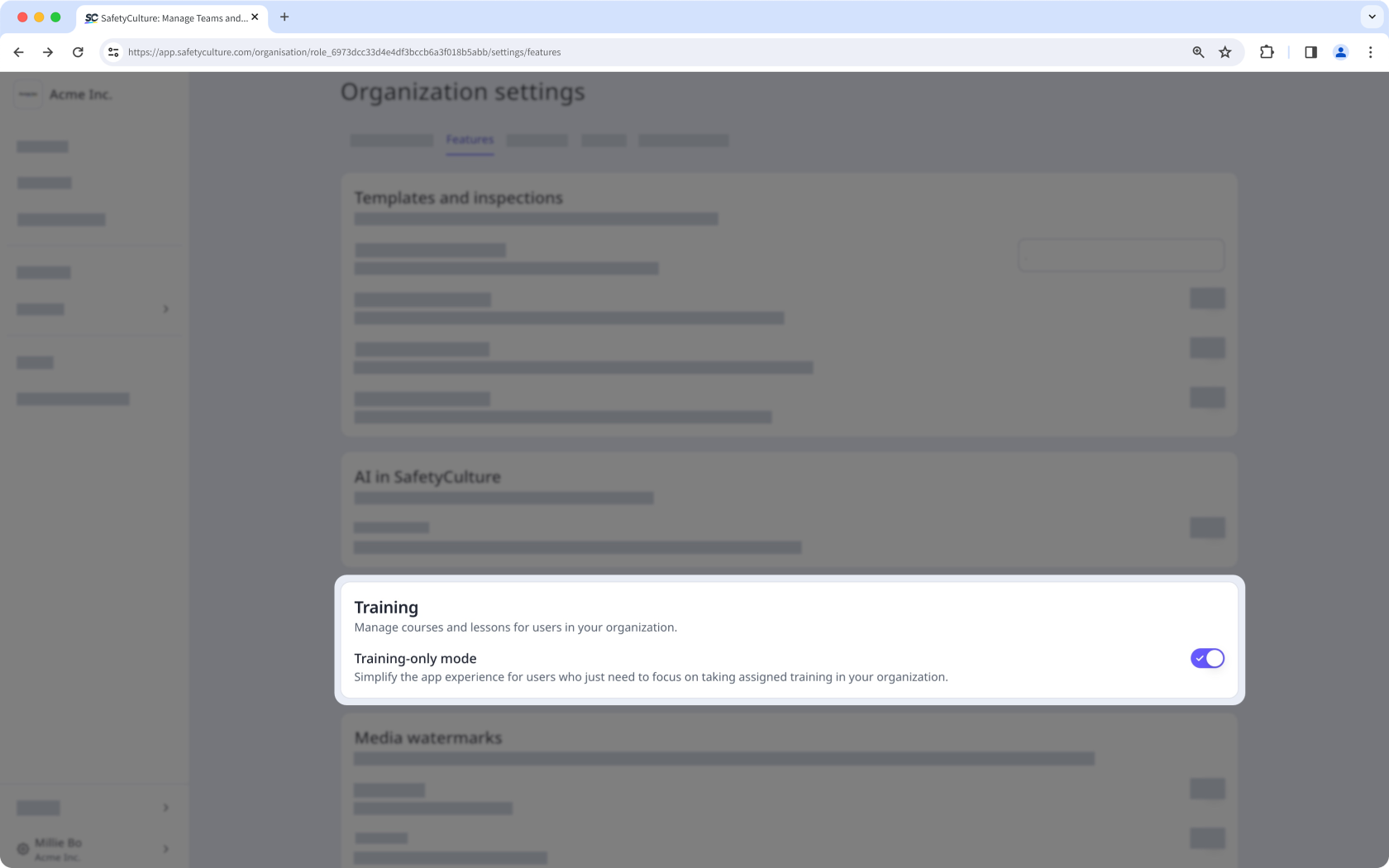
Turn Training-only mode on or off for your organization
Click your organization name on the lower-left corner of the page and select Organization settings.
Select Features at the top of the page.
In the "Training" section, turn "Training-only mode" on or off.