
Download lone-work jobs as CSV
Select Lone Worker in the sidebar or select it in More.
Select History at the top of the page.
Click at the upper-right of the page.
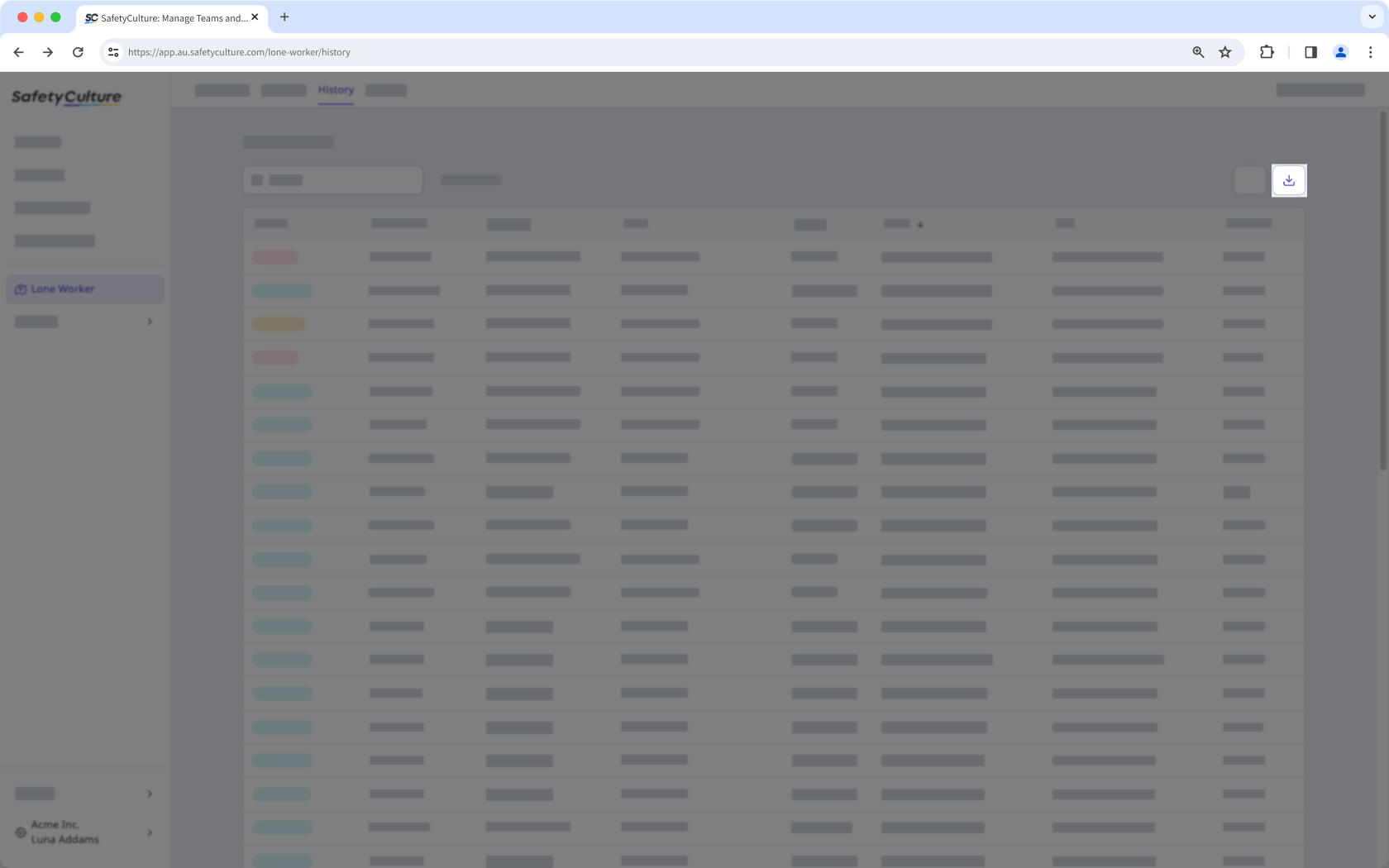
You can click Add filter to narrow down the results you export from the list.
CSV column headers
Column header | Description |
|---|---|
Status | The status of a job. |
ID number | The unique identifier of a job. |
Job type | The type of job performed. |
User | The user who conducted a job. |
Start | The date and time a job began. |
End | The date and time a job was completed. |
Duration | The total time taken to complete a job. |


