
Deleting is irreversible, and we cannot restore permanently deleted items. Confirmation is always required before any deletion, so be sure you're not accidentally deleting the wrong item.
Delete a lone-work alert escalation
Select Lone Worker in the sidebar or select it in More.
Select Settings at the top of the page.
Click Group escalations.
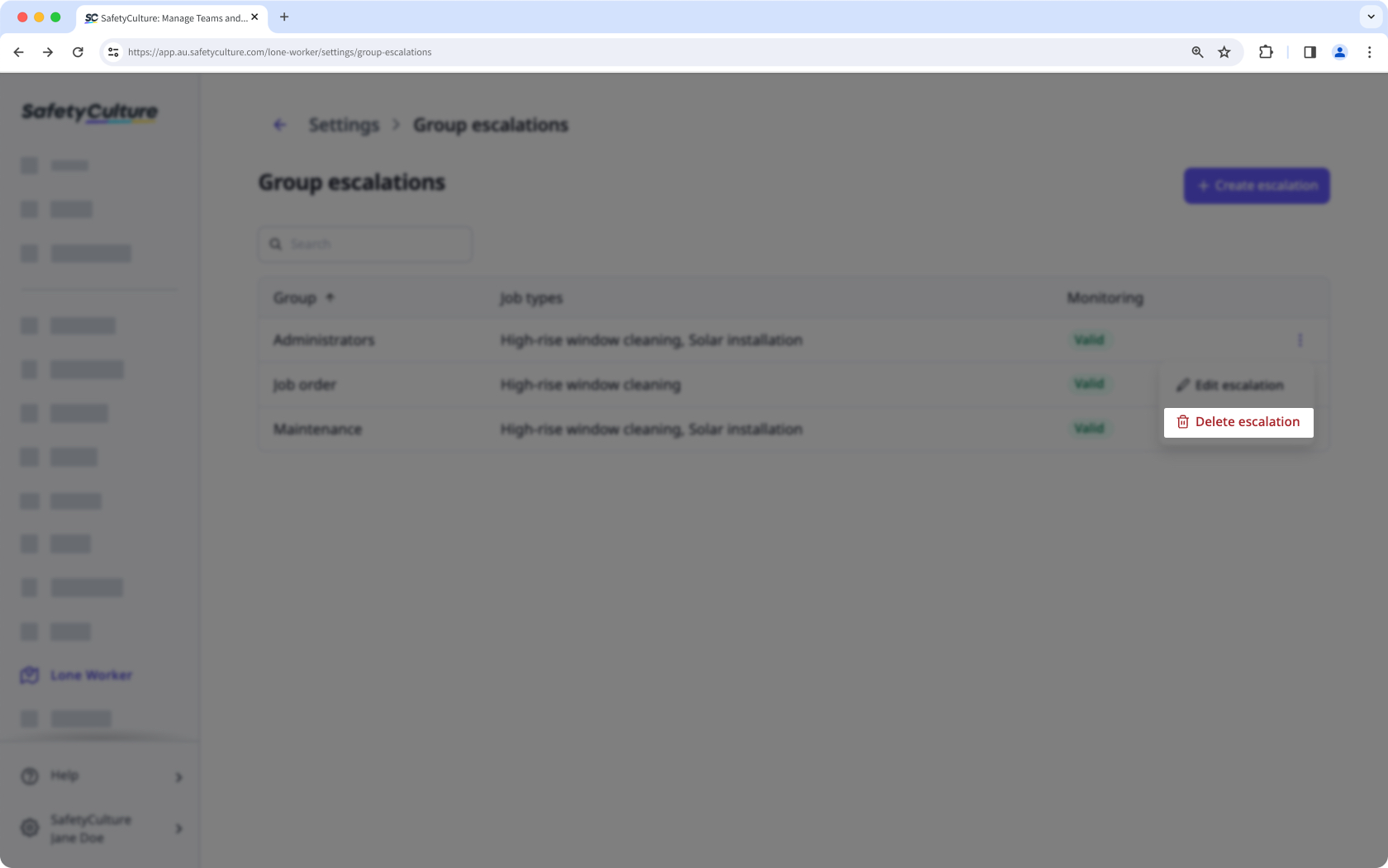
Click on the right-hand side of the alert escalation and select Delete escalation.
In the pop-up window, click Delete.


