What are lesson prerequisites?
Lesson prerequisites are other lessons within the same course that users have to take before they can take a certain lesson. This is great for ensuring that users who take a course have enough prior knowledge to understand the lessons in it.
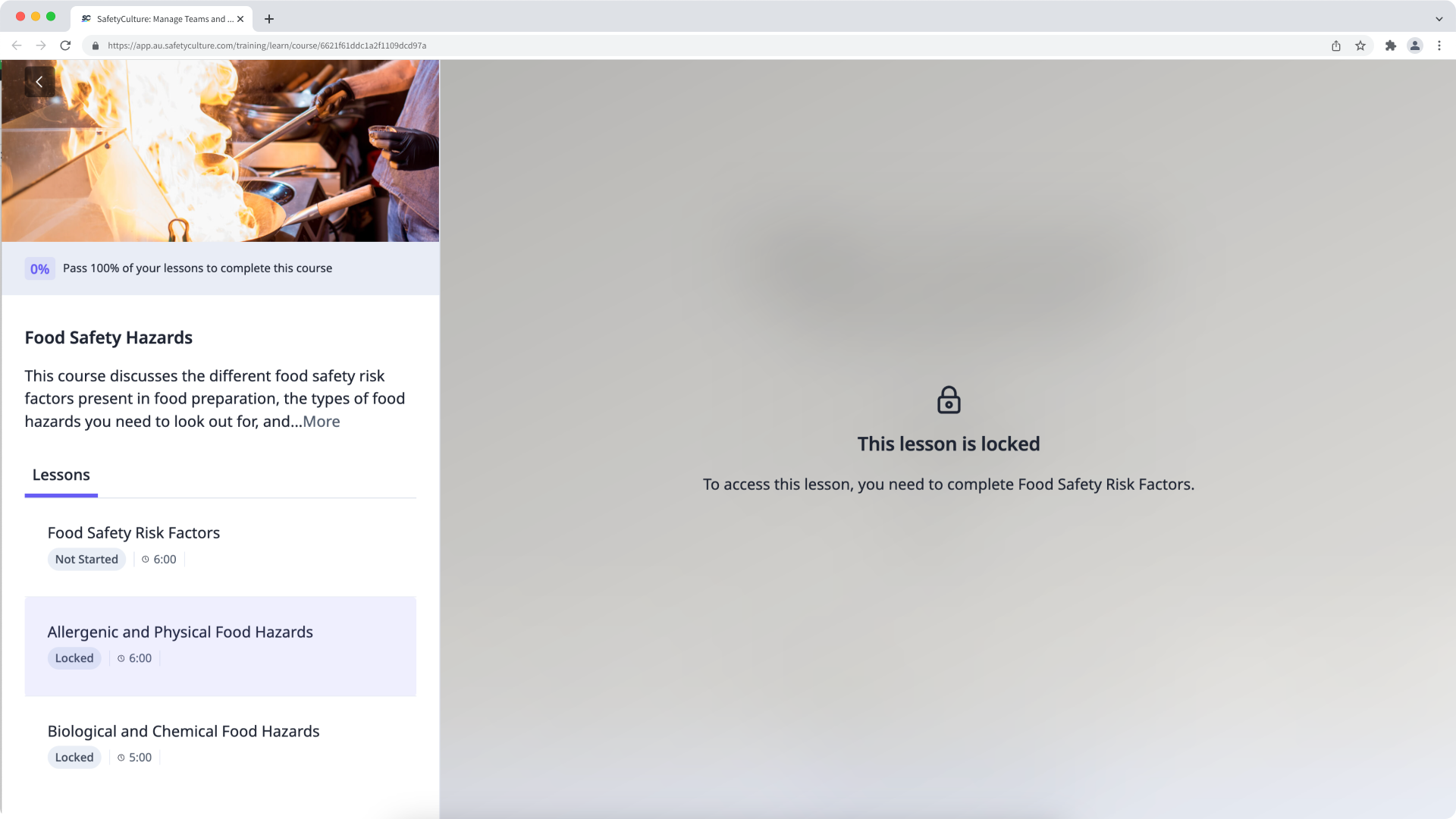
You can also try creating course paths. This achieves a similar result on the course level as users are guided through a sequence of courses.
What you'll need
Manage prerequisites for a lesson
Select Training in the sidebar or select it in More.
If you're on the "Learn" page, click Content at the top of the page and select Courses.
Hover your cursor over the course and click View or Edit.
If the course is published, click Edit on the upper-right of the page.
Create a new lesson or click on an existing lesson and select Settings.
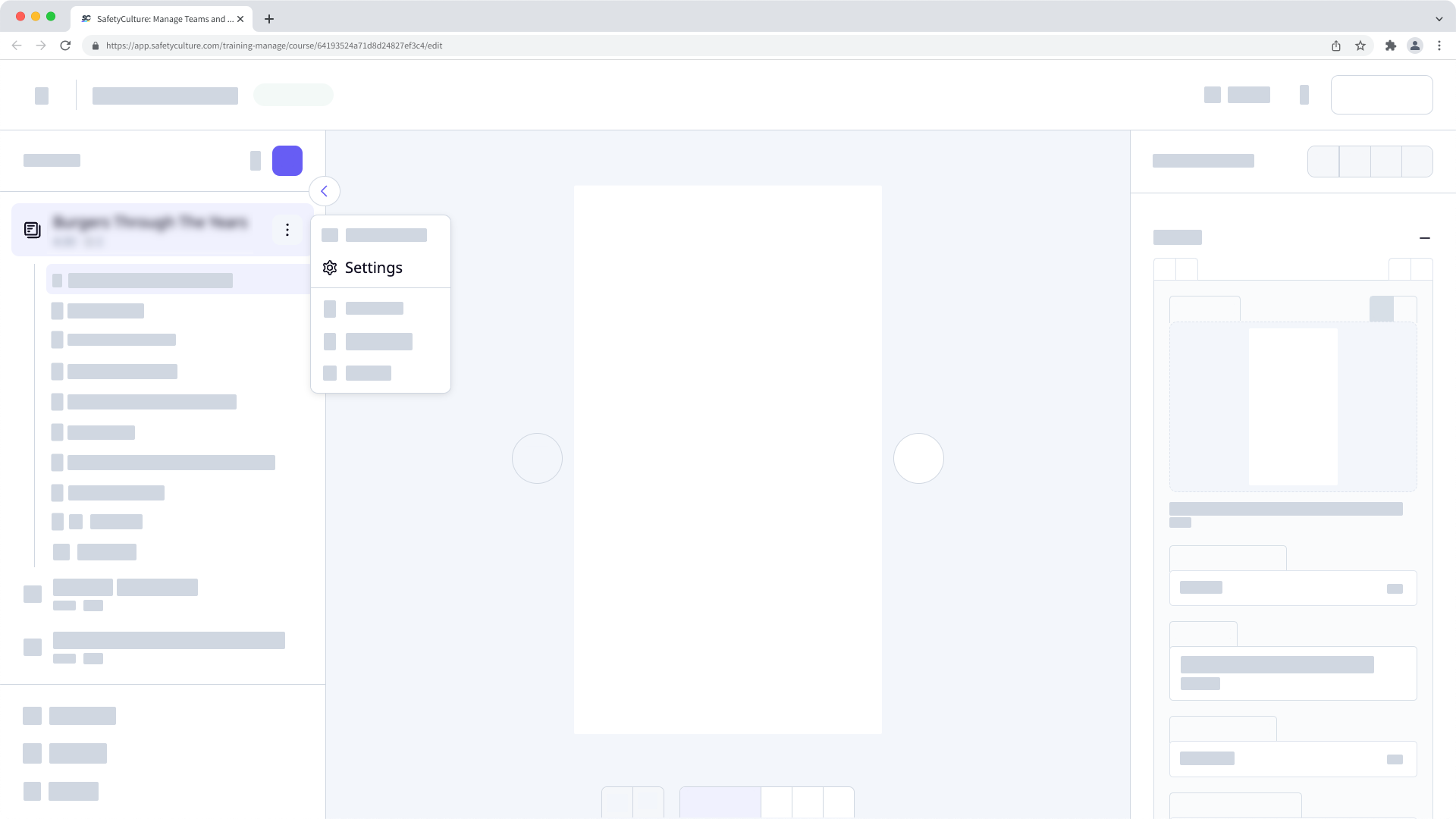
In the pop-up window, select Access Rules.
In this tab, select lessons from the left-hand side to add them as prerequisites.