
How does showing or hiding table columns work?
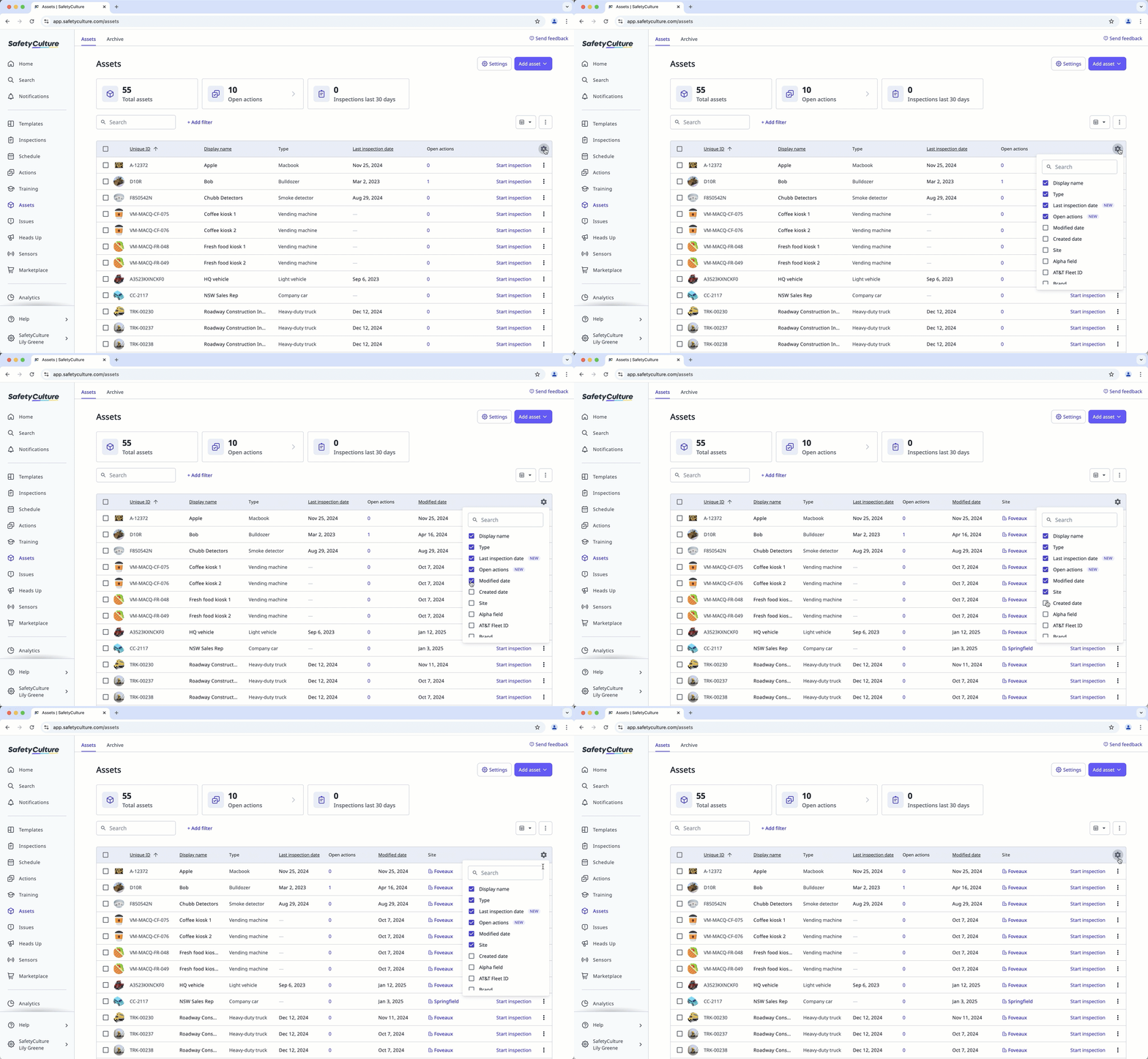
Customize your tables by showing or hiding columns to focus on the most relevant information. This works like a filter, allowing you to adjust the data that’s displayed. Most tables across the platform support this feature, so you can view only what matters to your team.
What you'll need
Show or hide table columns
Go to a supported table by selecting a feature from the menu on the left-hand side, such as Assets.
Click on the upper-right of the list.
In the dropdown, select the column headers you want to show or hide.


