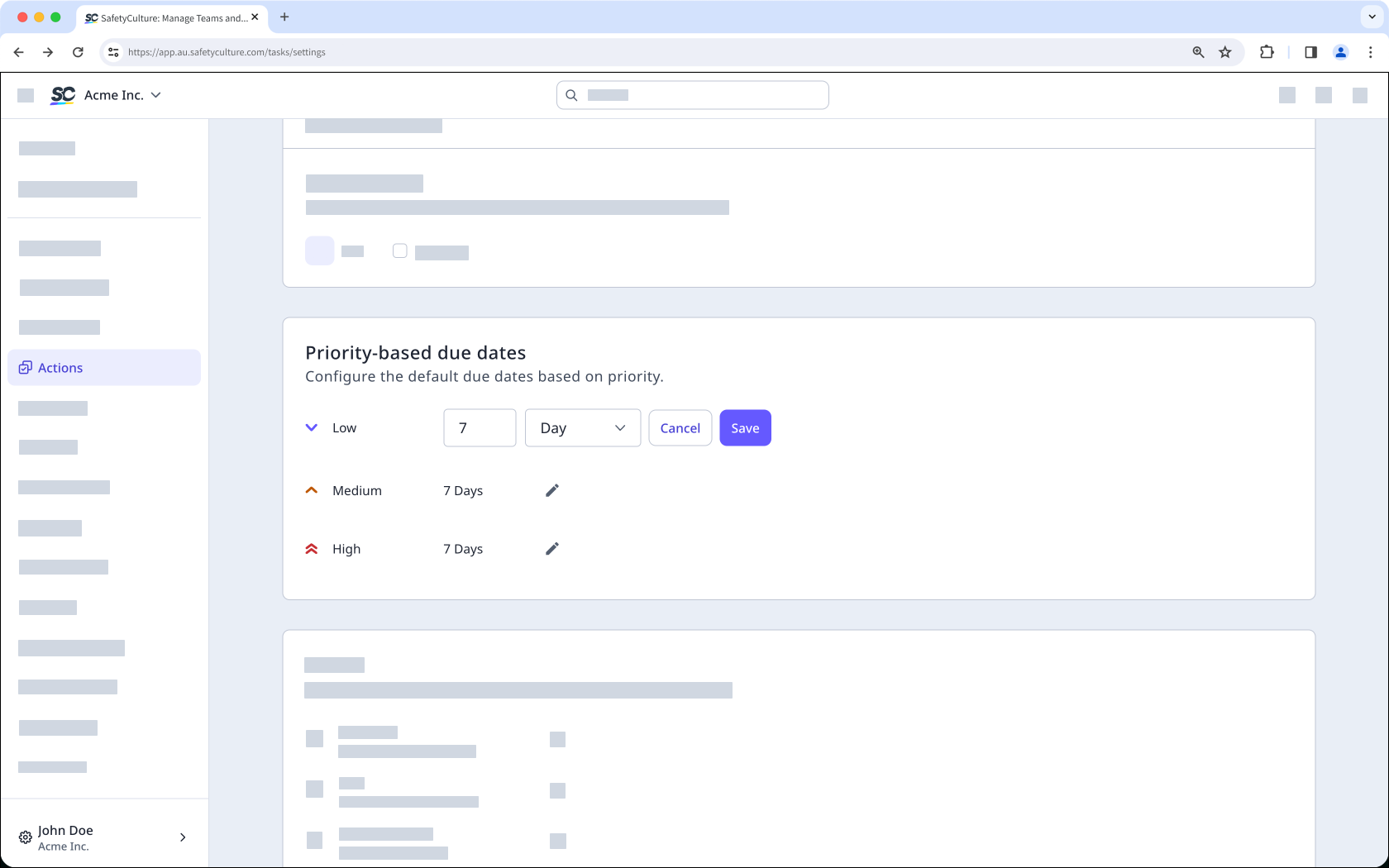
What happens when you configure priority-based due dates for actions?
When you configure priority-based due dates, admins or data managers set a due interval for each priority level (Low, Medium, and High) in Actions settings. Any new action then automatically gets a default due date based on the priority selected at creation. These settings only apply to actions created after the change. This helps your team prioritize which actions to address first without setting due dates manually each time.
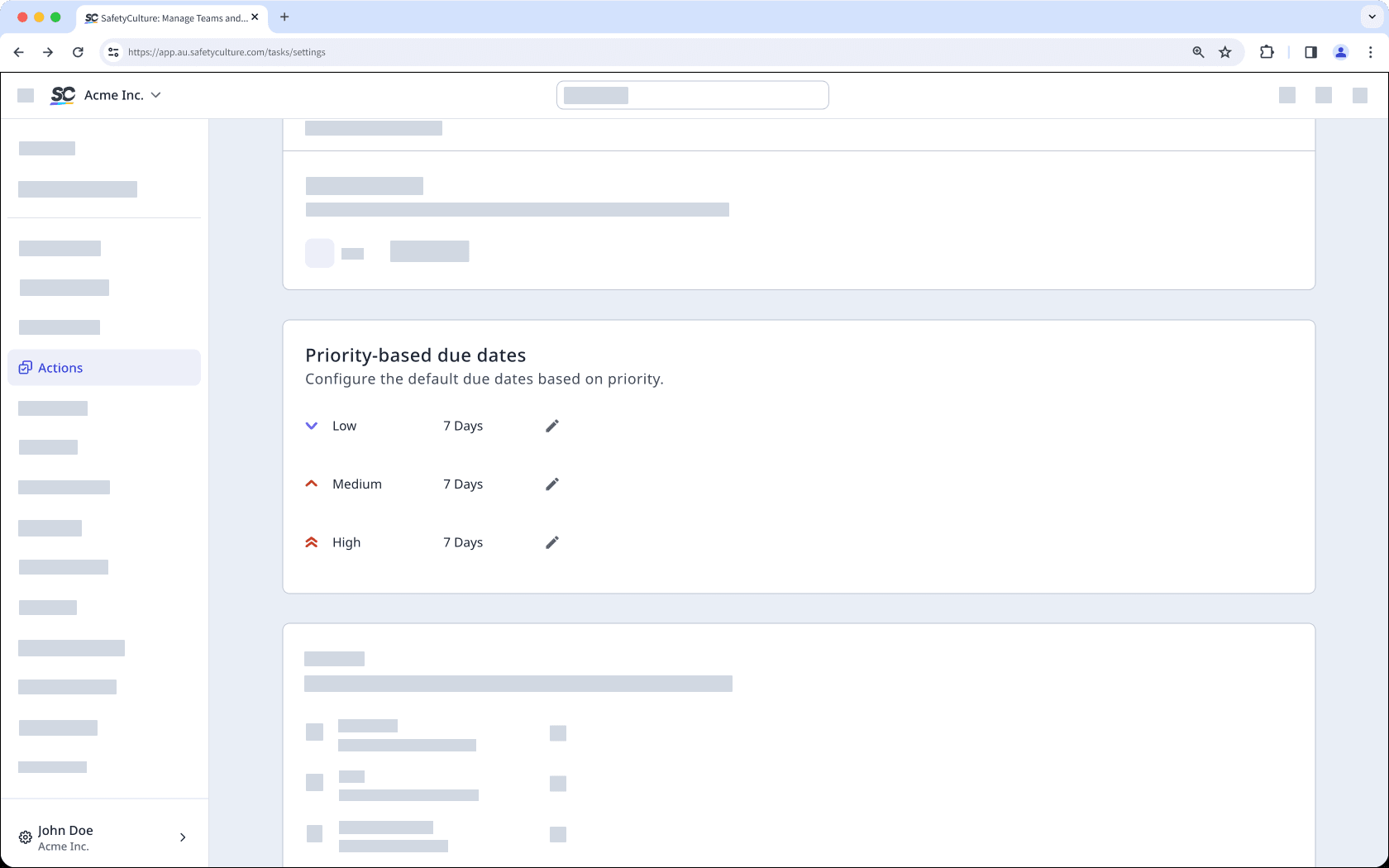
Changes to the priority-based due date setting only apply to newly created actions.
Configure priority-based due dates for actions
Select Actions in the sidebar or select it in More.
Click Settings on the top of the page.
Scroll down to “Priority-based due dates” section.
Click the next to the default due date to update it accordingly.
Click Save.