
What you'll need
Resize a chart
Select Analytics in the sidebar or select it in More.
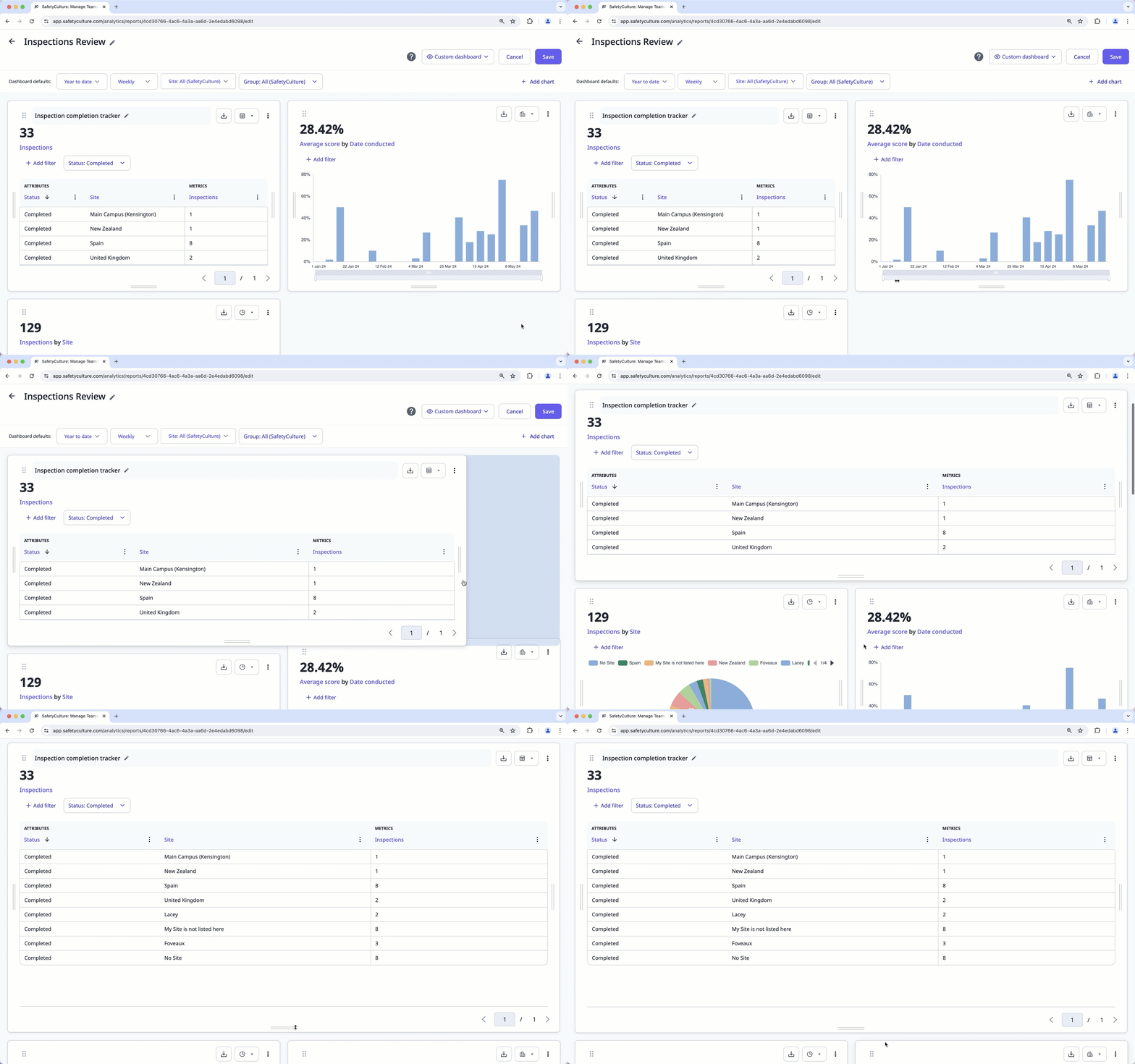
Click and hold the lines at the sides and bottom of the chart and drag them to resize your chart horizontally or vertically.
Click Save on the upper-right of the page.


