What you'll need
Report layout types
You can create, edit, or delete report layouts for either a specific template or for all templates within an organization. Depending on what action you want to take on a report layout, you may require certain permissions and template access levels:
Report layouts for specific templates: You must have the "Conduct, edit" template access level at a minimum.
Report layouts for all templates: You must have the "Conduct, edit" template access level at a minimum for at least one template in your organization and the "Templates: Report layouts" permission.
Deleting is irreversible, and we cannot restore permanently deleted items. Confirmation is always required before any deletion, so be sure you're not accidentally deleting the wrong item.
Delete a report layout
Select Templates on the left-hand side.
Click the template and select Edit report in the side panel.
In the side panel, click next to the report layout.
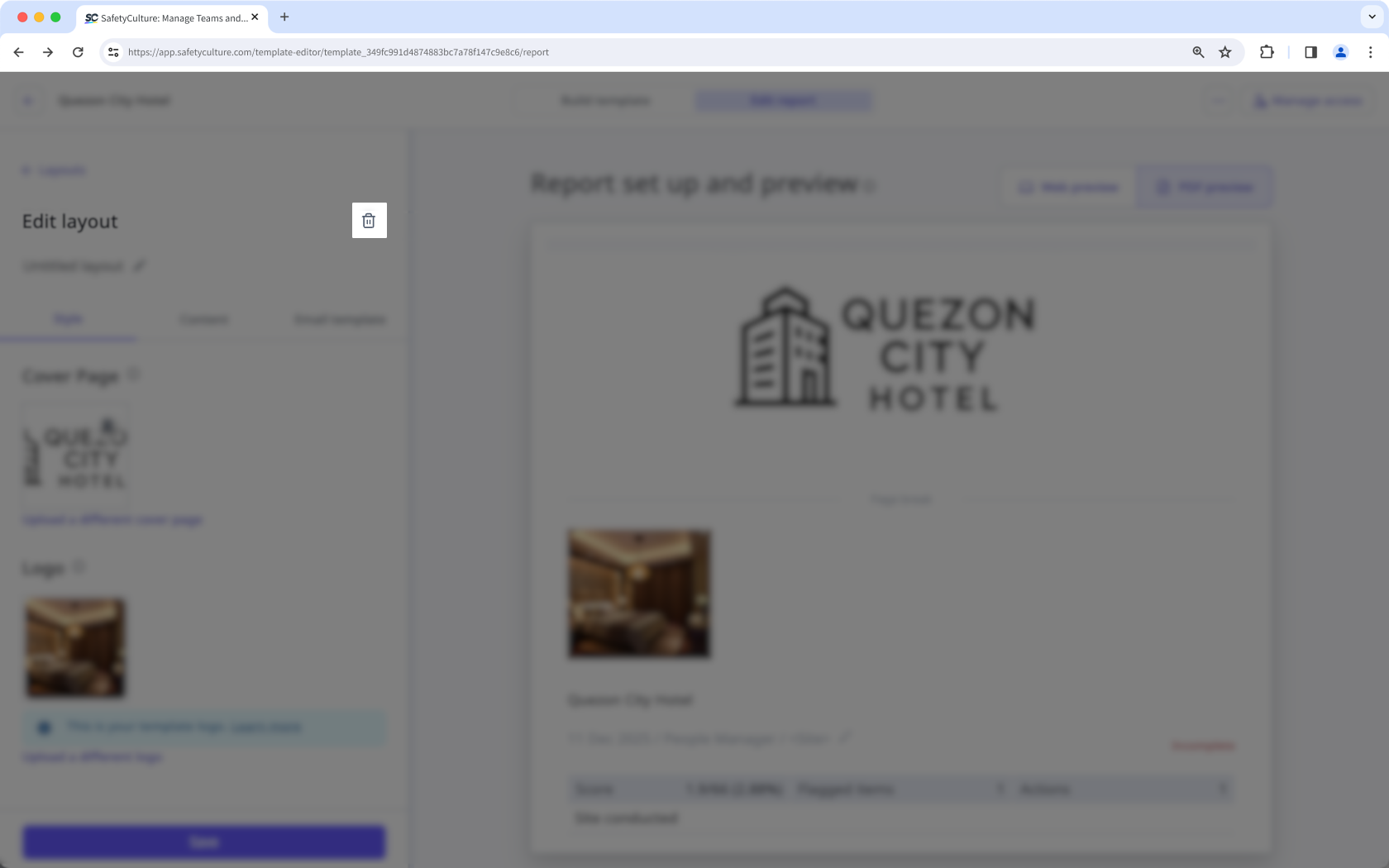
Click on the left-hand side of "Edit layout".
In the pop-up window, click Delete.