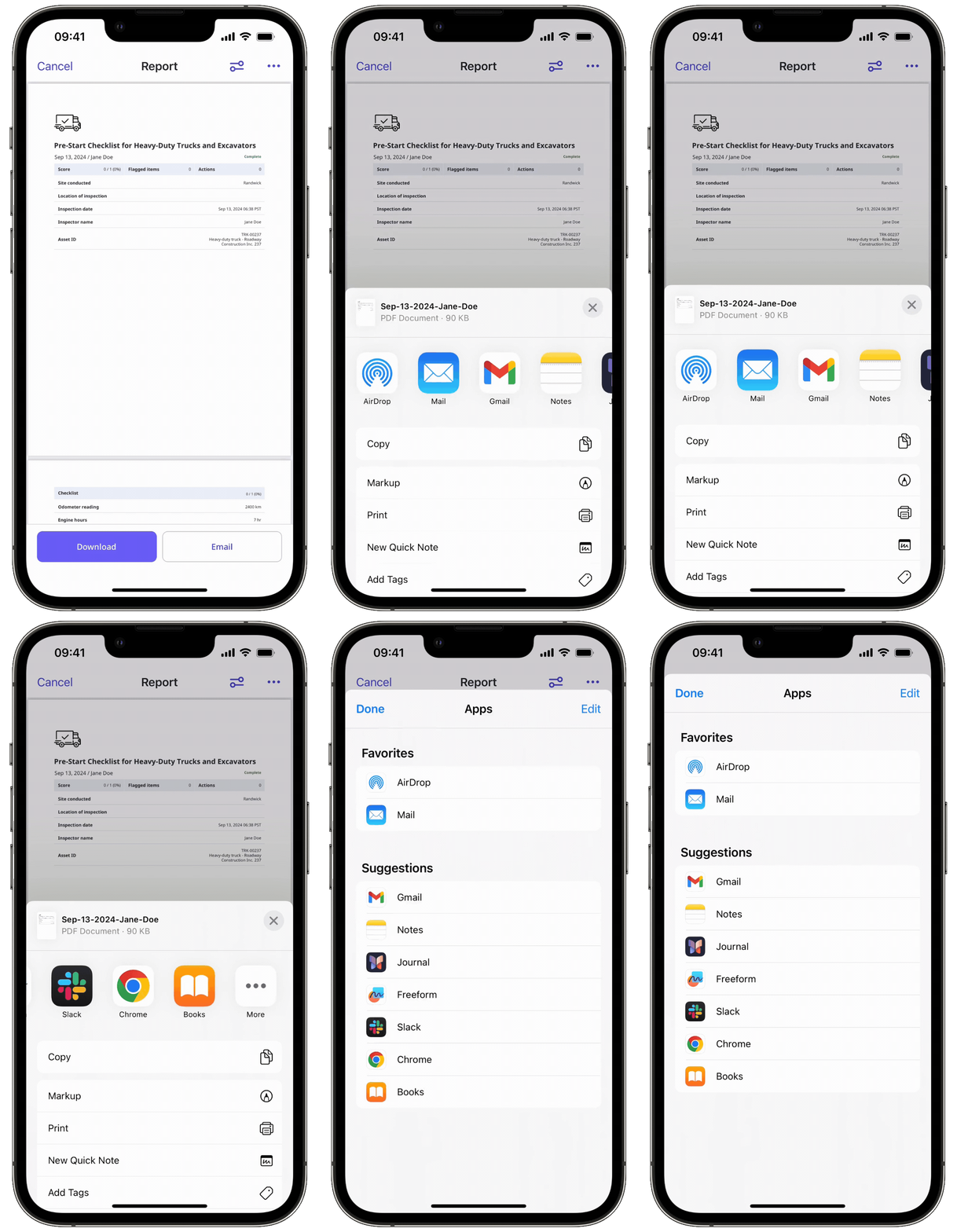
Problem
Sometimes, when you try to send the PDF of your inspection report via the mobile app, your device's mail app won't open to a ready message or email template. This can happen if you have not signed in to your account in the mail app since devices usually have a setting that prevents SafetyCulture from exporting data if the app isn't properly set up.
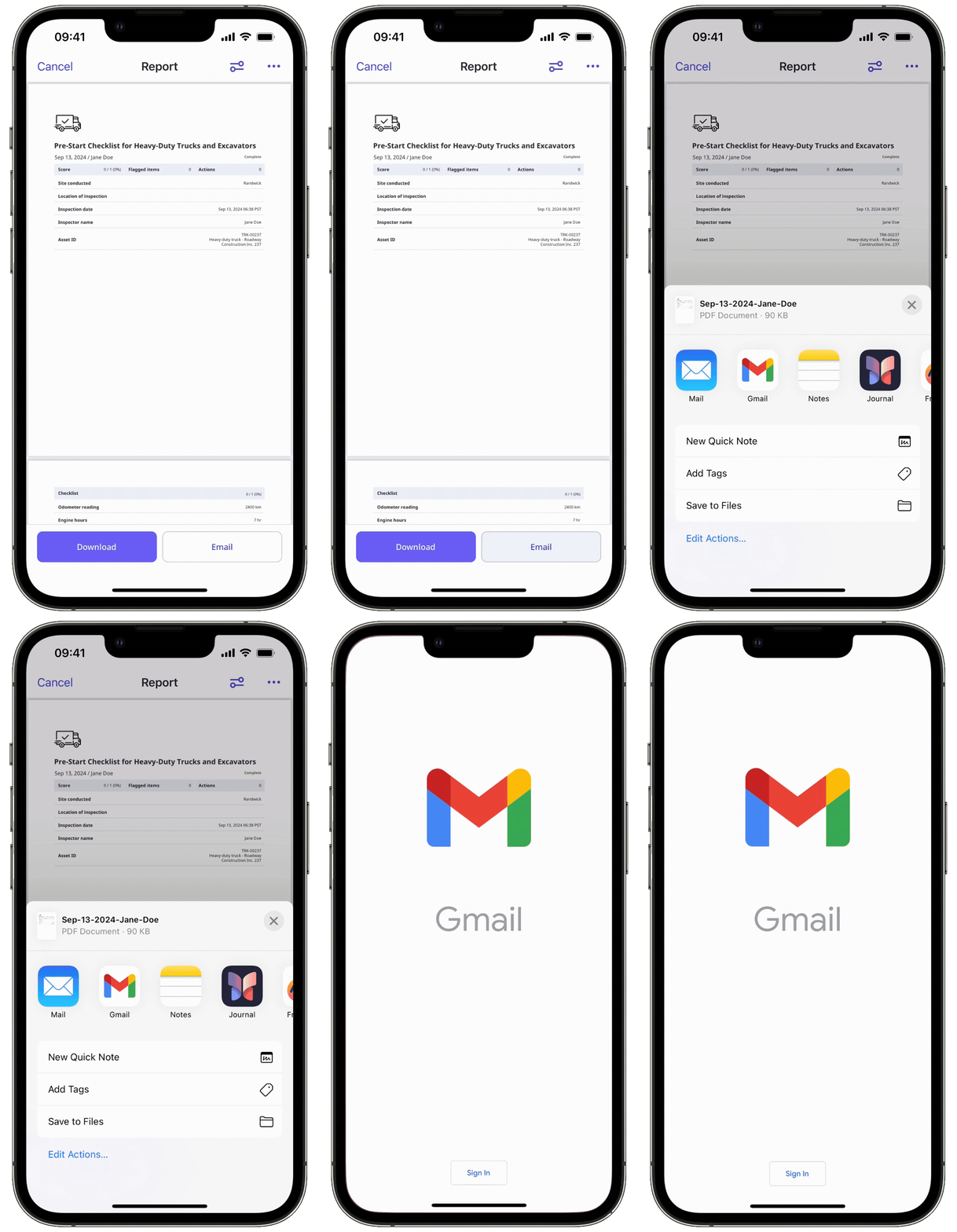
Solutions
Email inspection report
To send the PDF of your inspection report through email via the mobile app, set up your default mail app properly. Ensure that the correct account is logged in to the mail app, so that SafetyCulture can export your inspection data via email.
The option to pre-fill email template fields when sending inspection reports is only compatible with the native mail apps on both Android and iOS devices.
Download inspection report
Alternatively, you can also download the inspection report so you can share the file in other ways through other apps.