Why do inspection dates appear in different time zones?
When your team works across multiple locations, inspection dates may appear in different time zones. SafetyCulture automatically displays inspection dates and times based on the time zone set on your account or device. This ensures that you see timestamps relevant to your local time, helping you interpret key inspection dates without needing to convert time zones manually.
Interpret inspection dates
Editing inspections
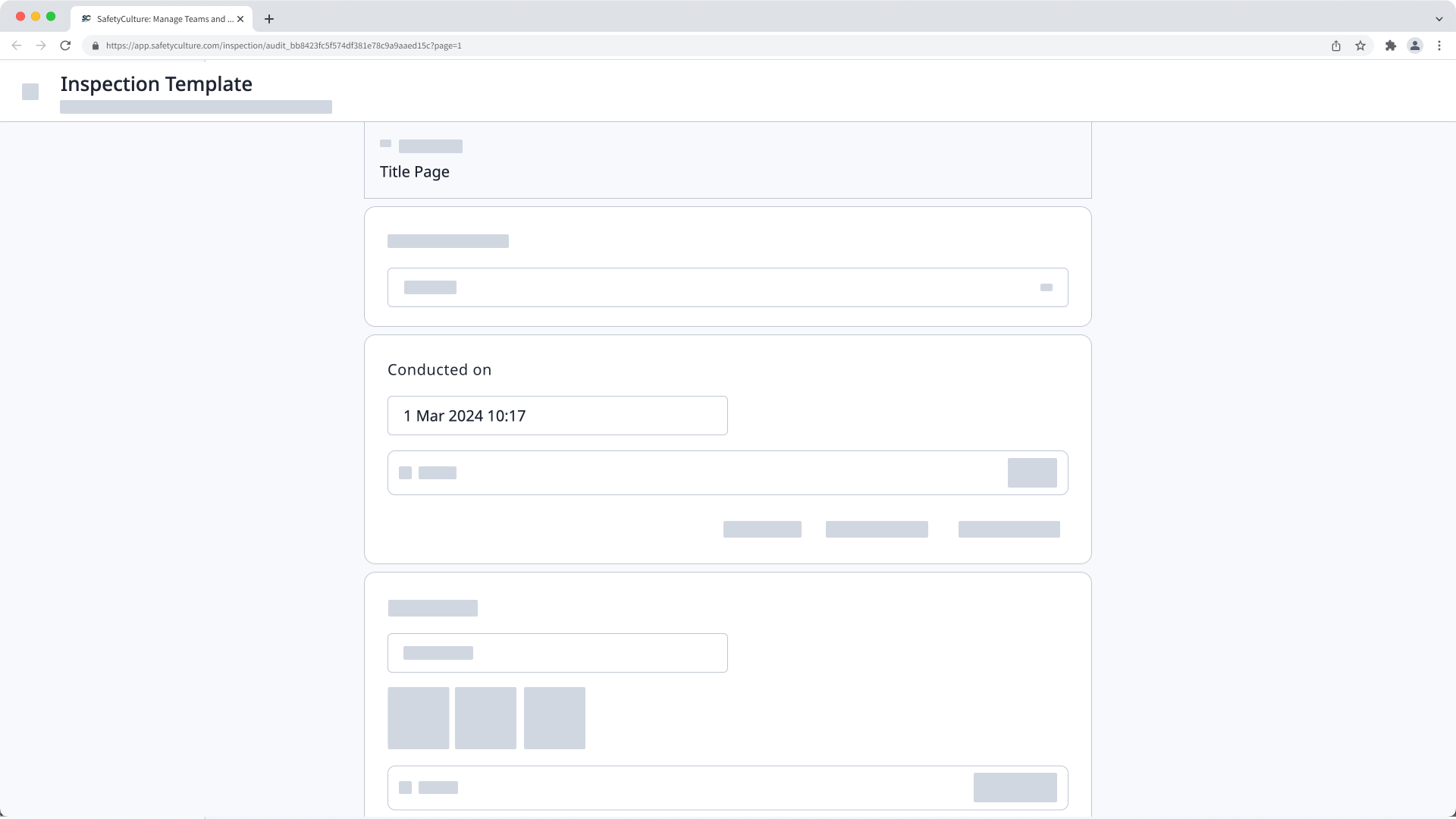
When editing an inspection, date and time responses are displayed in your device's time zone.
Viewing inspection reports
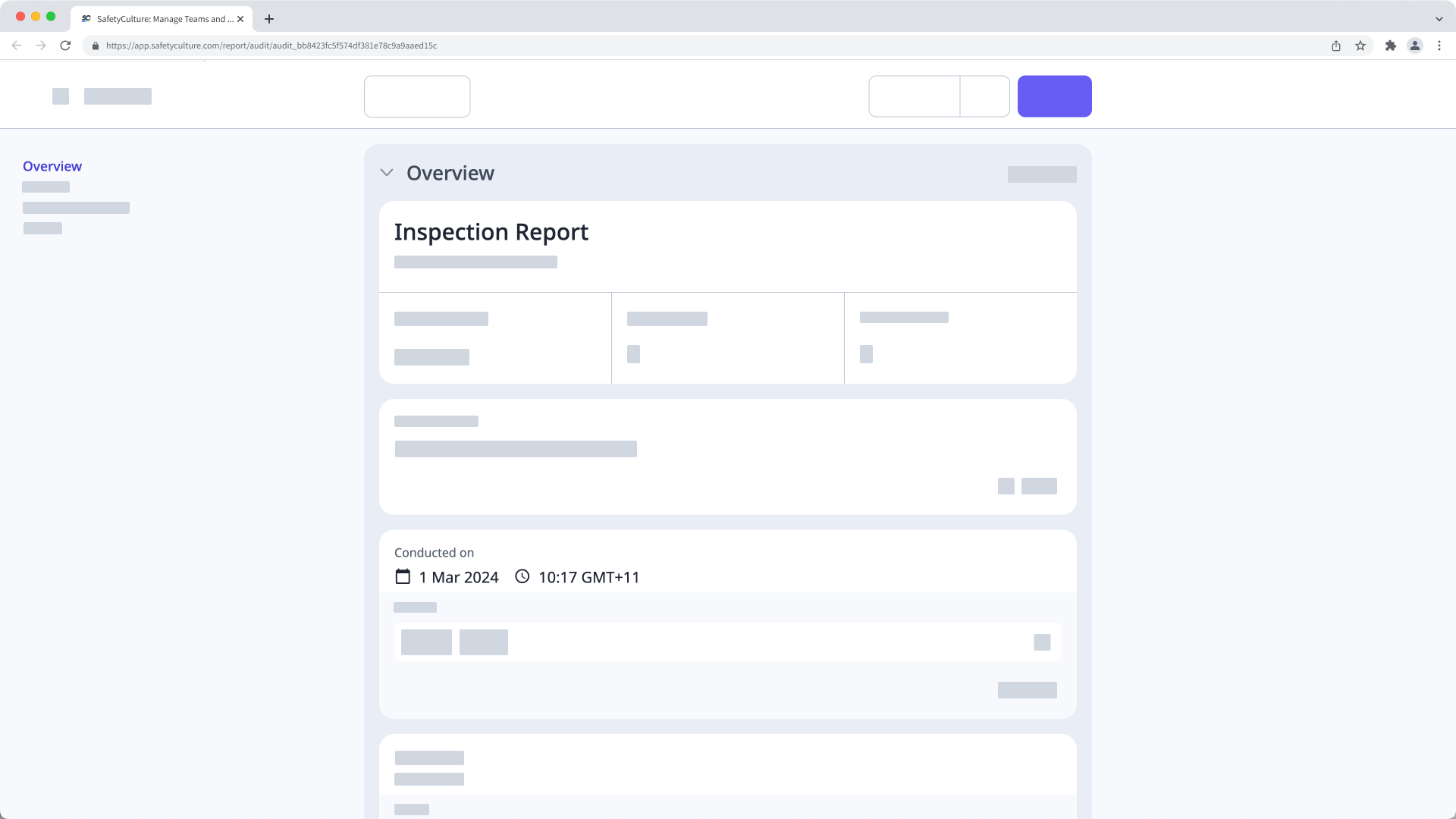
When viewing an inspection report, date and time responses are displayed in your SafetyCulture account's time zone.
For example, if your account's time zone is set to Chicago time or CST (GMT-06) and you're viewing the report of an inspection that was started by someone in Sydney time or AEST (GMT+10), then the inspection that was started on May 3rd, 9 AM in Sydney would show as May 2nd, 6 PM for you in Chicago.
Exporting inspection reports
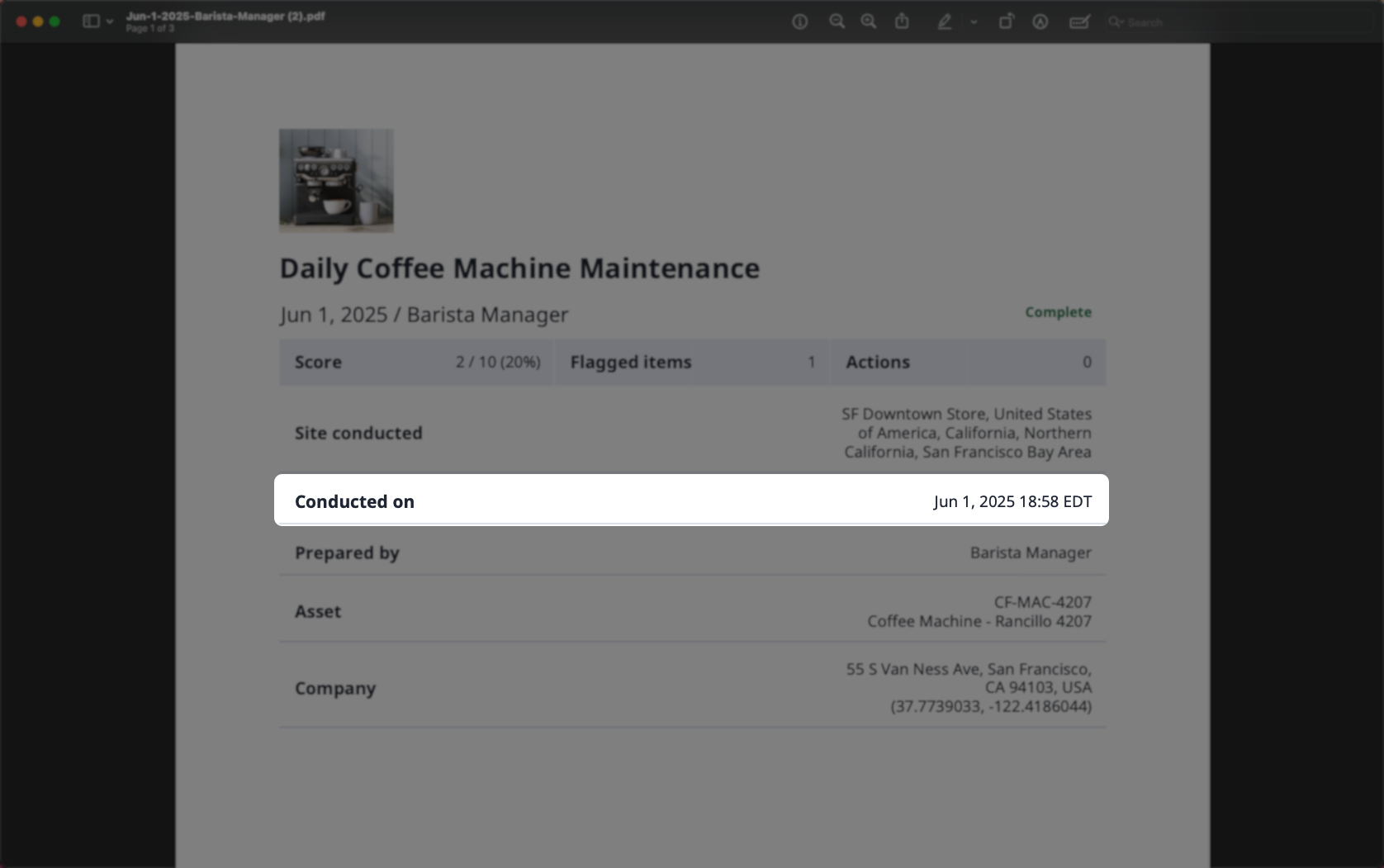
When exporting inspection reports to PDF or Word, date and time responses are displayed in your SafetyCulture account’s time zone.
Date and time responses in inspections exported as CSV or Excel file types are displayed in Coordinated Universal Time (UTC).
Viewing inspection details
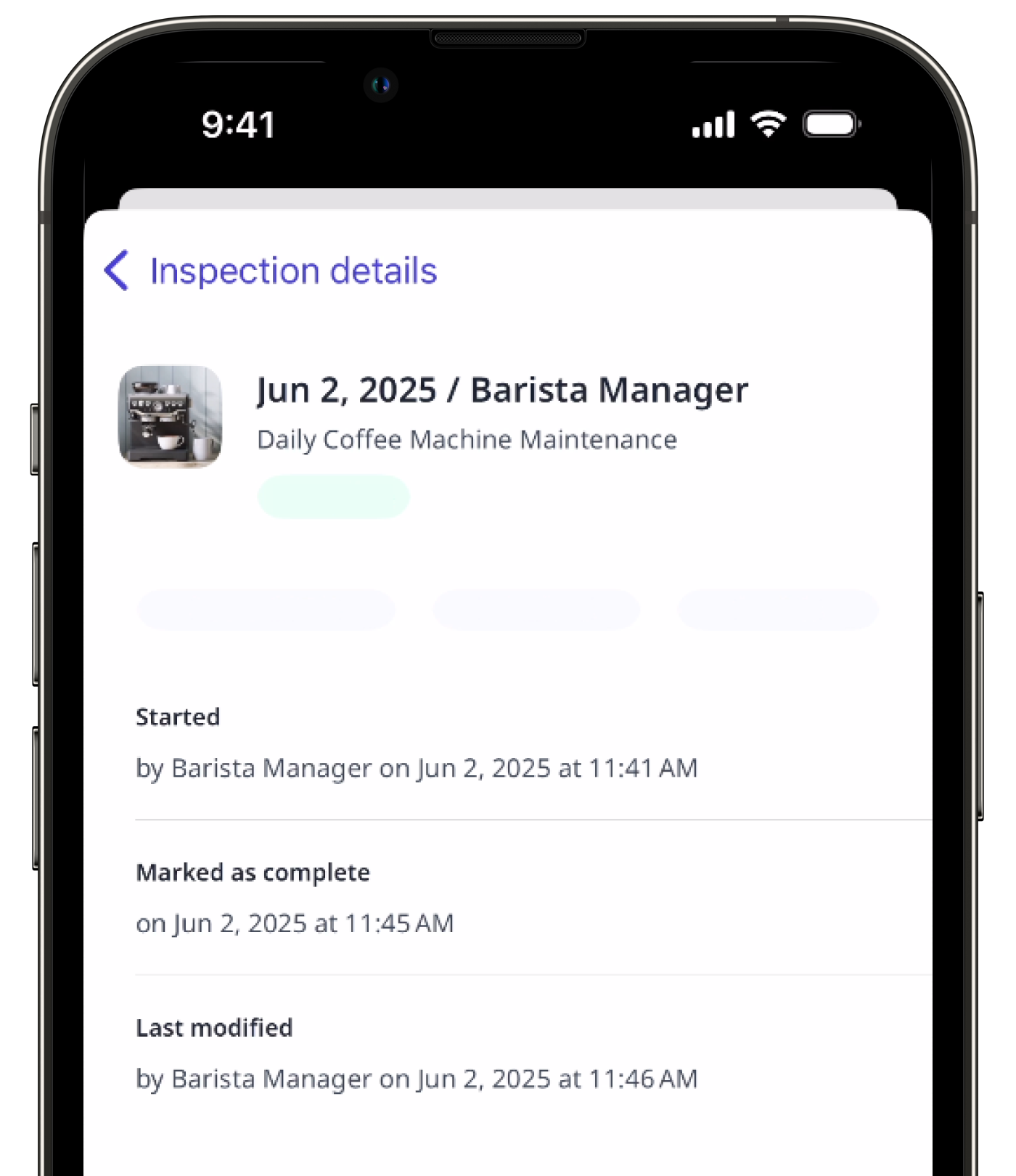
When viewing inspection details on the web app and the mobile app, the date and time are displayed in your device's time zone.